
Pandora
World model for controllable video generationSteer a video while it generates
Highlights
What you can do with it
- A game developer generating dynamic environment video
- A filmmaker previewing scene changes
- An animator producing quick scene layouts
How to use it
- 1 Open the Pandora site and read the usage notes
- 2 Enter a natural language action for the scene you want
- 3 Watch the generated video and adjust instructions
- 4 Apply learned actions in a different scene
- 5 Keep entering actions to extend the video
Who it is for
Pros
- Free to try
- Control during generation, not just at the prompt stage
- Works across very different domains
- Produces longer videos than its training clips
Limitations
- Research stage, and the site itself lists failures on consistency, complex scenes, common sense, physics, and instruction following
- Needs many attempts and prompt iteration
- Free availability can change
- Output needs editing before real production use
What Pandora is
Pandora is presented as a step toward a general world model. It simulates world states through video generation, and the part that makes it different from a standard text-to-video model is control: you can enter natural language actions at any point while the video is being generated, not only in the opening prompt. It works across very different settings, indoor and outdoor, natural and urban, human and robot, 2D and 3D. It can also predict alternative futures by showing what happens under different actions, and it transfers actions learned in one domain to an unseen one. An autoregressive design lets it produce videos longer than the material it was trained on, and frame interpolation smooths the result.
What you can do with it
- Control a video in real time with natural language actions.
- Generate scenes across many different environments.
- Compare alternative futures from different actions.
- Reuse learned actions in a new domain.
- Produce longer videos with smoother motion.
Who it is for
- Game developers generating environment footage.
- Filmmakers previewing how a scene could change.
- Animators and researchers exploring world models.
What to watch out for
The site is candid about the limits, and you should take them seriously: the model can fail to keep a video consistent, struggles with complex scenarios, does not reliably understand common sense or physical laws, and does not always follow instructions. This is research-stage output, so plan on many attempts and heavy iteration rather than a clean result on the first try. Anything you generate will need editing before it goes into production. Free availability for research demos can change, and the interface assumes you are comfortable experimenting rather than following a fixed workflow.
FAQ
Is Pandora free?
The site describes it as available for free.
How is it different from text-to-video?
You can enter natural language actions at any point during generation, not only at the start.
Is it reliable?
The site lists limitations including inconsistent videos, weak physics, and imperfect instruction following, so treat it as experimental.
Why it is free
What the official page says: for free
Free limits, trial length and features are decided by the official site and can change at any time.
Product preview
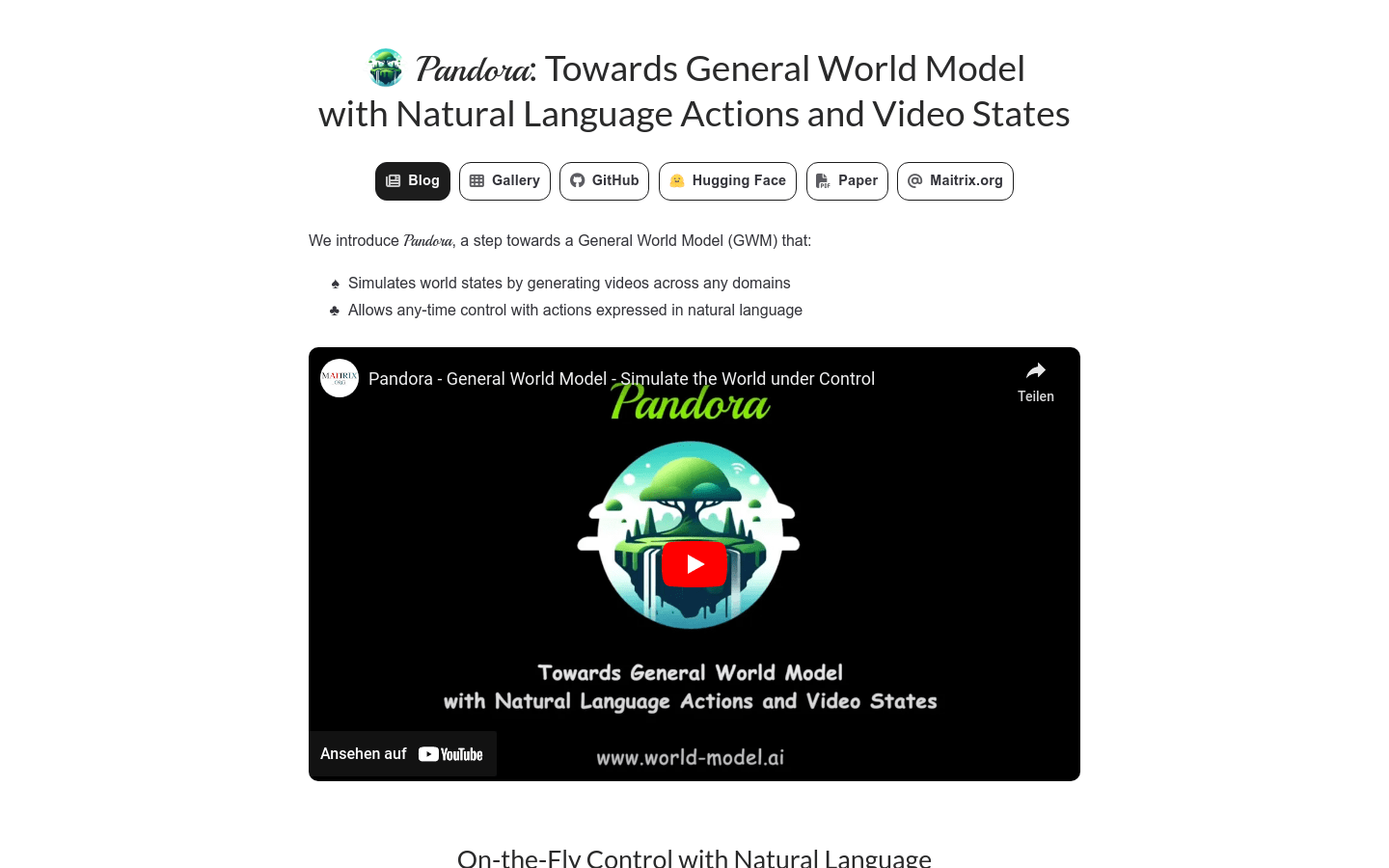
Screenshot archived from the listing page, for preview only.











