PandaSubtitles
All-in-one subtitle toolDownload, translate, convert
Highlights
What you can do with it
- Find subtitles for a film you are learning English with
- Generate subtitles for your own video
- Convert a subtitle file for a different player
How to use it
- 1 Open pdsub.com in your browser.
- 2 Pick the tool you need, such as download or translation.
- 3 Upload a file or paste a video link.
- 4 Download the result in the format you want.
Who it is for
Pros
- Free to use
- Covers the whole subtitle workflow in one place
- Translation and conversion included
Limitations
- Depends on third party video sites, so parsing can break
- Generated subtitles need proofreading
- Free access can change at any time
What PandaSubtitles is
PandaSubtitles is a subtitle platform that covers the whole workflow in one place. You can download subtitles for a video, paste a link to parse subtitles out of a major video site, upload a video and have subtitles generated automatically, translate a subtitle file between Chinese and English, or convert it into another format so it loads in a different player. The stated uses are language learning, video production, and any situation where you need subtitles that are not already there. The service is currently free.
What you can do with it
- Search for and download subtitles for a video.
- Parse subtitles directly from a video page link.
- Generate subtitles automatically from a video file.
- Translate a subtitle file, or convert it to another format.
Who it is for
- Language learners who watch with subtitles.
- Video creators who need captions for a project.
- Viewers whose player needs a specific subtitle format.
What to watch out for
The parsing and download features depend on third party video websites, and when those sites change their page structure or tighten access, the feature breaks until someone fixes it. Generated subtitles come from speech recognition, so names, punctuation, and timing need proofreading before you publish them. A free service can change its terms or add limits at any time. Also respect copyright: subtitles and the videos they belong to are someone else's work, so use them for personal study or content you have the rights to. Behavior may vary across browsers and devices, so test before production use and consult the help docs if errors appear. Features and interface details may change between versions, so review the latest notes on the page before you start.
FAQ
Is PandaSubtitles free?
Yes. The description says it currently offers its services for free.
What can it do?
Download, parse, generate, translate, and convert subtitles.
Will parsing always work?
No. It relies on major video websites, and when those sites change their structure, parsing can stop working until it is fixed.
Why it is free
What the official page says: for free
Free limits, trial length and features are decided by the official site and can change at any time.
Product preview
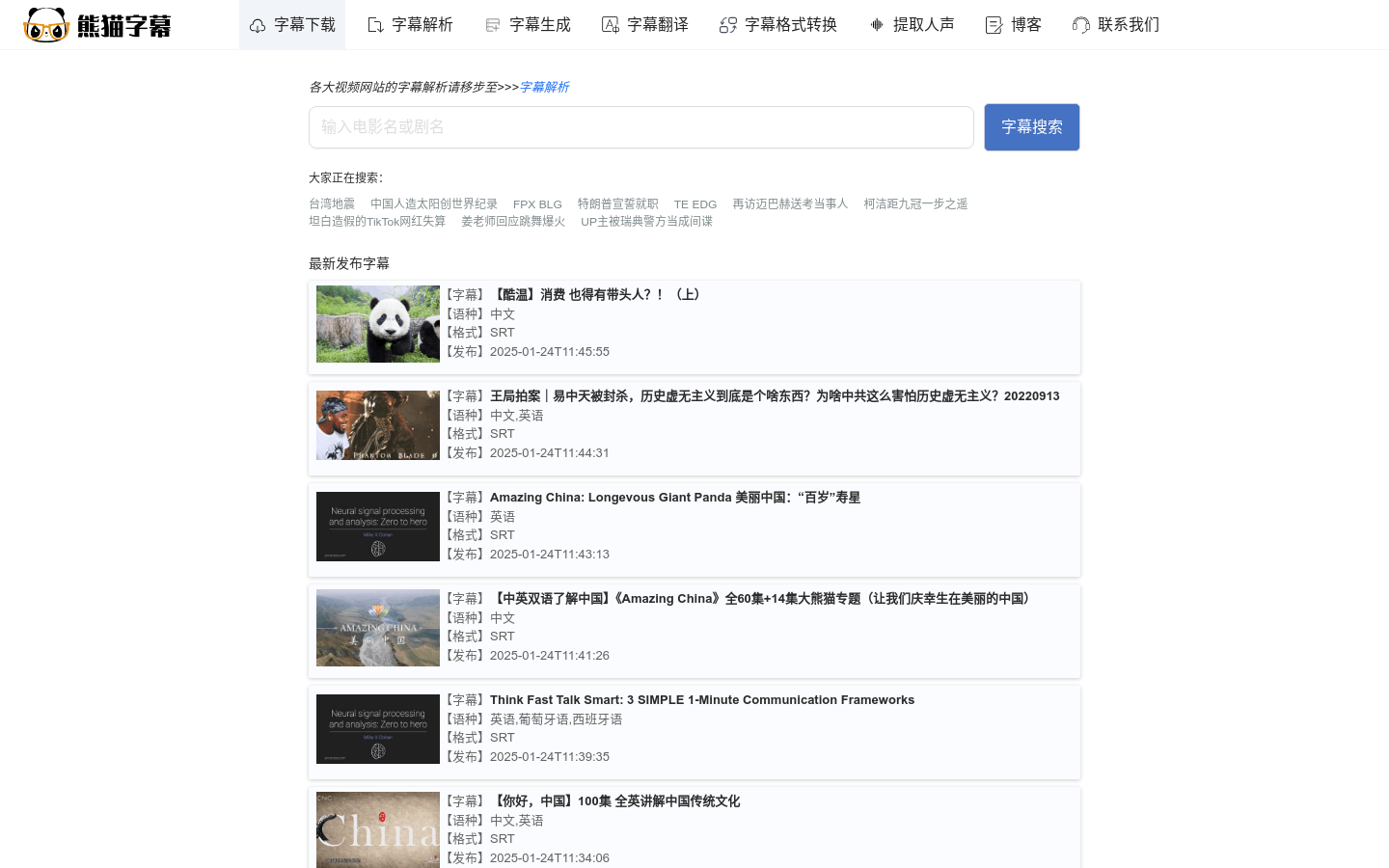
Screenshot archived from the listing page, for preview only.











