
Oylo
Real-time AI video styling for stageStyle live video with no rendering, just play
Highlights
What you can do with it
- A concert transforms live camera feeds into cyberpunk or ink styles in time with the music.
- An exhibition turns basic footage into a unified AI visual language across projections and LEDs.
- A brand launch restyles promo video on big screens and switches effects instantly.
How to use it
- 1 Visit the site and apply to join the beta.
- 2 Submit your details and wait for beta access or the app entry.
- 3 Log in and upload or select the video you want to transform.
- 4 Choose an AI transformation mode and preview the real-time effect.
- 5 Adjust resolution and output layout for your screens or projectors.
- 6 Start real-time playback and tune the effect live.
Who it is for
Pros
- No rendering step, so you can adjust visuals live
- Adapts to different screen formats and spaces
- Simple controls hide complex AI models
- Free trial through the beta program
Limitations
- It is still in beta, so features and stability can change
- Final commercial pricing has not been announced
- Real-time performance depends on your hardware and setup
- Best suited to live and spatial use, not frame-perfect post-production
What Oylo is
Oylo is a real-time AI video transformation tool built for stages, performances, and immersive spaces. Traditional visual effects require offline rendering and file transfers, which adds waiting and limits live changes. Oylo removes that step by embedding AI models into the playback pipeline, so video is restyled at the output while it plays. That means a concert screen, theater curtain, or exhibition projection can shift look instantly without a render queue. The platform wraps complex models into simple controls: you pick a video and a transformation mode, then play. It is currently in beta.
What you can do with it
- Transform live camera feeds or clips in real time into styles like illustration or ink wash.
- Repaint color and add dynamic particle effects during playback.
- Fit output to concert screens, curtains, LED walls, and projection setups.
- Adjust the effect live while the show or event runs.
Who it is for
- Stage and performance visual designers who must change looks with the music.
- Immersive space and exhibition curators building a unified visual narrative.
- Event planners and independent creators who need fast setup without render farms.
- Brand and advertising teams running launches and pop-up displays.
What to watch out for
Oylo is still in beta, so features, stability, and access can change. Final commercial pricing has not been announced, so budget is uncertain. Real-time performance depends on your hardware, resolution, and output setup, so test before a live show. It is built for live and spatial use rather than frame-perfect post-production, so plan your workflow accordingly. Features and interface details may change between versions, so review the latest notes on the page before you start.
FAQ
What makes Oylo different?
It transforms video style in real time during playback, with no pre-rendering step.
Where can it be used?
It suits concert screens, theater curtains, immersive exhibitions, and brand events.
Is it finished?
No. It is in beta, with a free trial and final pricing still to be announced.
Do I need technical skills?
The platform wraps complex models into simple controls, so you mainly pick a video and a mode.
Why it is free
What the official page says: free trial
Free limits, trial length and features are decided by the official site and can change at any time.
Product preview
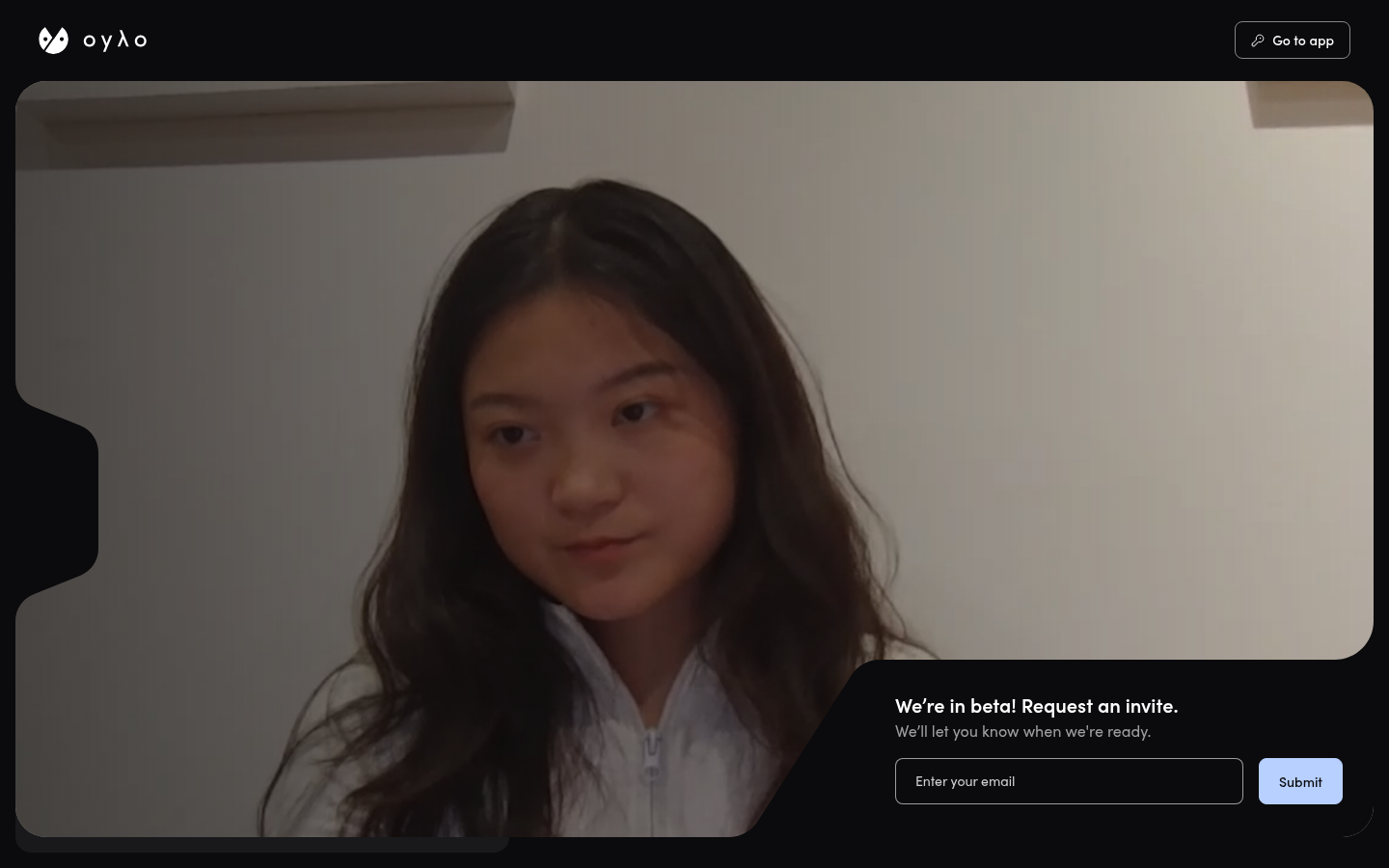
Screenshot archived from the listing page, for preview only.











