
OralSlides
PowerPoint to AI voiceover video toolSlides become narrated videos
Highlights
What you can do with it
- A sales team sends a proposal as a narrated video to a client.
- A product manager turns an updated deck into an internal explainer.
- A trainer converts onboarding slides into video course material.
How to use it
- 1 Log in and upload your .pptx file.
- 2 Let the AI analyze the slides and draft scripts.
- 3 Edit the scripts to match how you speak.
- 4 Choose language, voice, and speed, then preview.
- 5 Export the MP4.
Who it is for
Pros
- Original slide design is kept, so no rebuild is needed.
- Page-level regeneration avoids full re-records.
- Free version with credits lets you test the workflow.
Limitations
- Free export carries a watermark and is limited to 720P, so treat it as a test run.
- Credits are deducted per page, so long decks use them quickly.
- Free rules and pricing may change; scripts still need a human read-through.
What OralSlides is
OralSlides is an online tool that turns a PowerPoint file into a video with an AI voiceover. You upload a .pptx deck, and multimodal AI reads the layout, text, charts, and images on each slide, then writes a speaking script and renders natural speech, exporting MP4. Your original slide design is kept, so nothing has to be rebuilt. Each slide has its own script and audio, which means a single page can be regenerated without re-recording the whole deck. Ten voiceover languages are supported, and subtitles can be added on paid plans. A free version includes 3 credits, while paid plans at $6 and $14.5 per month add watermark-free 1080P export and more voices.
What you can do with it
- Convert .pptx slides into narrated MP4 videos.
- Edit the generated script page by page.
- Choose language, voice, and speaking speed.
- Export video with subtitles on paid plans.
Who it is for
- Sales teams that send proposal videos to clients.
- Product and operations managers sharing async updates.
- Trainers who turn onboarding decks into course video.
What to watch out for
The free version exports 720P video with a watermark, so it is a test run rather than final delivery. Credits are deducted per page, so a long deck consumes them quickly. AI scripts follow the slide text but do not know how you actually speak, so read through and adjust before rendering. Free limits and pricing may change, and if your deck contains confidential figures, check the platform's data handling terms first. For best results, start with a small test file and review the output carefully before working on anything important.
FAQ
What file type is required?
A PowerPoint presentation in .pptx format.
What does the free version include?
3 free credits, 720P watermarked export, and the core script and voice features.
How many languages are supported?
Ten voiceover languages, including Chinese and English, with subtitles on paid plans.
Why it is free
What the official page says: free versionfree credits
Free limits, trial length and features are decided by the official site and can change at any time.
Product preview
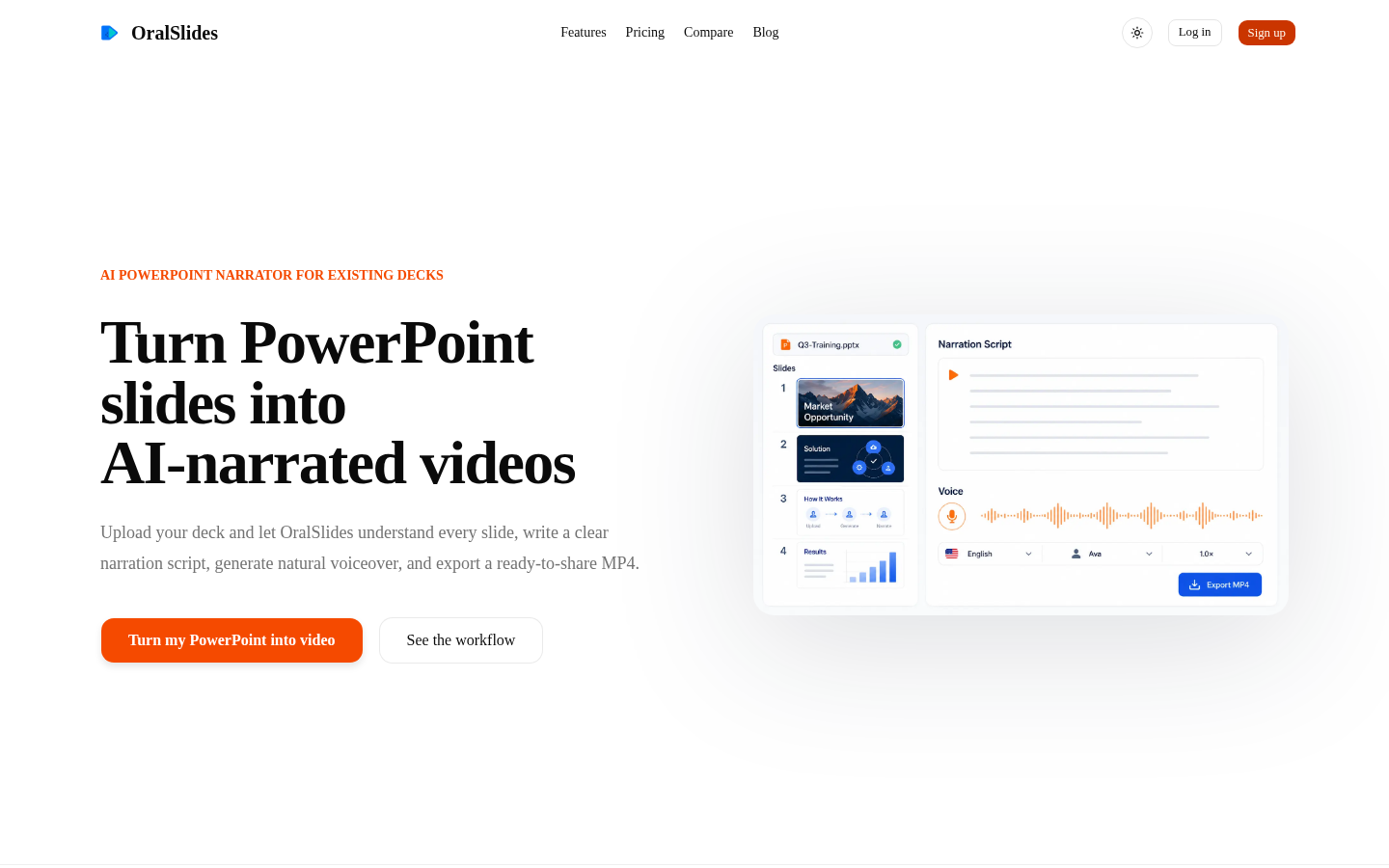
Screenshot archived from the listing page, for preview only.











