
OpenShip
Self-hosted deployment platformPush to deploy on your own server
Highlights
What you can do with it
- A developer pushed blog code and got automatic HTTPS on a personal VPS
- A company self-hosted internal dashboards with data staying on private servers
- A startup deployed production on OpenShip Cloud and used preview environments for testing
How to use it
- 1 Install the CLI with a global package manager command.
- 2 Log in and connect a Git repository from GitHub or GitLab.
- 3 Choose Openship Cloud or your own server, connecting the host by SSH key.
- 4 Add custom domains and let the platform issue and renew certificates.
- 5 Push code to trigger a build, then manage versions and roll back from the dashboard or CLI.
Who it is for
Pros
- Self-hosting is free under Apache 2.0 with no vendor lock-in
- Read-only, agentless setup keeps production hosts clean
- Managed services remove separate database and storage configuration
Limitations
- Self-hosting means you own server operations and updates
- Managed cloud plans start at $5 a month and pricing can change
- It assumes a Git-based workflow and some command line comfort
What OpenShip is
OpenShip is an open-source, self-hostable deployment platform. It covers the ground that Vercel, Heroku, and Netlify cover, but the emphasis is on control: the whole platform can run on your own Linux machine, and no agents or daemons are installed on the server. Every Git commit triggers a build and deployment, and each pull request gets a dedicated preview URL that is destroyed after merge. Builds happen on the developer's machine and stream to the server over SSH, which keeps the build path away from production. Every release is immutable, so rollback is one click rather than a rebuild. SSL certificates are issued and renewed automatically for free, domains are unlimited, and managed services such as Postgres, Redis, email, and object storage connect over a private network.
What you can do with it
- Deploy any application on every push, with branch environments
- Test each pull request on its own preview URL
- Roll back to any previous release instantly
- Attach unlimited domains with free auto-renewing SSL
- Run in the cloud, on your own server, or in a hybrid setup
Who it is for
- Independent developers hosting personal projects on a VPS
- Startup teams that iterate quickly and want real preview environments
- Enterprise developers who must keep code and data on their own infrastructure
- DevOps engineers who prefer agentless deploys over installed agents
What to watch out for
Self-hosting is free, but it moves server operations onto you: patching, backups, and uptime become your responsibility. Managed cloud plans start at $5 per month, and that pricing can change. The workflow assumes Git and command line use, so a team with no deployment experience will face a learning curve. Managed services are provided, yet they still need configuration and monitoring like any other dependency.
FAQ
Is self-hosting free?
Yes. All components are Apache 2.0 licensed and free to self-host; managed cloud plans start at $5 per month.
Do I need to install an agent on my server?
No. The platform connects over SSH and installs no agents or daemons.
How does rollback work?
Every deployment is immutable, so you can switch back to a previous version in one click without rebuilding.
Why it is free
What the official page says: 免费
Free limits, trial length and features are decided by the official site and can change at any time.
Product preview
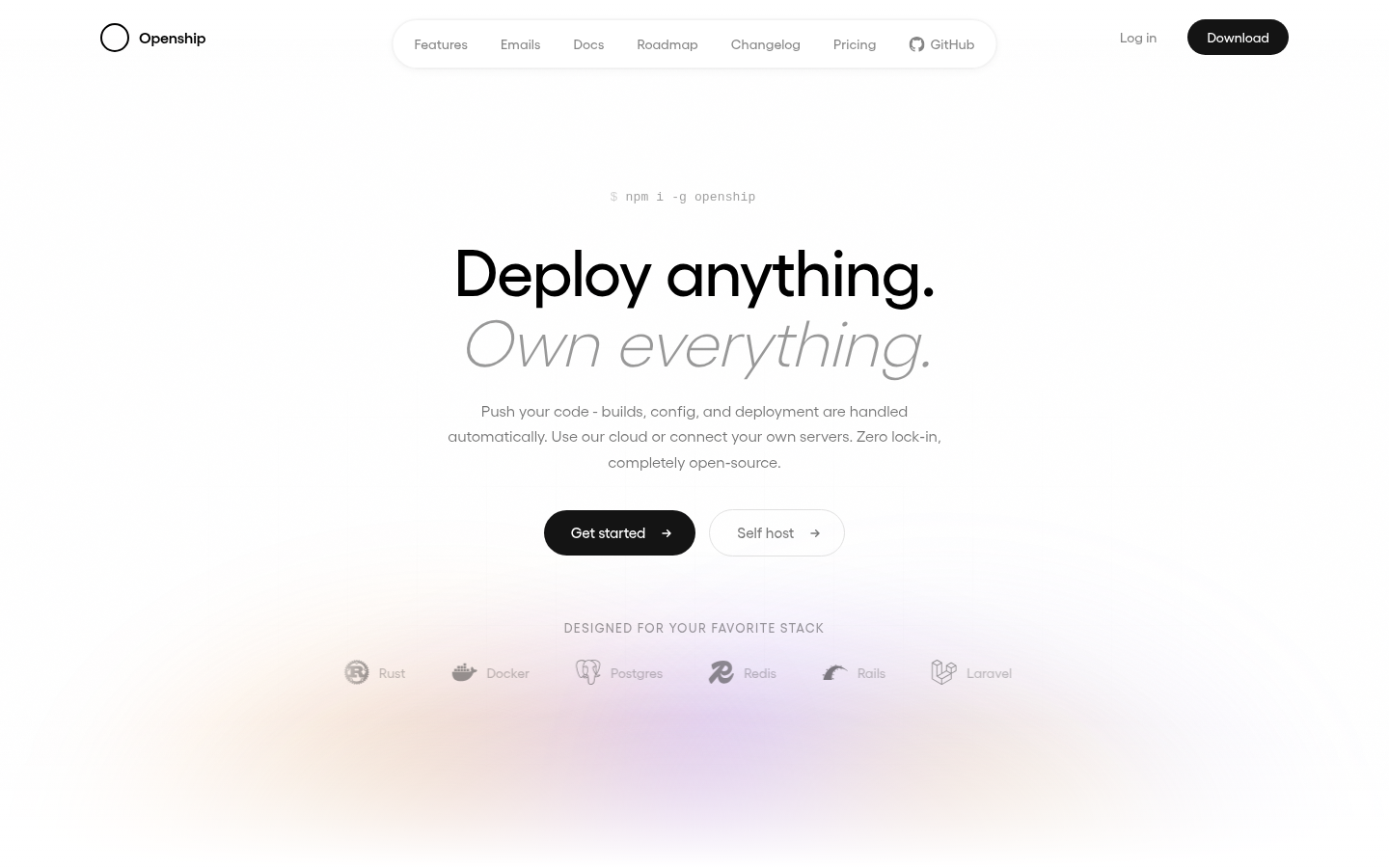
Screenshot archived from the listing page, for preview only.











