
Highlights
What you can do with it
- Creating original songs and cover works
- Generating background music for videos or projects
- Separating tracks for remixes and practice
How to use it
- 1 Open the site and start creating for free
- 2 Describe the song or music you want
- 3 Generate the track and review the result
- 4 Use AI mixing or track separation to refine it
Who it is for
Pros
- Free to use for music creation
- Fast path from idea to usable track
- Includes mixing and track separation tools
- Suits original songs and cover works
Limitations
- The free status is the current offer and can change or gain limits
- Commercially usable is the site's claim; verify the current license terms
- Studio-level quality is a goal, not a guarantee for every track
- Mixing and separation work best on clear, well-recorded sources
What OpenMusic is
OpenMusic AI is a free, integrated AI music generation tool. It is built to make music creation convenient and low-cost: advanced AI quickly turns ideas into commercially usable music, with sound quality the page describes as reaching professional studio level. It also offers a full set of creative tools, from AI mixing to track separation. The product is free of charge and is aimed at artists, enthusiasts, and businesses who want to create original songs and cover works without renting a studio. For hobbyists, the important part is that you can start making tracks without buying equipment or software.
What you can do with it
- Generate songs and lyrics from text ideas
- Create music that can be used commercially
- Use AI mixing tools on your tracks
- Separate tracks for remixes and editing
Who it is for
- Artists writing and demoing original songs
- Enthusiasts making music as a hobby
- Businesses that need usable music without licensing hassle
- Producers who want quick stem separation
What to watch out for
The tool is described as free now, but free access can change or gain limits over time. Commercially usable is the site's claim, so verify the current license terms before you release paid work. Studio-level quality is a goal, not a guarantee, and results depend on your input and how much you refine them. AI mixing and track separation work best on clear, well-recorded sources, so noisy input gives noisy output. Save your project files so you can revisit mixes later. Start with a small sample to confirm the output meets your expectations before processing the full batch.
FAQ
Is OpenMusic free?
Yes. The page describes it as a free AI music generation tool.
What can it create?
Original songs, cover works, and music generated from ideas, with sound quality aimed at studio level.
Does it include editing tools?
Yes. It offers a full set of tools from AI mixing to track separation.
Who is it for?
Artists, enthusiasts, and businesses that need music created quickly and at low cost.
Why it is free
What the official page says: 免费
Free limits, trial length and features are decided by the official site and can change at any time.
Product preview
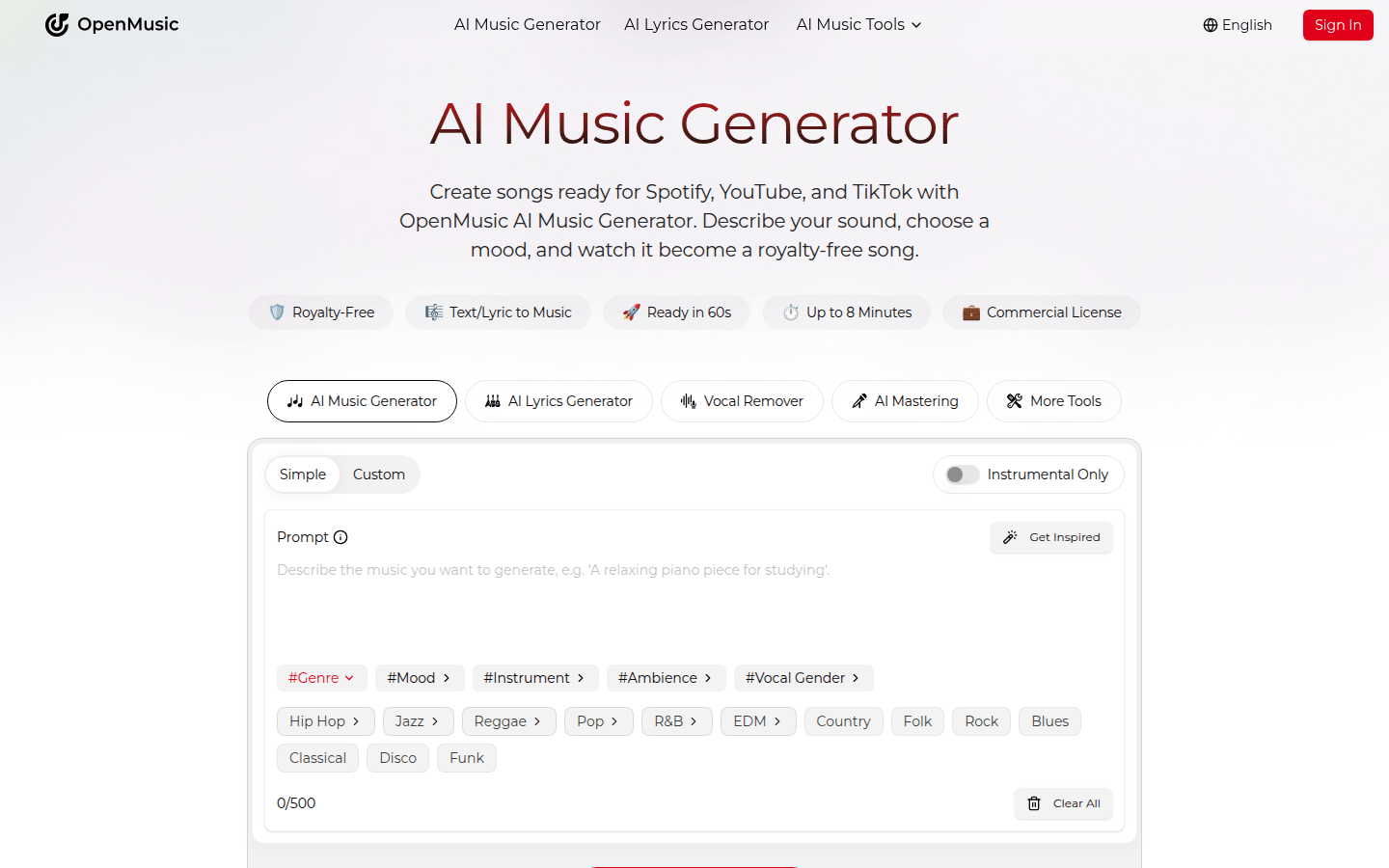
Screenshot archived from the listing page, for preview only.