
OpenGen ai
Multi-model AI video and image studioTurn text and photos into video with many AI models
Highlights
What you can do with it
- Turn travel photos into dynamic clips by setting start and end frames, then share on social media
- Generate multiple ad video versions from product copy for testing across platforms
- Create styled reference images from text prompts to feed a design project
How to use it
- 1 Open the OpenGen toolkit and describe the scene or product you want
- 2 Pick a video model, then set aspect ratio, resolution, duration, and optional frames
- 3 Click generate, preview the result, and refine by adjusting the prompt
- 4 Download the video or continue tuning until it matches your vision
Who it is for
Pros
- Many models in one place saves switching between tabs
- Fine control over framing, length, and start/end frames
- Beginner-friendly interface that does not demand editing skills
Limitations
- A free trial is offered, but free terms and quotas can change over time
- Output quality still depends on the upstream model you pick
- Advanced control has a learning curve for first-time users
What OpenGen ai is
OpenGen is a creative platform that brings AI video, image, and music generation together in one workspace. Instead of jumping between separate apps, you can write a short prompt or upload a photo and let the built-in models turn it into a clip or image. The interface is designed to stay approachable, so people without professional editing experience can still get usable results. A free trial is available, and the page states that videos produced under a paid plan can be used for commercial projects.
What you can do with it
- Turn a text description into a short scene with motion and lighting
- Animate a still photo into a smooth clip with natural movement
- Choose between several advanced video and image models for the job
- Set aspect ratio, resolution, duration, and optional start and end frames
Who it is for
- Individual creators who want a quick path from idea to short video
- Commercial teams that need many ad variations fast
- Designers who want styled reference images from prompts
What to watch out for
A free trial is offered, but the exact free limits and rules can change, so confirm current terms before you depend on them. Because results come from several underlying models, quality and speed vary by model and by prompt, and some trial outputs may carry usage restrictions. The many controls are helpful but add a learning curve, so plan time to experiment with prompts and settings. For commercial release, verify the license terms of the plan you use. Generated suggestions are for reference only, so verify anything that affects professional judgment or important data.
FAQ
Is OpenGen free to use?
It offers a free trial. The page notes that commercial project use is tied to a paid plan, so check current terms before relying on it.
Can I make video from a photo?
Yes. Upload a still image and OpenGen adds animation, motion, and lighting to turn it into a short clip.
Does it work on mobile?
Yes. The product supports creating from mobile devices so you can build from fragmented ideas anywhere.
Why it is free
What the official page says: free trial
Free limits, trial length and features are decided by the official site and can change at any time.
Product preview
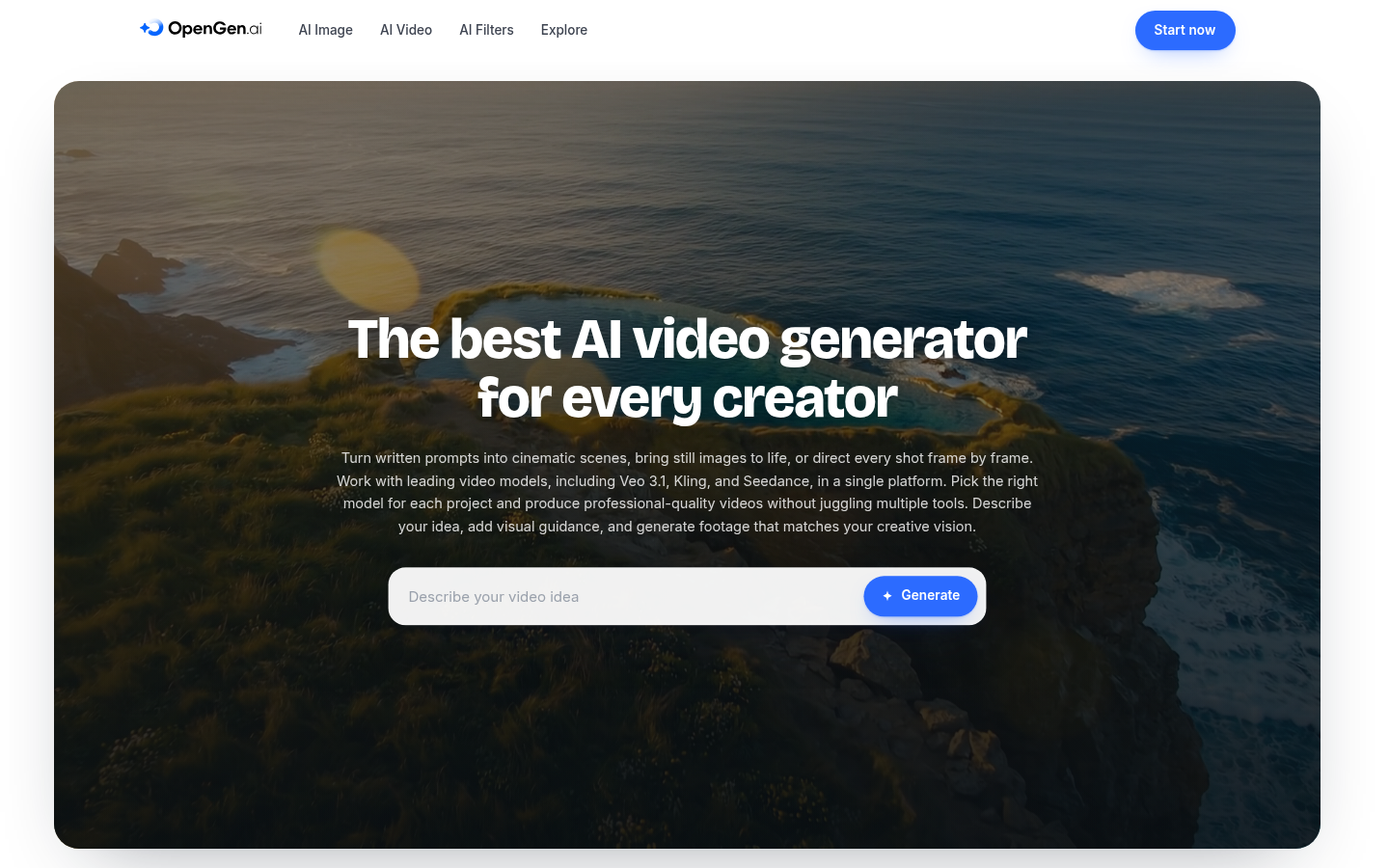
Screenshot archived from the listing page, for preview only.











