
OpenDream
Free AI art generation from textTurn text into images for free
Highlights
What you can do with it
- Creating art from text prompts
- Enlarging generated images for bigger use
- Experimenting with AI art styles
How to use it
- 1 Visit the OpenDream site.
- 2 Enter a text prompt describing what you want.
- 3 Generate the image.
- 4 Enlarge the result if you need a bigger version, then download it.
Who it is for
Pros
- Free to use
- Simple text-to-image flow
- Includes image enlargement
Limitations
- Free access can change at any time
- Output quality varies widely with prompt wording
- Simple flow rather than deep controls, so precision is limited
- Not suited to detailed professional production work
What OpenDream is
OpenDream is a free AI art generation tool that turns text into images. According to the site, it offers image enlargement and diverse creation features, and it is positioned as a simple and user-friendly art creation tool that lets anyone become an AI artist. You describe what you want and the tool generates an image, which you can then enlarge for bigger use. The service is presented as free, with no paid tier mentioned on the page, which makes it easy to try without committing to a subscription.
What you can do with it
- Type a text prompt and generate an image from it.
- Enlarge generated images for larger displays or prints.
- Experiment with different prompts to explore styles.
- Create visuals without learning complex design software.
Who it is for
- Beginners who want to try AI art without a paid subscription.
- People who need quick visuals for personal projects.
- Hobbyist creators experimenting with text-to-image prompts.
- Anyone curious about how a written description becomes a picture.
What to watch out for
Free access can change, and generated results vary widely with the wording of your prompt, so expect to iterate several times before you get close to what you imagined. The tool offers a simple flow rather than deep controls, which is good for quick experiments but limiting for precise work such as matching a specific composition or brand color. Check the site for current terms and any usage limits before you build a project around it, and keep copies of prompts that produce results you like. Behavior may vary across browsers and devices, so test before production use and consult the help docs if errors appear.
FAQ
Is OpenDream free?
The site describes it as a free AI art generation tool that can transform text into images.
What can I create with it?
You can generate images from text prompts, enlarge them, and use the diverse creation features described on the site.
Do I need design experience?
No. The site positions it as a simple and user-friendly art creation tool so that everyone can become an AI artist.
Can I make the images bigger?
Yes, the site lists image enlargement as one of the features.
Why it is free
What the official page says: 免费
Free limits, trial length and features are decided by the official site and can change at any time.
Product preview
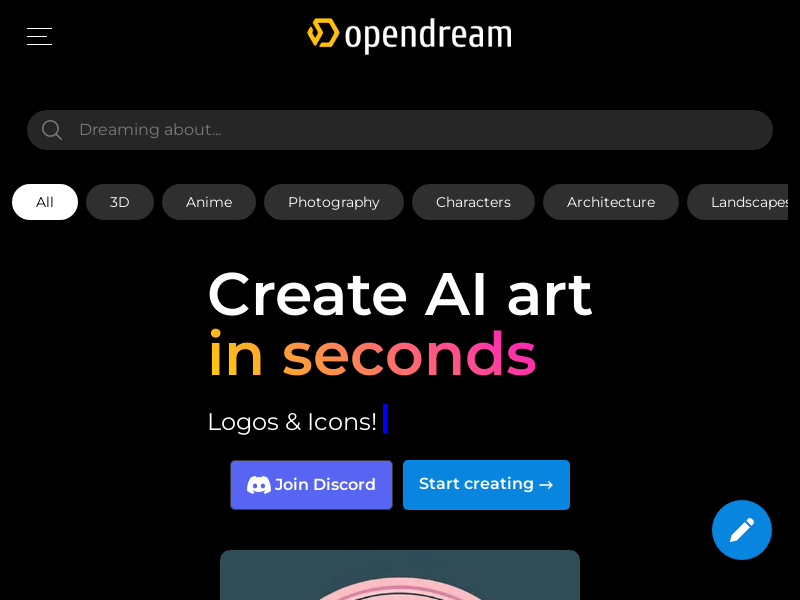
Screenshot archived from the listing page, for preview only.











