Highlights
What you can do with it
- Automate email sorting, scheduling, and daily chores
- Control smart home devices from one assistant
- Link several services together into a single workflow
How to use it
- 1 Install the open source assistant on your own hardware
- 2 Pick an AI engine, such as a hosted model or a local one through Ollama
- 3 Connect the services you need from the 50+ supported list
- 4 Set permissions and trust boundaries before enabling automations
- 5 Run small tasks first, then widen access as you trust the setup
Who it is for
Pros
- Data stays on your device by design
- Wide service coverage with security controls
- Model choice is not locked to one vendor
Limitations
- Setup and maintenance are on you, including updates and hardening
- Some model APIs cost money even though the assistant is free
- Automation depth varies by service support, which may change over time
What openclaw is
openclaw is a self hosted open source AI assistant made for users who put privacy and practical automation first. It runs directly on your device and does not rely on cloud services, so your data and your permissions stay under your control. The assistant integrates with more than 50 services and can take on everyday tasks such as email management, scheduling, and smart home control. Security measures listed on the site include isolated execution environments, fine grained access permissions, and defined trust boundaries. You also pick your AI engine, whether that is a hosted model or a local one through Ollama. The project is completely free under the MIT license.
What you can do with it
- Automate email handling, calendar scheduling, and other daily chores.
- Control smart home devices from a single assistant.
- Chain several of the 50+ supported services into one workflow.
- Swap the AI engine behind it without rebuilding your automations.
Who it is for
- Self hosters who want full ownership of their data and configuration.
- Privacy focused users who would rather not talk to a cloud assistant.
- Tinkerers who enjoy wiring different services together.
What to watch out for
Because it is self hosted, setup, updates, and security hardening are all on you, and a misconfigured permission can expose more than you intended. The assistant is free, but some AI model APIs charge for usage, so budget for the model side as well as the hardware. Integration depth varies by service, and the supported list can change as the project evolves. Start with low stakes automations, keep permissions tight, and review what each skill can actually reach before you let it run on its own.
FAQ
What makes openclaw different?
It is self hosted and open source, runs locally, and focuses on privacy and practical automation.
How many services does it support?
The site says more than 50 platforms can be integrated.
Is it free?
The assistant is completely free under the MIT license, but some AI model APIs may charge separately.
Why it is free
What the official page says: 完全免费免费
Free limits, trial length and features are decided by the official site and can change at any time.
Product preview
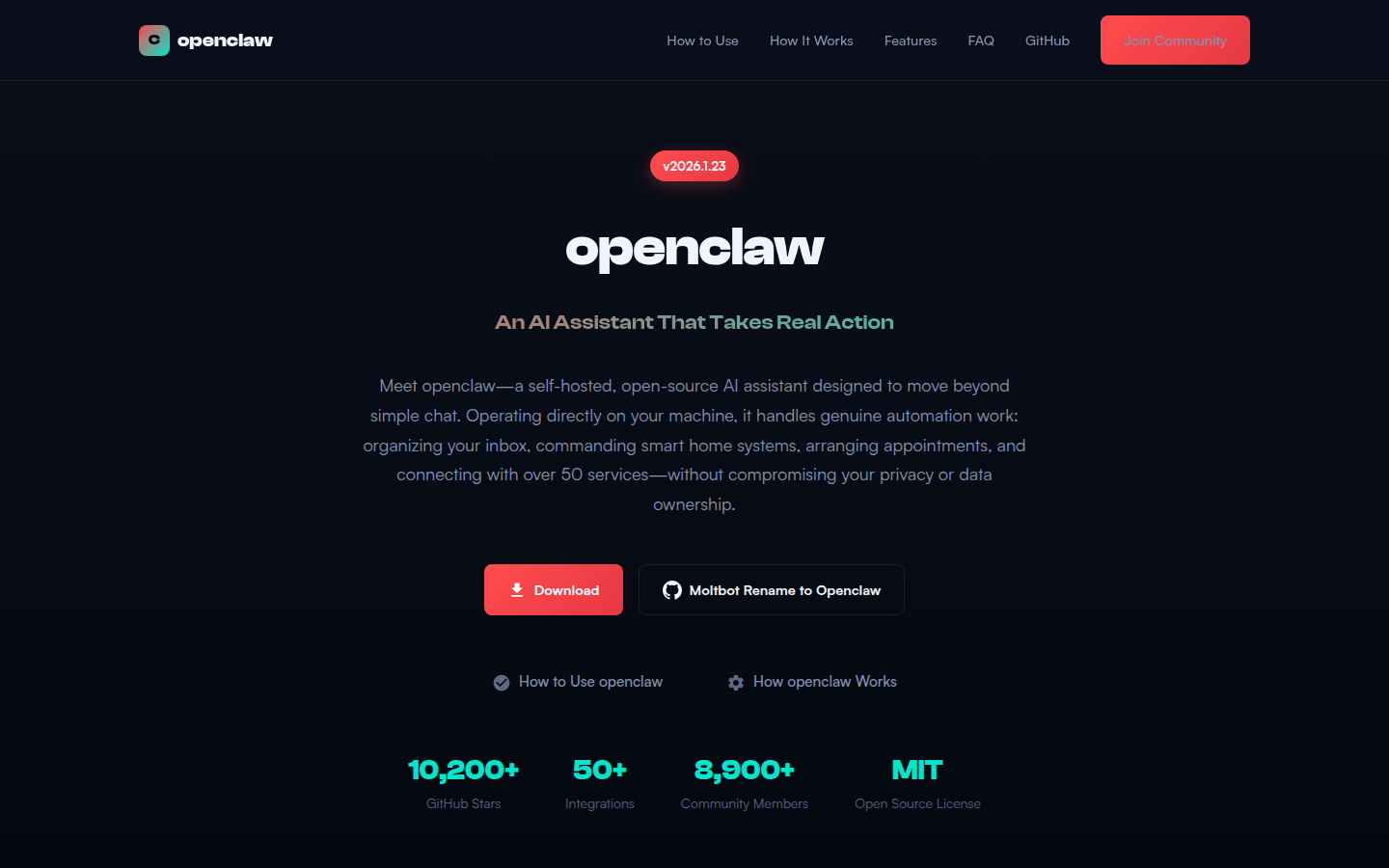
Screenshot archived from the listing page, for preview only.