Online PS Editor
A free, browser-based Photoshop-style editor with AI background removal.Edit images like a pro, free and without an account.
Highlights
What you can do with it
- A photographer removes a background and tunes color with curves
- A designer layers poster elements and selects them precisely
- An everyday user cleans up a social photo with text and filters
How to use it
- 1 Open onlinepseditor.com and launch the editor, no login needed
- 2 Drag your image or vector file into the browser frame
- 3 Edit with tools like AI background removal, layers, and filters
- 4 Download the result in your chosen format
Who it is for
Pros
- Free, ad-free, and needs no registration
- Runs locally so your photos stay on your device
- Professional tools like layers, curves, and AI cutouts
Limitations
- It runs in the browser, so heavy files can tax your machine
- Some features depend on browser support and can vary
- As a free tool, it may change or add limits over time
What Online PS Editor is
Online PS Editor is a free online image editor positioned as a browser-based alternative to professional editing software. It needs no download or registration and shows no ads. It packs professional-level tools including a full layer structure with 16 blending modes, client-side AI background removal, curves and histograms, a smart selection engine, 80 Google fonts, repair and clone stamp tools, and real-time canvas filters. You can export to PNG, JPG, high-resolution WebP, printable PDF, SVG, or AVIF. It is built on HTML5 Canvas and WebAssembly, so calculations run in your local browser and your original photos do not pass through remote servers.
What you can do with it
- Edit with layers, blending modes, opacity, and grouping
- Remove backgrounds with client-side AI that keeps images local
- Tune color with curves and histograms and apply real-time filters
- Export high-fidelity files in several formats and add text with 80 fonts
Who it is for
- Photographers post-processing their own shots
- Designers working on graphic or UI layouts
- Everyday users who need a quick, capable photo edit
What to watch out for
Because everything runs in your browser, large or complex files can strain your machine and memory, so very heavy jobs may feel slow. Some features depend on what your browser supports, so behavior can differ between Chrome, Safari, and Edge. As a free tool with no account, it may add limits or change over time, so keep a backup for critical work. Name and archive exported files consistently so you can find and reuse them, and keep a backup copy of key data. When quality matters, export a small draft first to confirm the result before producing the final file.
FAQ
Is it really free?
Yes, it is free with no download, registration, or ads.
Are my photos uploaded?
No, processing happens locally in your browser using HTML5 Canvas and WebAssembly.
What can I export?
PNG, JPG, high-resolution WebP, PDF, SVG, or AVIF, depending on your browser.
Why it is free
What the official page says: 免费
Free limits, trial length and features are decided by the official site and can change at any time.
Product preview
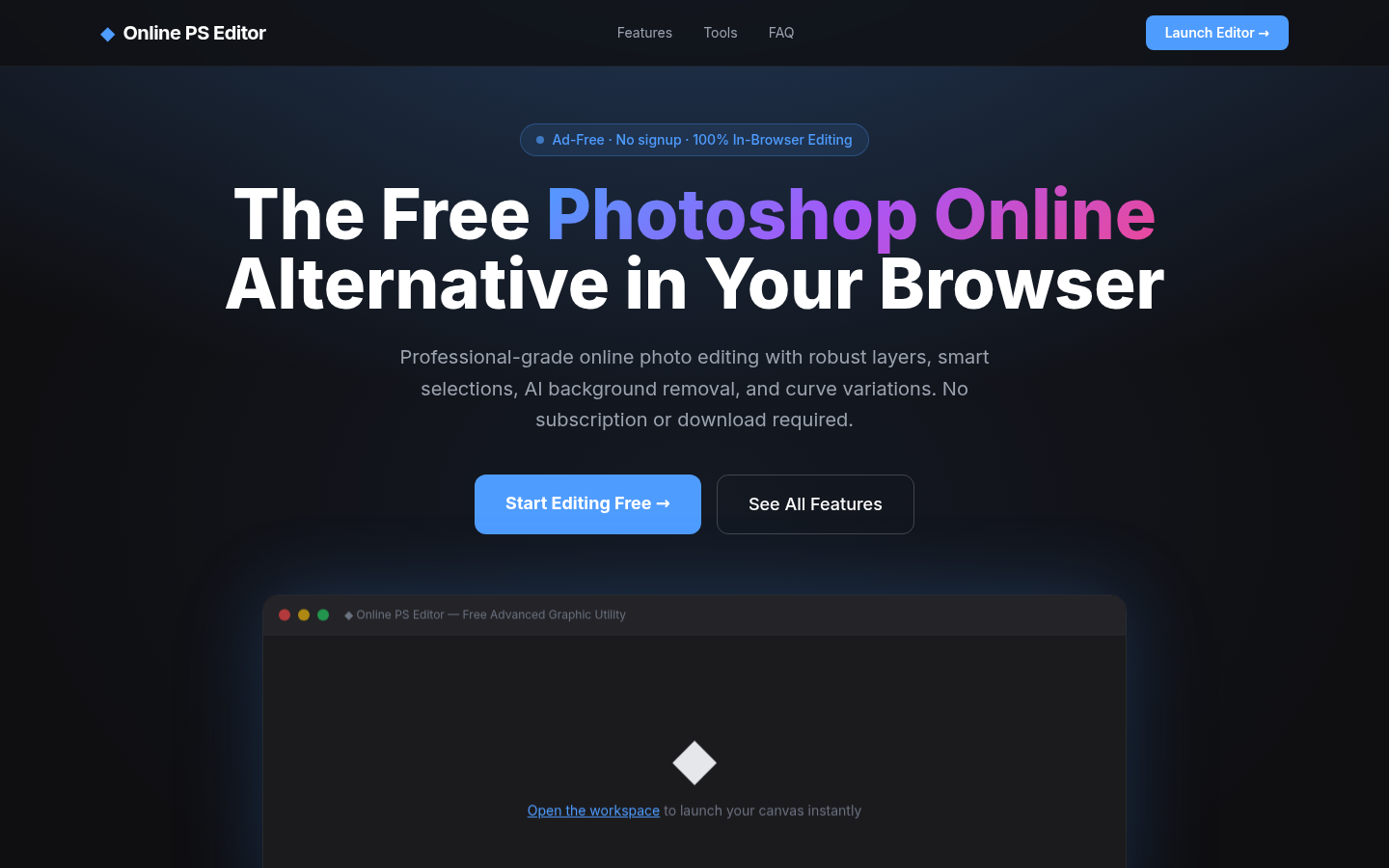
Screenshot archived from the listing page, for preview only.











