
Onit
Free offline voice dictation for MacLocal dictation that tidies your words
Highlights
What you can do with it
- Capture ideas and draft text by speaking
- Write and clean up email faster than typing
- Record a lecture and tidy the transcript afterwards
How to use it
- 1 Download the Mac build from the official site.
- 2 Sign in with a Google account or an email magic link.
- 3 Set your theme and dictation hotkey in the preferences.
- 4 Press the hotkey wherever you type and speak.
- 5 Correct any mistakes, then use QuickEdit to polish the text.
Who it is for
Pros
- Completely free with no server or subscription cost
- Private by design since processing is local
- Cleans up filler words and grammar automatically
- Works across every application on the Mac
Limitations
- Mac only, so it is useless on Windows or Linux
- Local models need a reasonably capable machine and still make mistakes
- Free products like this can change terms or add paid tiers later
- Accuracy varies with accent, pace and background noise
What Onit is
Onit is a voice dictation tool for Mac that runs entirely on your own computer. There is no server in the middle and no subscription to keep: you press a hotkey, speak, and text appears at your cursor. Because everything happens locally, it works with the network switched off and your audio never leaves the machine, which is the main reason to choose it over a cloud dictation service. After the raw transcript appears, a local AI model edits it, cutting filler words such as 'um' and 'like' and correcting grammar mistakes. A QuickEdit assistant then improves rough text with a single click. The app learns your speech patterns as you make corrections, works in any application on the Mac including code editors, Slack, email and notes, and lets you pick a dark or light theme. Signing in with a Google account or an email link gets you the download.
What you can do with it
- Dictate text into any Mac application without a cloud round trip.
- Have filler words stripped and grammar corrected automatically.
- Polish a rough transcript in one click with QuickEdit.
- Teach the tool your vocabulary by correcting its mistakes.
Who it is for
- Writers and copywriters who produce large volumes of text.
- Office workers drafting documents, messages and email.
- Students taking notes in class and writing up papers later.
What to watch out for
It is Mac only. If you work across Windows, Linux or a phone, this is not your tool. Local models are smaller than cloud ones, so expect more errors on unusual names, technical jargon and fast speech, and expect the process to use some battery and memory on older machines. The product is free today, but free applications often introduce paid tiers or change their terms as they grow, so keep that in mind before it becomes part of a daily workflow. Finally, dictation in a shared space broadcasts what you are writing, so be careful about confidential material when other people can hear you.
FAQ
Which platform?
Mac only.
Is it really free?
The site describes it as completely free, with no servers or subscription fees.
Does it work offline?
Yes, dictation and editing run locally, so no internet connection is required.
Where can I use it?
In any application or website on the Mac, including code editors, Slack, email and notes.
Why it is free
What the official page says: completely free
Free limits, trial length and features are decided by the official site and can change at any time.
Product preview
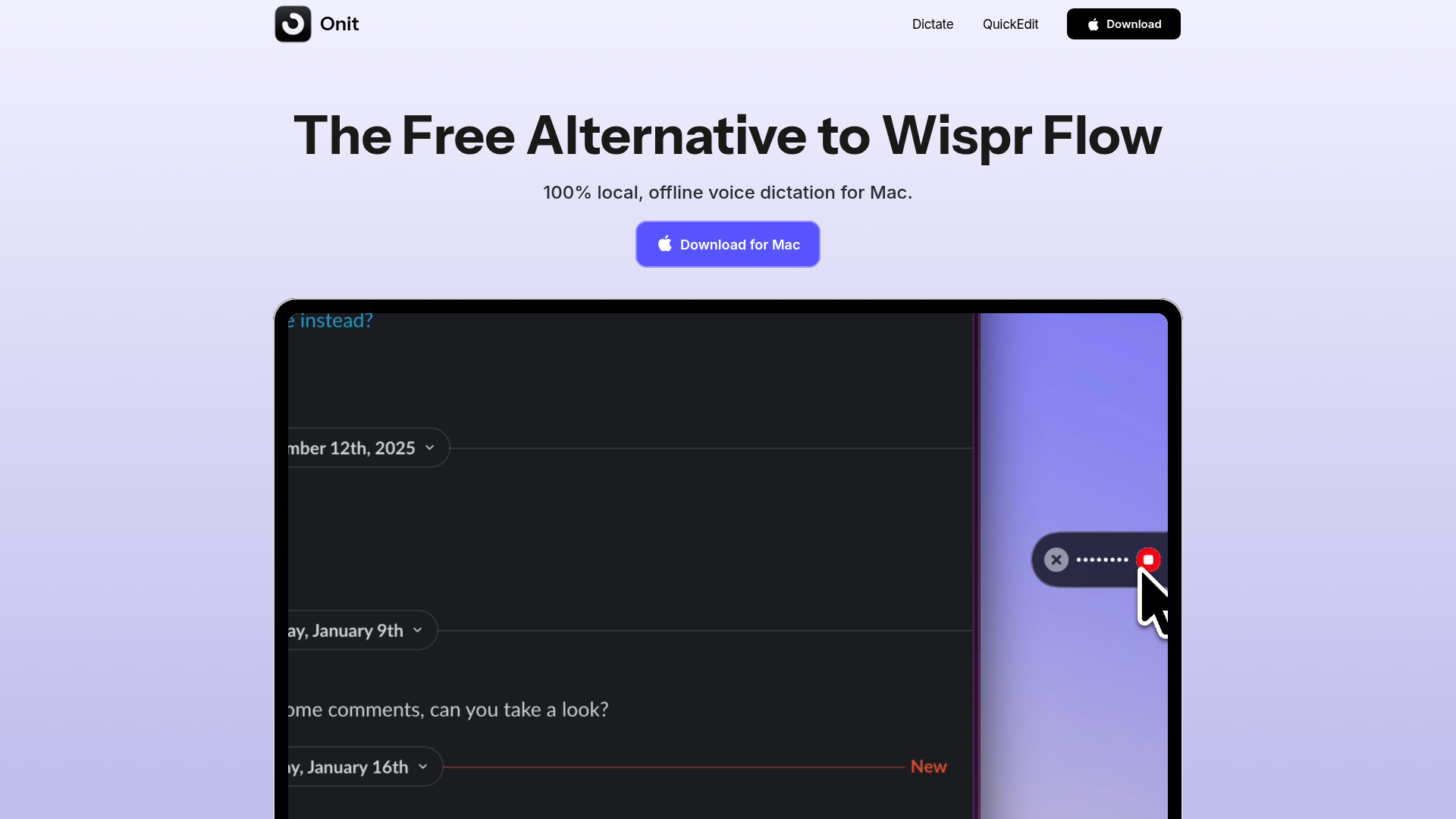
Screenshot archived from the listing page, for preview only.











