
Oniichan
AI comic generation tool for non-drawersTurn prompts into comic pages with consistent characters
Highlights
What you can do with it
- Individual comic creators turn a story idea into a finished comic and share it with the community
- Teachers use it in class so students can express ideas through comic works built from simple prompts
- Self-media bloggers make themed comic strips to enrich articles and attract readers
How to use it
- 1 Visit the official website and log in to your account
- 2 Use the AI character creator to build character designs from short descriptions
- 3 Decide the comic idea, starting from prompts, an outline, or a worldview
- 4 Generate comic pages, then edit storyboards and rewrite dialogues
- 5 Share the comic with a link or publish it to the community, and download a clean page export
Who it is for
Pros
- Characters stay consistent across pages, which is hard to do by hand
- Prompts, outlines, or worldview notes all work as starting points
- Storyboards and dialogues can be edited instead of redone from scratch
- Free of charge, with community sharing and link-based reading views
Limitations
- Page quality still depends on how precisely you write the prompt
- Some listed tools, such as clean page export, are only described at a high level
- The free status and available tools can change as the site evolves
- Generated output may need manual editing before it reads like a finished comic
Oniichan is what
Oniichan is a comic generation tool based on AI technology. It is aimed at making comic creation accessible to people who cannot draw professionally, and it is described as free of charge. You give the tool a prompt, a draft outline, or a worldview, and it produces comic pages with consistent characters and dynamic storyboards. Instead of handling drawing, layout, and lettering yourself, you spend your time on the story and on editing what the tool returns.
What you can do with it
- Generate characters from short descriptions and refine them with an AI co-pilot
- Turn prompts, outlines, or worldview notes into complete comic pages
- Edit storyboards and rewrite dialogues without starting the project over
- Share comics by link, publish to the community, and download clean page exports
Who it is for
- Comic lovers who enjoy comics but have no professional drawing background
- Professional creators who want to shorten the character and page production cycle
- Students who want to build stories visually and practice expression
- Self-media publishers who need comic strips to enrich articles
What to watch out for
Page quality depends on how precisely you describe characters, scenes, and dialogue, so expect to revise prompts and edit the storyboard afterwards. The listed features are described at a fairly high level, and a live site can change its tools or free status at any time. Treat generated text as a first draft and read it over before publishing. Generated suggestions are for reference only, so verify anything that affects professional judgment or important data. Start with a small sample to confirm the output meets your expectations before processing the full batch.
FAQ
Is Oniichan free?
The site is described as free of charge, so you can try the comic generation flow without paying.
Can I keep the same character across pages?
Yes, character consistency is one of its stated advantages. You can also reuse and refine characters with the AI co-pilot.
Do I need to be able to draw?
No. The product is positioned for people without professional drawing skills, using text prompts instead.
What can I do with a finished comic?
Share it with a link, publish characters and comics to the community, and download a clean page export.
Why it is free
What the official page says: free of charge
Free limits, trial length and features are decided by the official site and can change at any time.
Product preview
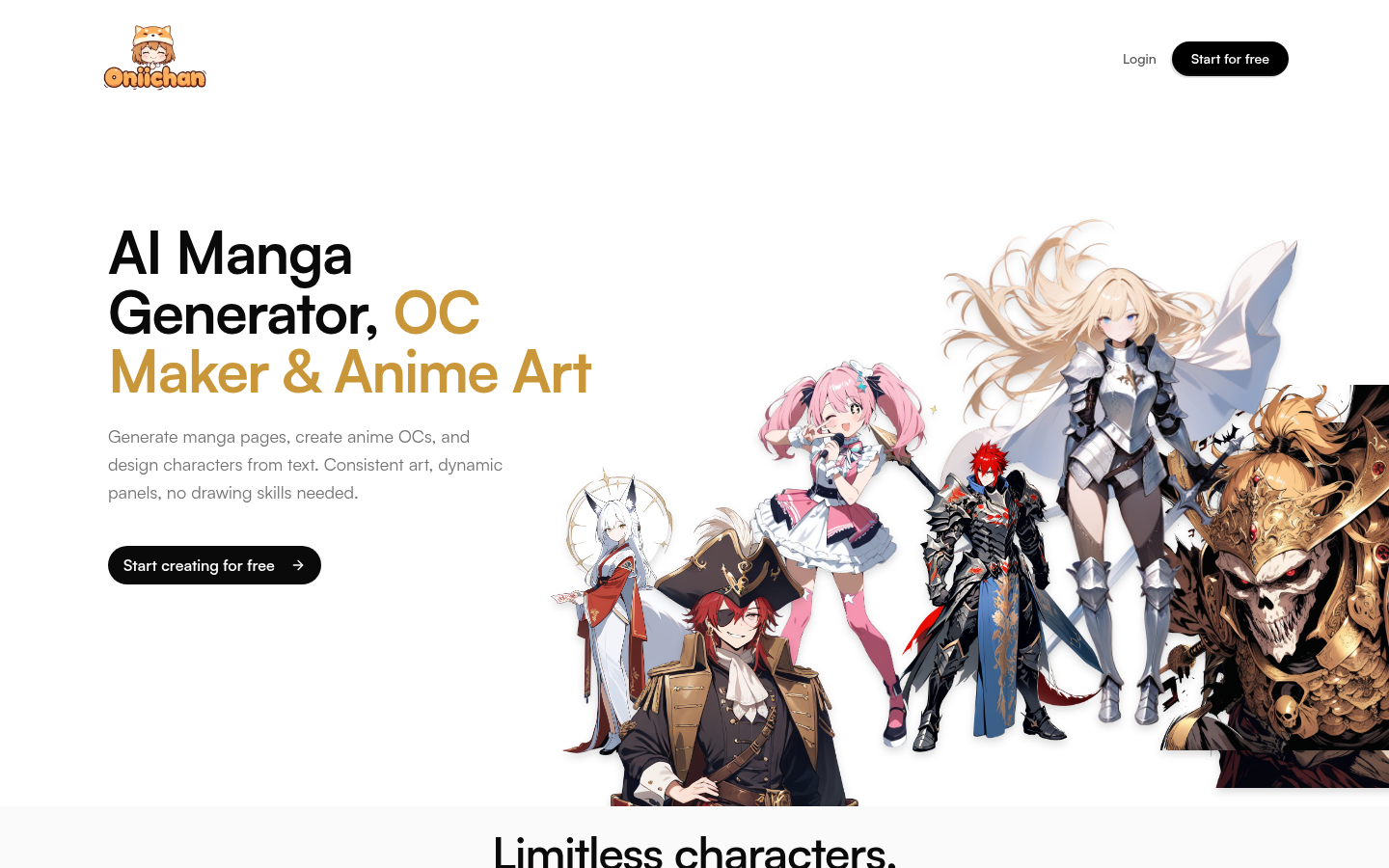
Screenshot archived from the listing page, for preview only.











