
ONERECOVERY
AI tool that repairs damaged video filesFix broken, blurry, or unplayable videos
Highlights
What you can do with it
- Recovering a video that will not open
- Fixing footage corrupted during transfer or editing
- Cleaning up blurry or stuttering recordings
How to use it
- 1 Open the ONERECOVERY video repair page
- 2 Upload the damaged video file
- 3 Start the scan and repair process
- 4 Preview the repaired result for free
- 5 Download the file if the preview looks right
Who it is for
Pros
- Free preview before you commit to paying
- Broad format and device support
- Handles high resolution footage up to 8K
Limitations
- Badly damaged files may not recover at all
- Large files take time to scan and repair
- Saving the full output may require payment
What ONERECOVERY is
ONERECOVERY is an AI-powered video repair tool. It targets files damaged by transfer errors, recording or editing mistakes, system crashes, viruses, and similar problems, and it supports formats including MP4, MOV, MKV, M2TS, AVI, 3GP, M4V, and MXF. The site says it handles HD, 4K, and 8K video, works with files from phones, cameras, drones, and storage cards, and runs on Windows and Mac. You can preview a repaired video for free before deciding whether to continue. Repair results depend on how badly a file is damaged, so treat the free preview as the real test of whether the tool can help you.
What you can do with it
- Repair damaged or corrupted video files
- Work across a wide range of common formats
- Recover footage from phones, cameras, drones, and cards
- Preview the repaired result before saving it
Who it is for
- Video creators recovering unusable footage
- Photographers and drone users with corrupted storage
- Anyone with an important file that will not play
What to watch out for
Badly damaged files may not recover at all, so keep expectations realistic and keep backups of the original. Large 4K and 8K files take time to scan and repair, and the free preview may not cover the full length or quality you need. Saving the complete repaired output may require payment, so check the terms before you upload anything sensitive. Behavior may vary across browsers and devices, so test before production use and consult the help docs if errors appear. Features and interface details may change between versions, so review the latest notes on the page before you start.
FAQ
What does ONERECOVERY do?
It is an AI-powered video repair tool for damaged or corrupted video files.
Can I preview the result first?
Yes, the site says you can preview a repaired video for free.
Which formats are supported?
Formats include MP4, MOV, MKV, M2TS, AVI, 3GP, M4V, and MXF.
Which systems does it run on?
It is compatible with both Windows and Mac devices.
Why it is free
What the official page says: 免费
Free limits, trial length and features are decided by the official site and can change at any time.
Product preview
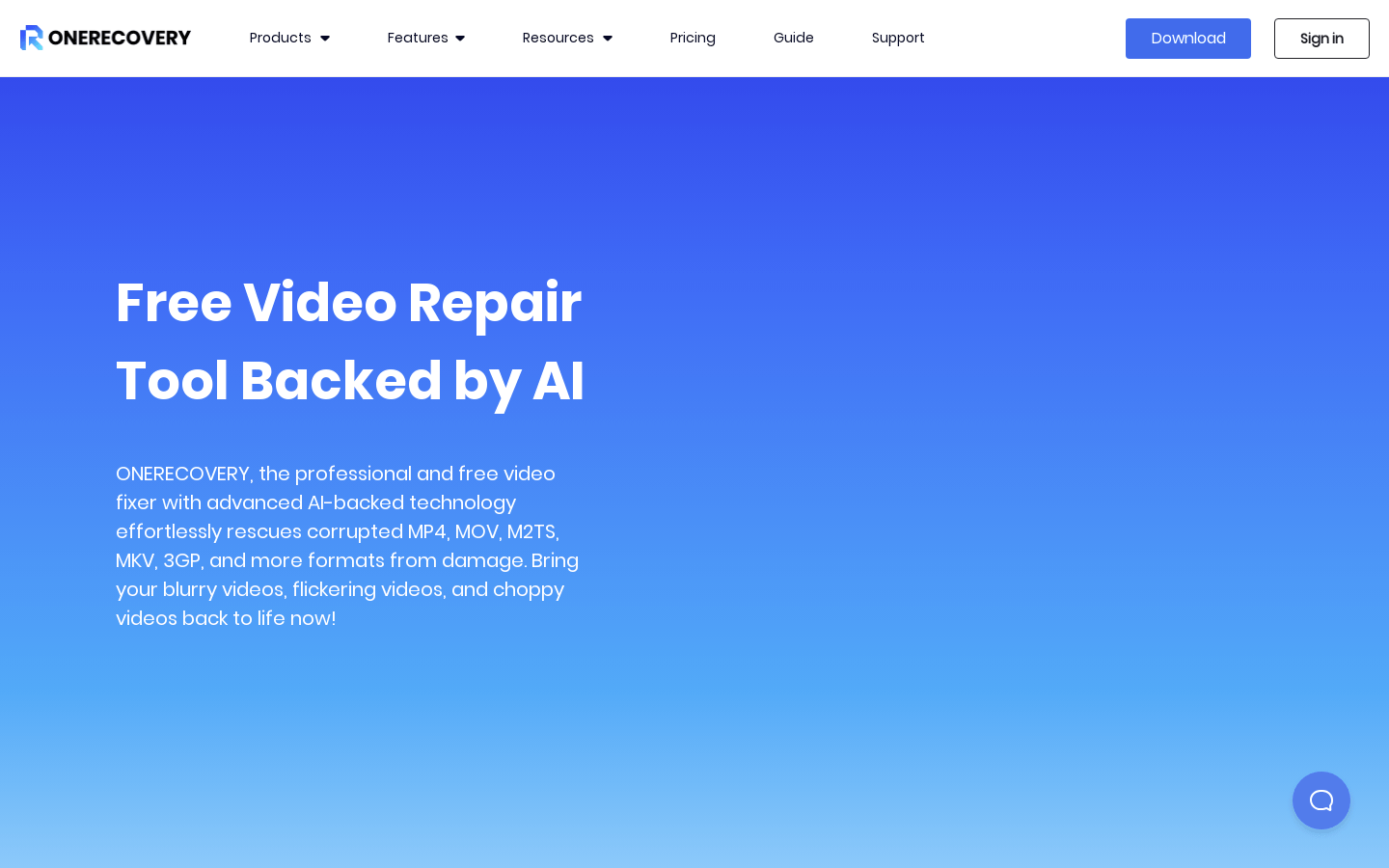
Screenshot archived from the listing page, for preview only.











