OneIMGAI
Text to image AI generatorTurn words into images
Highlights
What you can do with it
- Designers quickly generate design concept images
- Marketing teams create eye-catching images for social media ads
- Content creators generate featured images for articles or blogs
How to use it
- 1 Visit the OneIMG website
- 2 Enter a description of the image you want in the text box
- 3 Choose an image style if you want one
- 4 Click generate and wait for the AI to process your request
- 5 Preview the result, then download or edit it further
- 6 Create a project if you want to organize your images
Who it is for
Pros
- Simple text input, no design skills required
- Fast generation for quick concept work
- Local browser storage keeps data on your machine
Limitations
- The free trial is limited and full pricing is not published
- Results vary with how precisely you describe what you want
- Local browser storage means clearing browser data can remove your work
What OneIMG is
OneIMG is an online AI image generation tool. You type a description of the image you want, optionally choose a style, and the AI generates it in a short time. It is aimed at designers and creative workers who want to turn ideas into visuals quickly without professional design skills. Generated data is described as stored locally in your browser, and you can organize images into projects for easier review. A free trial is offered, though full pricing is not published.
What you can do with it
- Generate images from plain text descriptions
- Choose from multiple artistic styles
- Organize generated images into projects
- Keep generated data local to your browser
Who it is for
- Designers creating concept images quickly
- Marketing teams making social media and ad visuals
- Content creators producing featured images for articles
- Anyone who needs a visual without design skills
What to watch out for
The free trial is limited and the full pricing is not detailed, so check costs before regular use. Generation quality depends on how precisely you describe what you want, and results can vary between attempts. Local browser storage means clearing your browser data can remove your work, so save anything important elsewhere. As with any AI image tool, output should be reviewed before you use it in public-facing work. Generated suggestions are for reference only, so verify anything that affects professional judgment or important data. Start with a small sample to confirm the output meets your expectations before processing the full batch. Behavior may vary across browsers and devices, so test before production use and consult the help docs if errors appear.
FAQ
Is OneIMG free?
It offers a free trial; full pricing details are not published.
How do I generate an image?
Type a description, optionally pick a style, then click generate and wait for the result.
Where is my data stored?
The listing says generated image data is stored locally in your browser.
Why it is free
What the official page says: free trial
Free limits, trial length and features are decided by the official site and can change at any time.
Product preview
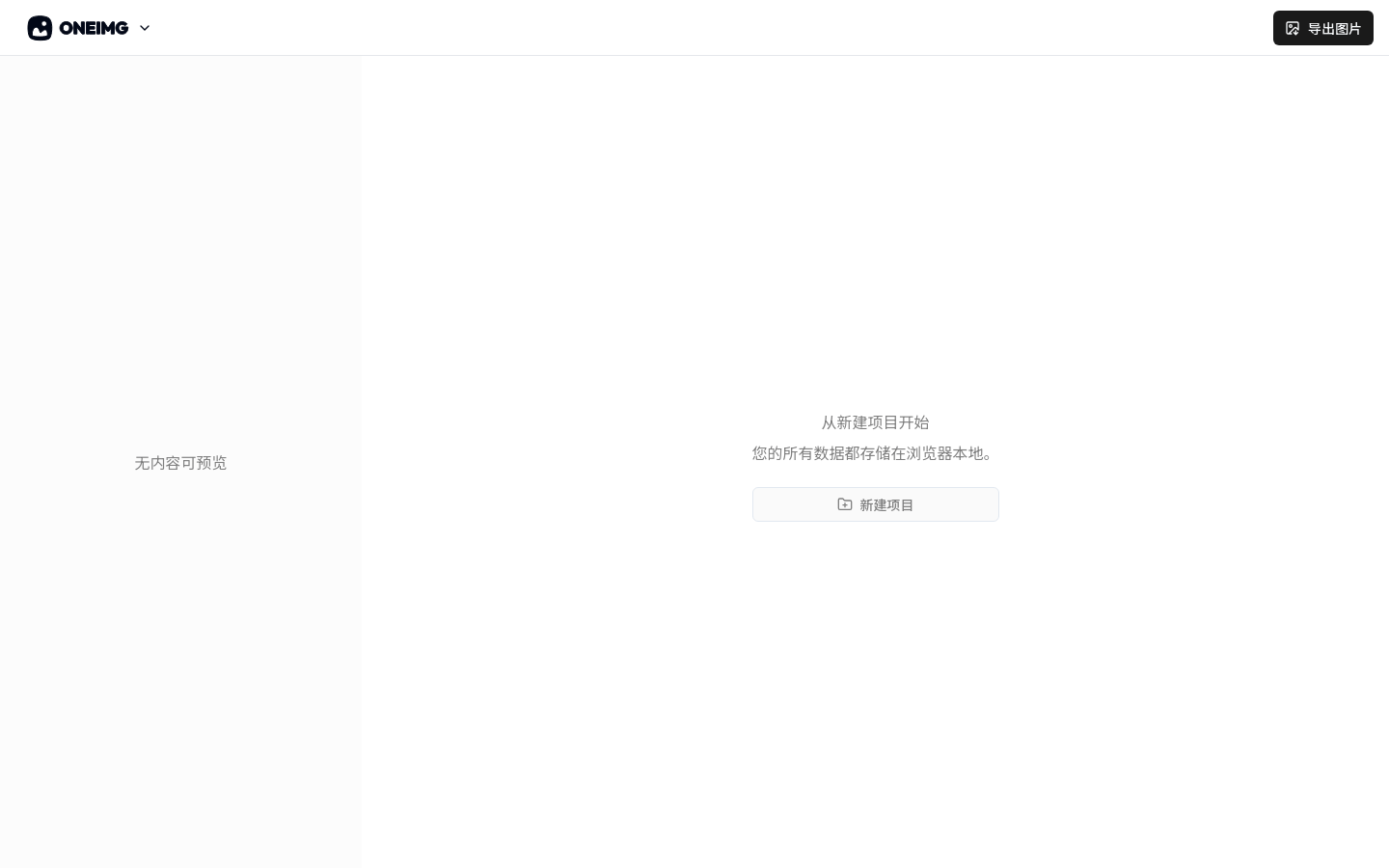
Screenshot archived from the listing page, for preview only.