
OmniBox
AI knowledge assistant for collection and Q&ACollect, parse, and ask questions about your content
Highlights
What you can do with it
- A student collects and organizes research materials
- A content creator drafts and edits blog posts faster
- A team shares and organizes project materials
How to use it
- 1 Create an account on the OmniBox website.
- 2 Install the browser extension to collect web content.
- 3 Drag in files or upload documents to parse them.
- 4 Ask questions and get answers with sources.
- 5 Organize and edit everything into usable documents.
Who it is for
Pros
- Free basic service to start with
- Parses many file and media formats
- Answers come with traceable sources
Limitations
- Free basic tier is limited and paid tiers are planned
- Parsing and answers still need human review
- Some features like the mobile app are not ready yet
What OmniBox is
OmniBox is an AI knowledge assistant, and it offers a free basic service. It is designed to help you collect, parse, and question a lot of information in one place. Through a browser extension you can grab snapshots of websites, blogs, and posts, and you can drag in files to parse. It handles many formats, including PDF, Word, PPT, Markdown, audio, and video, turning them into editable documents. Its Q&A feature returns clear answers and, importantly, shows the source so you can trace where an answer came from. The project is open source on GitHub, and a subscription feature and mobile app are listed as coming later.
What you can do with it
- Collect web content in one click with the browser extension.
- Parse PDF, Word, PPT, Markdown, audio, and video into editable docs.
- Ask questions and get answers with traceable sources.
- Organize and edit everything into documents you can reuse.
Who it is for
- Students gathering and organizing research material.
- Content creators collecting sources and drafting faster.
- Teams that need to share and manage project knowledge.
What to watch out for
The free basic service is limited, and paid subscription tiers are planned, so some capabilities may move behind a paywall. Parsing and Q&A are helpful but not perfect, so important answers should be checked against the original source. A few features, like the mobile app, are not ready yet, so do not build a workflow that depends on them right now. Name and archive exported files consistently so you can find and reuse them, and keep a backup copy of key data. When quality matters, export a small draft first to confirm the result before producing the final file.
FAQ
Is there a free option?
Yes, OmniBox offers a free basic service.
What files can it parse?
It parses PDF, Word, PPT, Markdown, audio, and video into editable documents.
Does it show sources?
Yes, its Q&A returns answers with traceable sources.
Why it is free
What the official page says: 免费
Free limits, trial length and features are decided by the official site and can change at any time.
Product preview
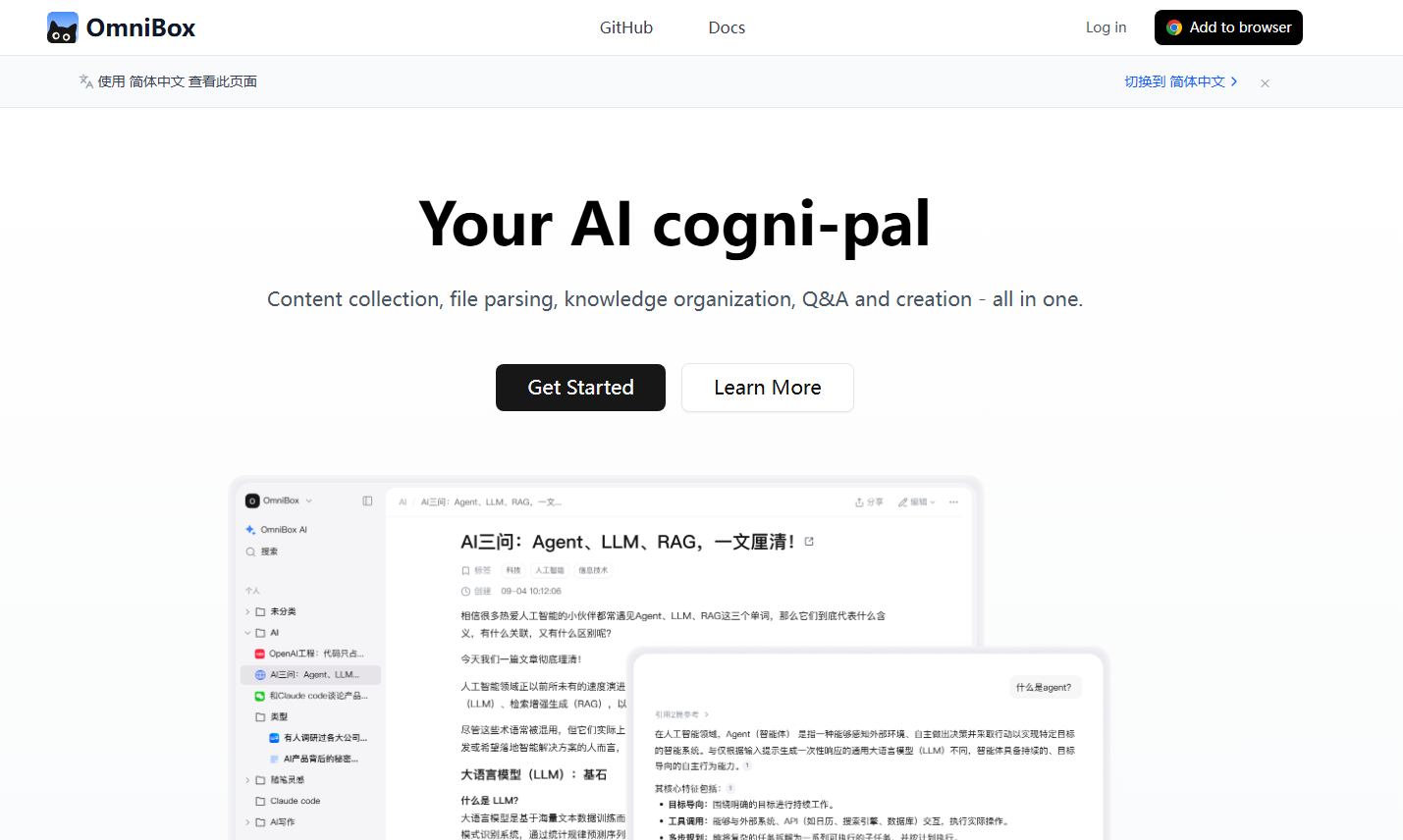
Screenshot archived from the listing page, for preview only.











