Omni Video Gen
A Gemini Omni based video generator for text, image, and audio edits.Make and edit videos from text, images, or chat prompts.
Highlights
What you can do with it
- A creator turns a novel into an animated video
- A marketer builds a product promo from a template
- A self-media user turns travel photos into an exciting video
How to use it
- 1 Open omnivideogen.ai and register or log in
- 2 Pick text-to-video or image-to-video
- 3 Enter your content or upload your materials
- 4 Make edits and settings, including audio and templates
- 5 Generate the video, then download it
Who it is for
Pros
- Several creation paths from text, images, or chat
- Chat editing is approachable for non-editors
- Templates speed up professional-looking output
Limitations
- Pricing is not stated, so a free trial is not confirmed
- It leans on Gemini Omni upstream, so availability can vary
- Output quality can differ by prompt and material
What Omni Video Gen is
Omni Video Gen is an AI video generation platform focused on Gemini Omni. It gives creators several ways to make and refine video, including text-to-video, image-to-video, video audio remixing, chat-based editing, and AI video templates. The idea is to make professional-looking clips without a complex editor: you describe or upload what you want, adjust settings, and generate. It is aimed at video creators, enterprise marketers, and self-media users who need a steady stream of content. The page does not state pricing, though a free trial or paid model is likely.
What you can do with it
- Turn text descriptions into video
- Convert a still image into a moving clip
- Remix a video's audio for better quality
- Edit through chat and start from AI templates
Who it is for
- Video creators who want fast text or image to video output
- Enterprise marketers making promotional clips
- Self-media creators who need regular video content
What to watch out for
Pricing is not stated on the page, so do not assume a free trial until you confirm it. Because it relies on Gemini Omni upstream, availability and quality can shift when that platform changes. Output can also vary a lot by prompt and source material, so plan to iterate rather than expect a perfect clip on the first try. Run one full task end to end first, then expand once you are comfortable with the workflow and the result quality. Behavior may vary across browsers and devices, so test before production use and consult the help docs if errors appear. Start with a small sample to confirm the output meets your expectations before processing the full batch.
FAQ
What is it built on?
It is based on Gemini Omni AI technology.
What can I create?
Text-to-video, image-to-video, remixed audio, and template-based videos.
Is it free?
The page does not list pricing, though a free trial or paid model is likely.
Why it is free
What the official page says: free trial
Free limits, trial length and features are decided by the official site and can change at any time.
Product preview
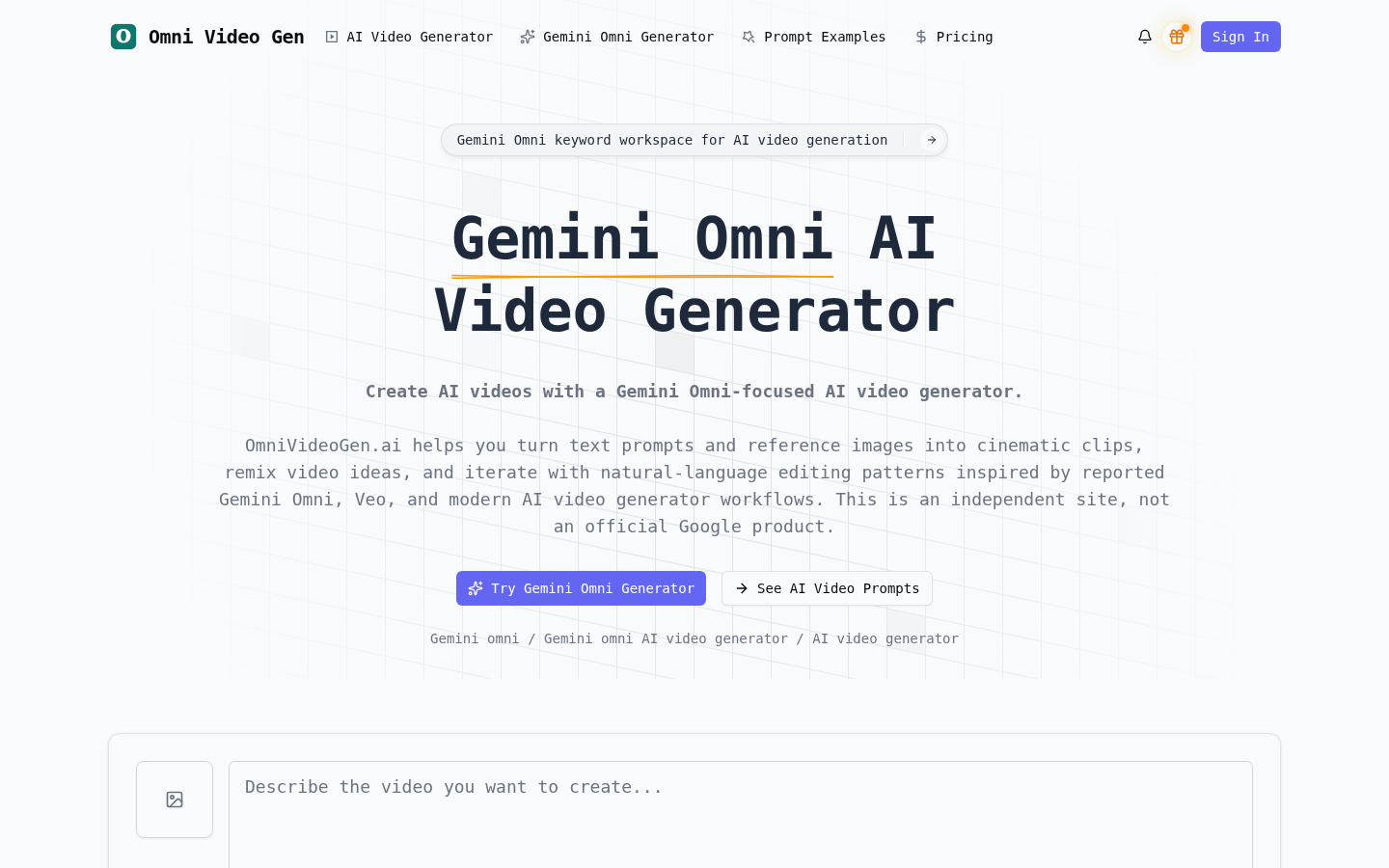
Screenshot archived from the listing page, for preview only.











