
Omni Video Editor
Prompt-based video editorPreview prompt-driven Omni video editing
Highlights
What you can do with it
- Enterprises create product demonstration videos for promotion
- Content creators generate social videos for TikTok and stories
- Teams edit video meeting recordings into short highlight clips
How to use it
- 1 Visit the Omni Video Editor site
- 2 Register and log in if needed for later use
- 3 Preview the workflow and functions on the homepage
- 4 Write Omni prompts describing camera moves, scenes, and endings
- 5 Confirm the preview direction, then export once full features launch
Who it is for
Pros
- Prompt-based editing lowers the technical barrier
- You can preview the workflow before the full editor ships
- Planned free credit limits give a way to test the tool
Limitations
- The full editor is not launched yet, so functions are limited to preview
- Free credit limits and the credit pricing model may change after launch
- Some features, like multi-person collaboration, are not confirmed yet
What Omni Video Editor is
Omni Video Editor is an editor launched by OmniEdit that focuses on exploring Omni AI videos. Its main idea is to make editing more intelligent by letting you write Omni prompts that describe camera movements, scene changes, themes, formats, and endings, so you can preview an editing direction before committing. It is important to know that the full-function upload and editing model has not launched yet. The stated plan is a credit-based model with free credit limits once the full editor ships, plus paid credits or packages for more advanced functions.
What you can do with it
- Write Omni prompts to describe the editing direction you want
- Preview the Omni video editor workflow on the homepage
- Explore Gemini Omni research topics as a search and research subject
- Plan videos in different formats during the preview stage
- Prepare for multi-channel export to TikTok, Instagram, YouTube, X, and more
Who it is for
- Content creators who want a prompt-based editing method
- Teams that are planning video projects together
- Enterprise marketers who need promotional videos
- Anyone curious about Omni AI video workflows before full release
What to watch out for
The biggest limitation is that the full editor is not live yet, so today you are mostly previewing a direction rather than finishing a real edit. The free credit limits and credit pricing are future plans and may change once the product launches. Some features, such as multi-person collaboration, are mentioned as possibilities rather than confirmed facts. Treat current output as a preview and wait for the full release before relying on it for finished work.
FAQ
Is the full editor available now?
No. The description says the full-function upload and editing model has not launched yet; you can only preview the workflow.
How will pricing work?
After the full editor launches, the plan is a credit-based model with free credit limits and paid credits for advanced functions.
What can I do with prompts today?
You can write Omni prompts to describe camera moves, scene changes, themes, formats, and endings to preview an editing direction.
Why it is free
What the official page says: 免费
Free limits, trial length and features are decided by the official site and can change at any time.
Product preview
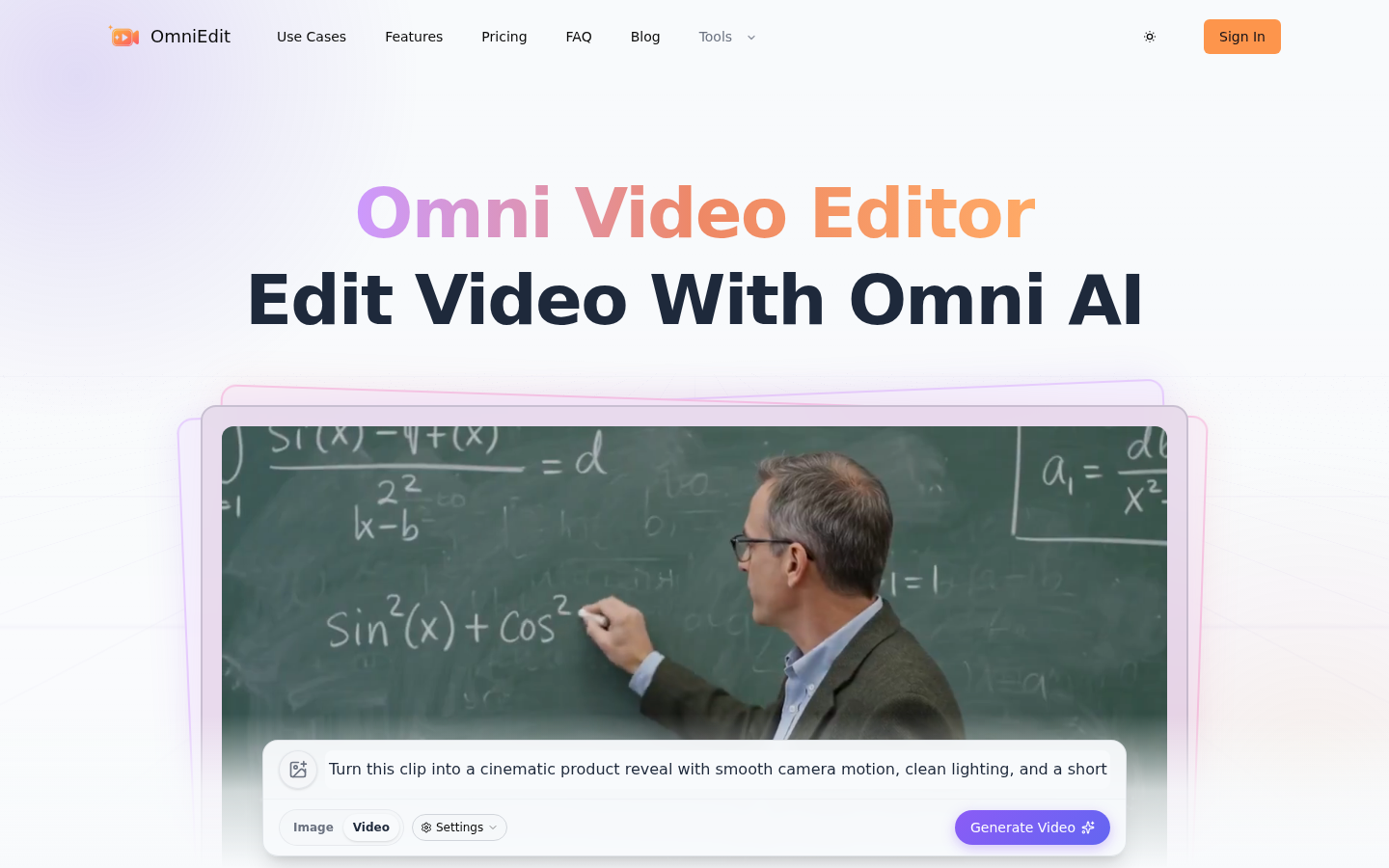
Screenshot archived from the listing page, for preview only.











