
Omni Flash AI
AI video from referencesTurn reference clips into new videos
Highlights
What you can do with it
- E-commerce sellers turn product references into advertising videos
- Educators build teaching videos from reference material
- Content creators produce styled short videos for social media
How to use it
- 1 Open the Omni Flash AI site
- 2 Click Start for Free to begin
- 3 Upload reference videos, images, or the first and last frames
- 4 Let the system analyze the references and generate the video
- 5 Preview in the browser, then download for social or ad use
Who it is for
Pros
- No software install; generation happens in the browser
- Reference-driven output helps keep a consistent look
- Free trial lets you test before committing
- A refund is stated for failed renders
Limitations
- Free trial terms and credit rules can change over time
- Output quality depends heavily on the reference material you upload
- Rendering can fail, and even with a refund that still costs time
- Speed and availability rely on upstream model capacity
What Omni Flash AI is
Omni Flash AI is a browser-based video generation tool built around reference material. Instead of starting from a blank prompt, you give it reference videos, images, or the first and last frames, and it generates new videos that inherit the style, actions, and camera directions of what you provided. The product is positioned for short video work such as social media, product advertising, and commentary. It offers a free trial, and the description notes that a refund is given if rendering fails, which is a small safety net for a tool that depends on heavy processing.
What you can do with it
- Generate videos from reference videos, images, or first and last frames
- Carry over the style, action, and camera direction of your references
- Create intermediate transition frames between a start and end frame
- Work entirely in the browser without installing software
- Study the provided demo videos for ideas and settings
Who it is for
- Content creators who want to produce styled short videos quickly
- E-commerce practitioners who need product advertising videos
- Educators who turn reference material into teaching clips
- Product teams that want simple demonstration videos
What to watch out for
The free trial is the entry point, and trial limits or credit rules can change at any time. Results depend heavily on the reference material you upload, so unclear or low-quality references can lead to weak output. Rendering can fail; although a refund is promised in that case, failed jobs still cost time. Because generation runs through external models, availability and speed may vary with upstream service conditions, so it is safer to treat timelines as flexible.
FAQ
Is there a free trial?
Yes, the site offers a free trial entry point for new users.
What inputs does it accept?
Reference videos, reference images, or the first and last frames of a video.
What happens if rendering fails?
The description says the system gives a refund if rendering fails.
Why it is free
What the official page says: free trial
Free limits, trial length and features are decided by the official site and can change at any time.
Product preview
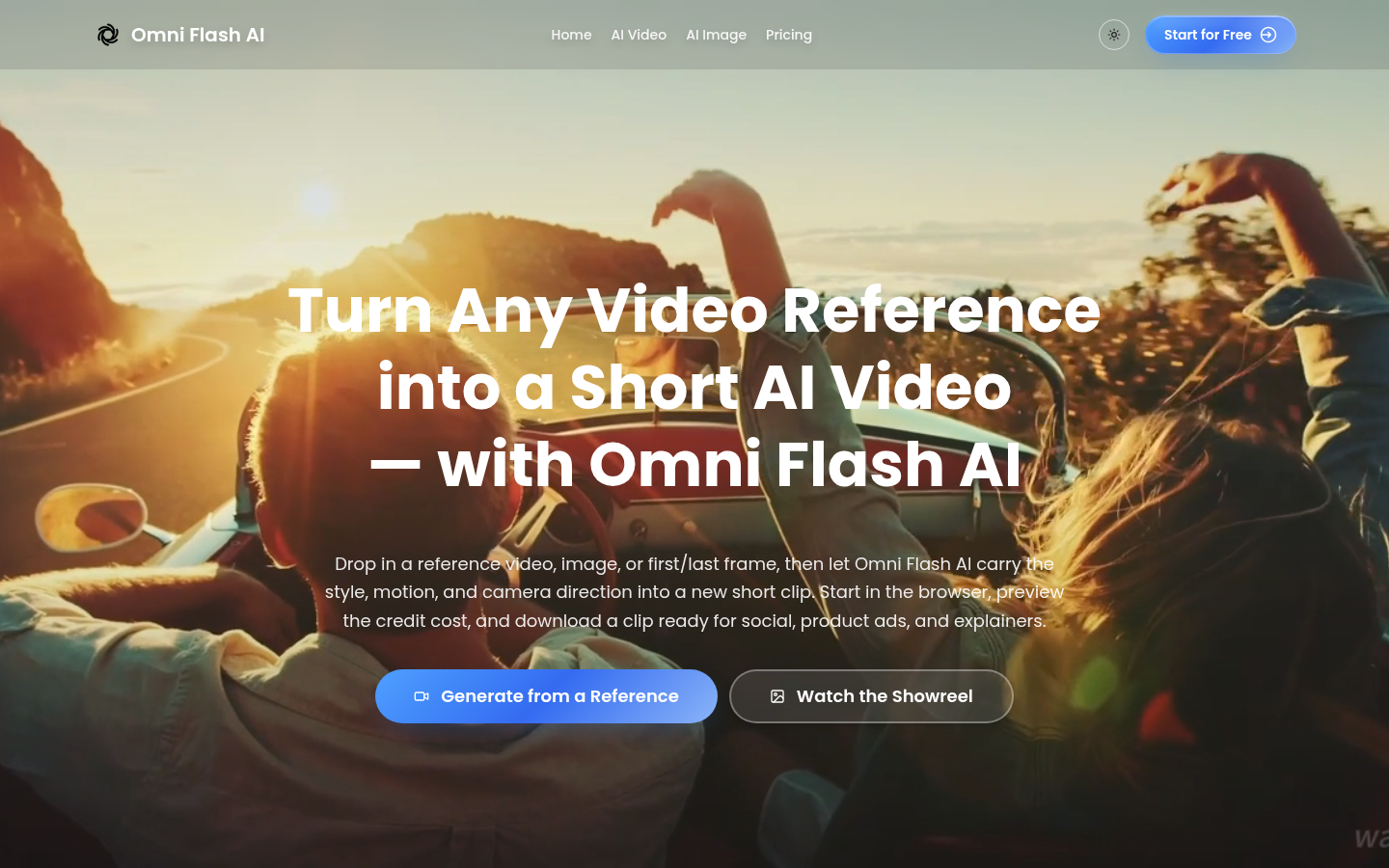
Screenshot archived from the listing page, for preview only.











