Omni Flash
Multi-modal AI video generatorText, image, and audio into video
Highlights
What you can do with it
- Generate a product promotion video from a description and images
- Turn personal photos into dynamic social media clips
- Create teaching videos from lesson content and stills
How to use it
- 1 Open the Omni Flash workspace in your browser
- 2 Write a prompt and upload any reference images
- 3 Choose the resolution such as 720p or 1080p
- 4 Generate the video and preview the result
- 5 Download or publish the finished clip
Who it is for
Pros
- Many input types in a single workspace
- Reference mixing gives precise creative control
- Fast generation without a long queue
Limitations
- The free tier is basic, with paid plans for more
- Generation time and quality vary by prompt
- Real-person reference images raise consent issues
- Best results need detailed, well-written prompts
What Omni Flash is
Omni Flash is a multi-modal AI video generator powered by Gemini Omni Flash. Its main idea is to keep text, image, audio, and video inputs in one workspace so creators do not have to switch tools. You can write a prompt and turn it into video, animate a reference image, or combine up to 12 reference materials in a single instruction for tighter creative control. Output is available at 480p, 720p, or 1080p, and the platform accepts both English and Chinese prompts. There is a free basic service alongside paid advanced features and several packages.
What you can do with it
- Turn written prompts into video with clear motion and composition
- Animate a still image while keeping the subject and style consistent
- Mix several images, videos, and audio clips as references
- Export at 480p, 720p, or 1080p depending on your needs
Who it is for
Video creators who want flexible ways to generate footage, advertising practitioners who need commercial spots, and social media bloggers and designers who need visual content all fit Omni Flash. It also suits music creators and designers who want to add generated visuals and audio to their work. Anyone who prefers one workspace over juggling several single-purpose tools will find the unified setup convenient.
What to watch out for
The free tier is basic, and heavier use likely requires a paid package, so review the plans before you commit. Generation time and quality depend on the prompt, so vague instructions produce weaker results. The platform supports reference images of real people, which means you must have permission from anyone you upload, because using a person's likeness without consent can cause serious harm and may break platform rules. Write detailed prompts and respect likeness rights to use the tool responsibly.
FAQ
Is there a free option?
Yes, there is a free basic service, with paid advanced features and several packages.
What inputs can I use?
Text prompts, images, audio, and video references, up to 12 at once.
What resolutions are supported?
480p, 720p, and 1080p.
How long does generation take?
About 5 to 8 minutes, according to the site.
Why it is free
What the official page says: 免费
Free limits, trial length and features are decided by the official site and can change at any time.
Product preview
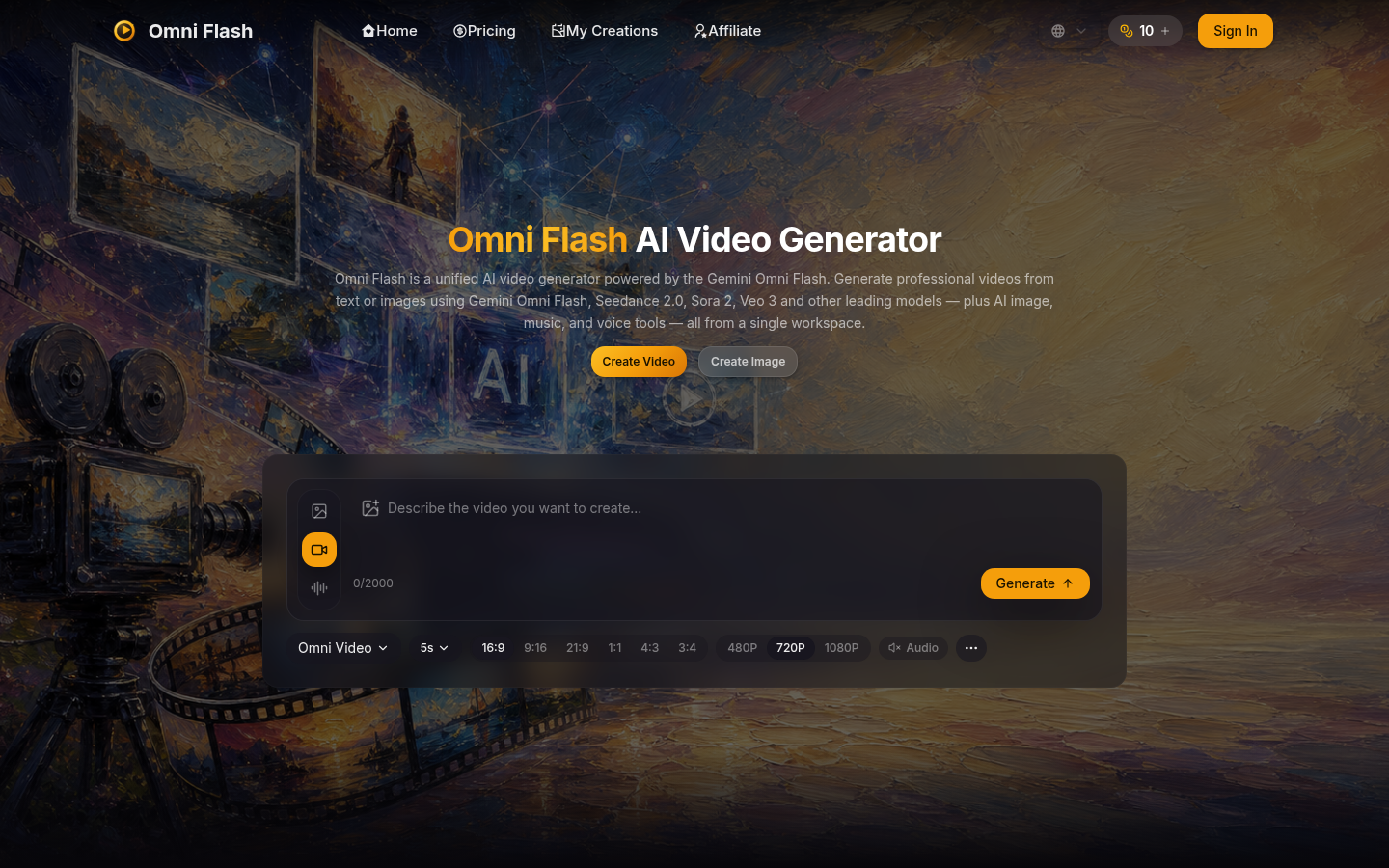
Screenshot archived from the listing page, for preview only.











