
Omni Flash
Text to video generator with chat editingPrompt it, chat about it, mix the cut
Highlights
What you can do with it
- Creating short promotional clips from a written idea
- Editing generated video through chat instructions
- Producing social content with template based styles
- Testing visual ideas before a full production
How to use it
- 1 Start the free trial on the website
- 2 Enter a prompt that describes the video you want
- 3 Generate the first cut and review it carefully
- 4 Use chat editing to adjust scenes, then mix clips or apply templates
- 5 Export the finished video, keeping in mind the 30 second limit
Who it is for
Pros
- Prompt to video plus chat editing in one flow
- Template library speeds up repetitive production
- 1080p at 24fps suits standard social and web use
- Free trial to test output quality first
Limitations
- Clips are limited to about 30 seconds, so long form work needs other tools
- Free trial terms are not detailed and may change
- Motion quality varies by prompt, so expect retries
- The service depends on upstream models, so features and availability can shift
What Omni Flash is
Omni Flash is presented on its site as a next generation AI video generator built on Google's AI technology. You describe a video in natural language and the model produces it, then you keep working through chat based editing rather than a complex timeline. Other listed features include video mixing, which lets you combine material, and a professional template library for faster repetitive work. The vendor states output can reach 1080p at 24fps, with clips up to 30 seconds long, and it highlights high motion quality as a differentiator. A free trial is offered, and the stated audience covers creators, marketers, filmmakers, and corporate teams that need AI video generation plus quick edits.
What you can do with it
- Generate a video from a written prompt without any footage
- Adjust the result in real time by describing the change in chat
- Mix clips together to build a longer sequence from short pieces
- Apply professional templates to keep a consistent style
Who it is for
Creators and marketers who need short video fast are the clearest fit, since the prompt plus chat loop removes most production friction. Filmmakers can use it to test ideas or build quick previz before committing to a shoot. Corporate teams that publish social or internal content regularly will appreciate the template library. Social media managers working at volume can use it to keep a publishing calendar filled without a full edit suite.
What to watch out for
Clips top out around 30 seconds, so anything long form needs a different tool or careful stitching of several generations. Free trial terms are not detailed on the page and may change, and the service depends on upstream models, so features, limits, and availability can shift without notice. Motion quality varies by prompt, so plan for several attempts before you get a usable take. As with any generated video, check for odd artifacts in hands, faces, and text before you publish, and confirm you have the rights to any music or brand elements you add.
FAQ
What can it generate?
Videos from natural language prompts, with chat based editing and video mixing.
What are the output specs?
Up to 1080p at 24fps, with clips up to 30 seconds long.
Is there a free trial?
Yes, the page states a free trial is available.
Who is it for?
Creators, marketers, filmmakers, and corporate teams that need AI video and quick edits.
Why it is free
What the official page says: 免费试用免费
Free limits, trial length and features are decided by the official site and can change at any time.
Product preview
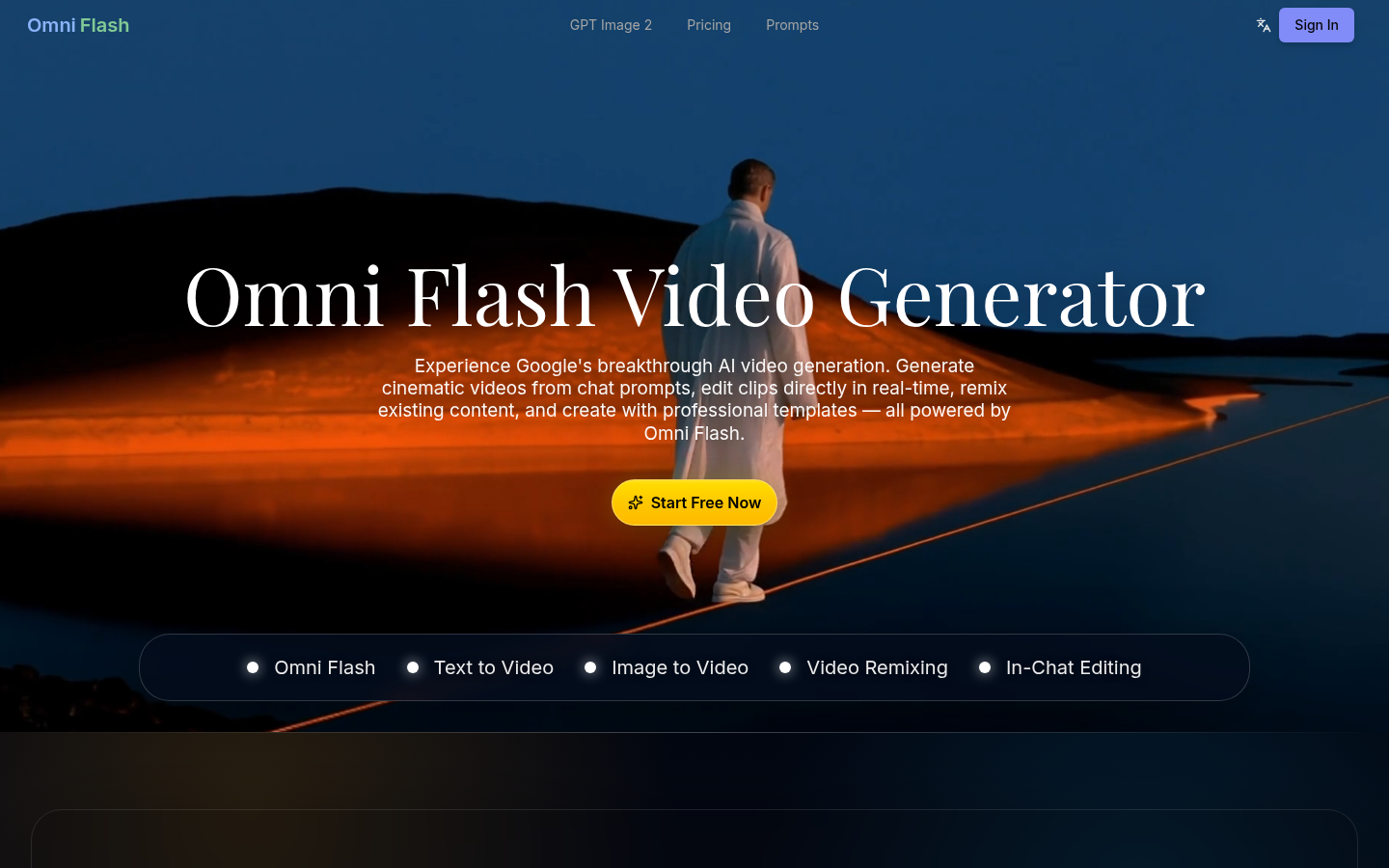
Screenshot archived from the listing page, for preview only.