
OldRoll
Free browser-based retro photo editor with CCD, film, and Y2K filters.Digicam, film, and VHS looks in your browser, no download.
Highlights
What you can do with it
- Fashion bloggers creating Y2K street-style posts with flash and date stamps
- Travel photographers building film-grid collages from trips
- Musicians making retro cover teasers with VHS textures
- Cosplayers adding dreamy treatments to convention photos
How to use it
- 1 Open oldroll.io in your browser, no download or registration
- 2 Click Choose a Photo and upload a clear picture
- 3 Browse filters like Digicam, Film, Y2K, and VHS, adjusting intensity
- 4 Fine-tune light and color, crop, decorate, compare, then save or share
Who it is for
Pros
- Zero friction: no account, no install, desktop and phone
- Strong filter variety for a free browser tool
- One-click high-resolution export for social sharing
Limitations
- Premium features sit behind payment, and free boundaries may shift
- Browser editing is slower for very large image files
- Retro filters are fixed presets, not custom film emulation
What OldRoll is
OldRoll is a free online aesthetic photo editor focused on retro-style photography effects, and its web version is deliberately low-friction: open oldroll.io in any browser, upload a photo, and start editing, with no download and no registration. The filter lineup leans hard into nostalgia, including Digicam, Y2K, 90s, Film, VHS, and Dreamy presets that simulate digital camera flash, disposable camera warm tones, film grain, and videotape texture. Beyond filters, you get genuine fine-tuning tools: independent control of exposure, contrast, warmth, and saturation, plus lens blur that mimics shallow depth of field. Layering options include frames, flash, halo, grain, and stickers that do not destroy the underlying camera texture, and a collage maker combines photos into grid or strip layouts for social posts. Basic features are free with optional premium paid features. The brand reports over 50 million downloads worldwide, and the web editor carries over the core experience of its mobile apps.
What you can do with it
- Apply classic retro filters and adjust their intensity with a slider
- Fine-tune light, shadow, and color, then control depth of field with lens blur
- Crop, recompose, and decorate photos with frames, flash, halos, and stickers
- Build film-strip or grid collages and export high-resolution images for social media
Who it is for
- Content creators crafting a personal visual style for Instagram posts and covers
- Photography enthusiasts who want film and CCD looks without buying vintage gear
- Online sellers unifying product and lifestyle imagery into warm-toned campaign visuals
- Musicians, cosplayers, and subculture creators chasing Y2K, lo-fi, and dreamy aesthetics
What to watch out for
Free access covers the basics, but premium features are paid, and the exact boundary between free and premium can change over time, so check before planning a workflow that depends on specific tools. Browser-based editing handles typical social media images well, but very large files may process slowly compared with native software. The filters are fixed presets: you control intensity and fine adjustments, not custom film emulation, so repeated use of one preset can look formulaic across a feed. Export resolution on the free tier may also be capped relative to premium. Finally, the brand is young on the web despite its app history, so features and limits may still be settling; save your originals before editing.
FAQ
Do I need to register?
No. The web version requires no download or registration; upload a photo and start editing immediately.
Is it free?
Basic features are free, with optional premium paid features available.
What filters are included?
Digicam, Y2K, 90s, Film, VHS, and Dreamy, among others, simulating camera flash, disposable camera tones, film grain, and videotape textures.
Why it is free
What the official page says: 免费
Free limits, trial length and features are decided by the official site and can change at any time.
Product preview
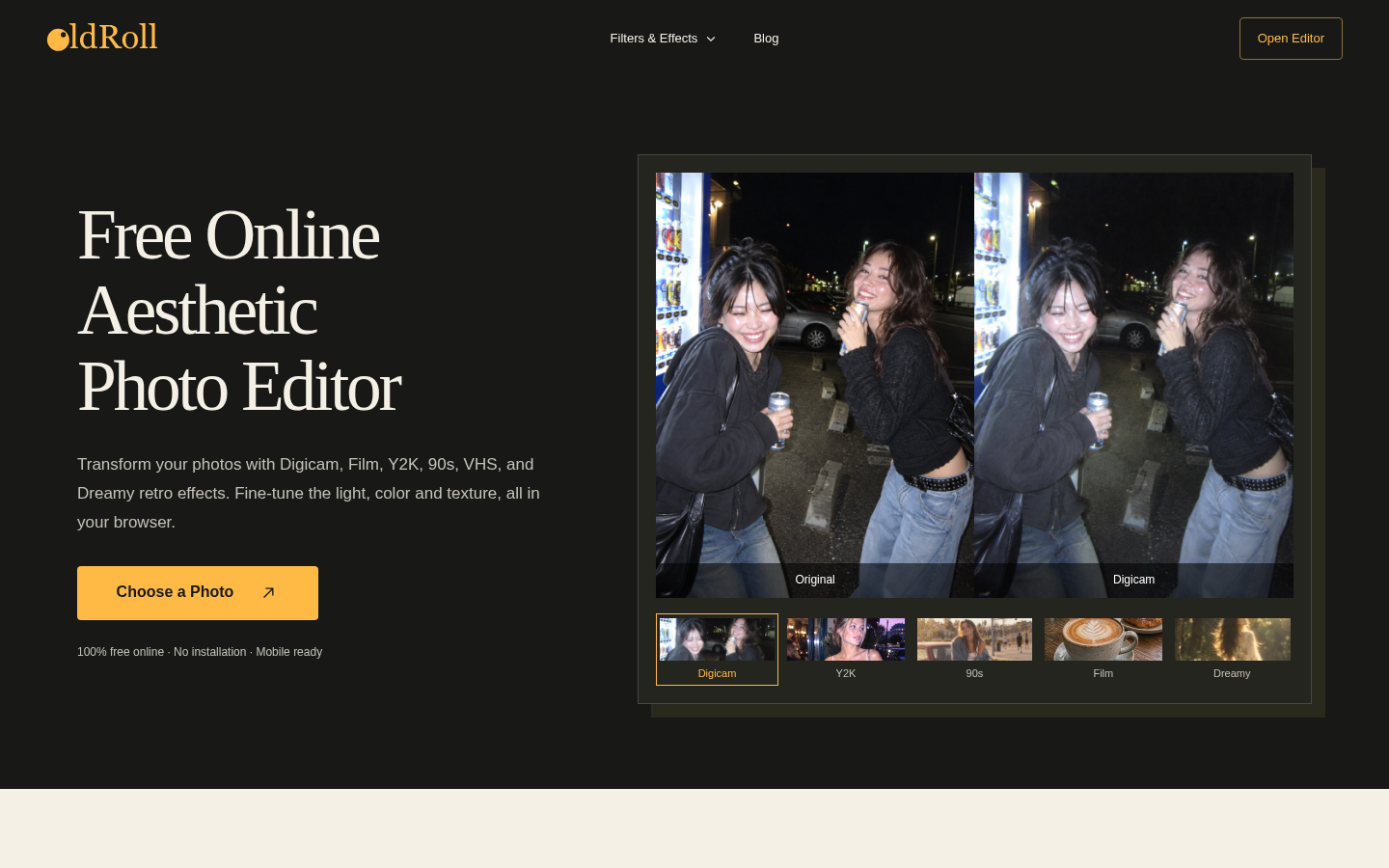
Screenshot archived from the listing page, for preview only.











