
Oginify
AI Open Graph social card generatorPaste a URL, get four social cards, no signup
Highlights
What you can do with it
- A blogger pastes an article URL and picks a card for social sharing.
- A marketer makes on-brand cards for a new product campaign.
- A developer adds Open Graph images and tags to product pages.
How to use it
- 1 Open the Oginify website in your browser.
- 2 Paste the URL of the page you need cards for.
- 3 Let the system read the page and detect brand colors and key info.
- 4 Wait a few seconds for four 1200 by 630 cards, then browse or regenerate.
- 5 Download the PNG you like and paste the Open Graph and Twitter tags into the page head.
Who it is for
Pros
- Basic use is free and needs no registration.
- Fast generation of four card options from one URL.
- On-brand detection plus creative alternatives in one pass.
- Open-source engine that can be adapted for different page types.
Limitations
- The free AI quota is small at 5 credits per day, and each use costs 2.
- Free quota and rules can change over time.
- The $0.99 tip is optional but not required for the basic flow.
- Results depend on how clearly the page shows its brand, so cards may need a check.
What Oginify is
Oginify is an AI tool that generates Open Graph social cards from a web page. You paste a URL, and it reads the page, detects brand colors and key information, and creates four 1200 by 630 Open Graph images: one that closely fits the brand style and three more creative options. It needs no registration to use the basic features, and generation is fast. AI image generation comes with a small free quota of 5 credits per day, where each generation uses 2 credits, while screenshots and template cards stay free. The basic functions are free, and users can optionally leave a $0.99 tip. The tool is also open source, and its engine can be used in environments like Cursor or Claude Code.
What you can do with it
- Paste any URL and get four 1200 by 630 Open Graph cards in seconds.
- Use one on-brand card plus three creative cards for different choices.
- Rely on free daily AI credits, while screenshots and template cards remain free.
- Adjust the engine for different product and page types since it is open source.
Who it is for
- Content creators who share blog posts and articles on social media.
- Enterprise marketers who need on-brand social cards for campaigns.
- Developers who want to add Open Graph images and tags to websites.
What to watch out for
Basic use is free and needs no registration, but the free AI quota is small at 5 credits per day, so heavy use will run out quickly. The free quota and rules can change over time, so check the site for the latest limits. The optional $0.99 tip is voluntary and not required for the basic flow. Since it reads public page content to detect brand style, results depend on how clearly that page presents its brand, and generated cards may still need a manual look before you publish.
FAQ
Is Oginify free?
Basic functions are free with no registration; you get 5 free AI credits per day.
How many cards do I get?
You get four 1200 by 630 cards: one that fits the brand and three creative ones.
How do the free credits work?
You get 5 credits per day and each AI generation uses 2; screenshots and template cards are always free.
Do I have to pay?
No, payment is optional. You can leave a $0.99 tip if you want, but it is not required.
Why it is free
What the official page says: no registration
Free limits, trial length and features are decided by the official site and can change at any time.
Product preview
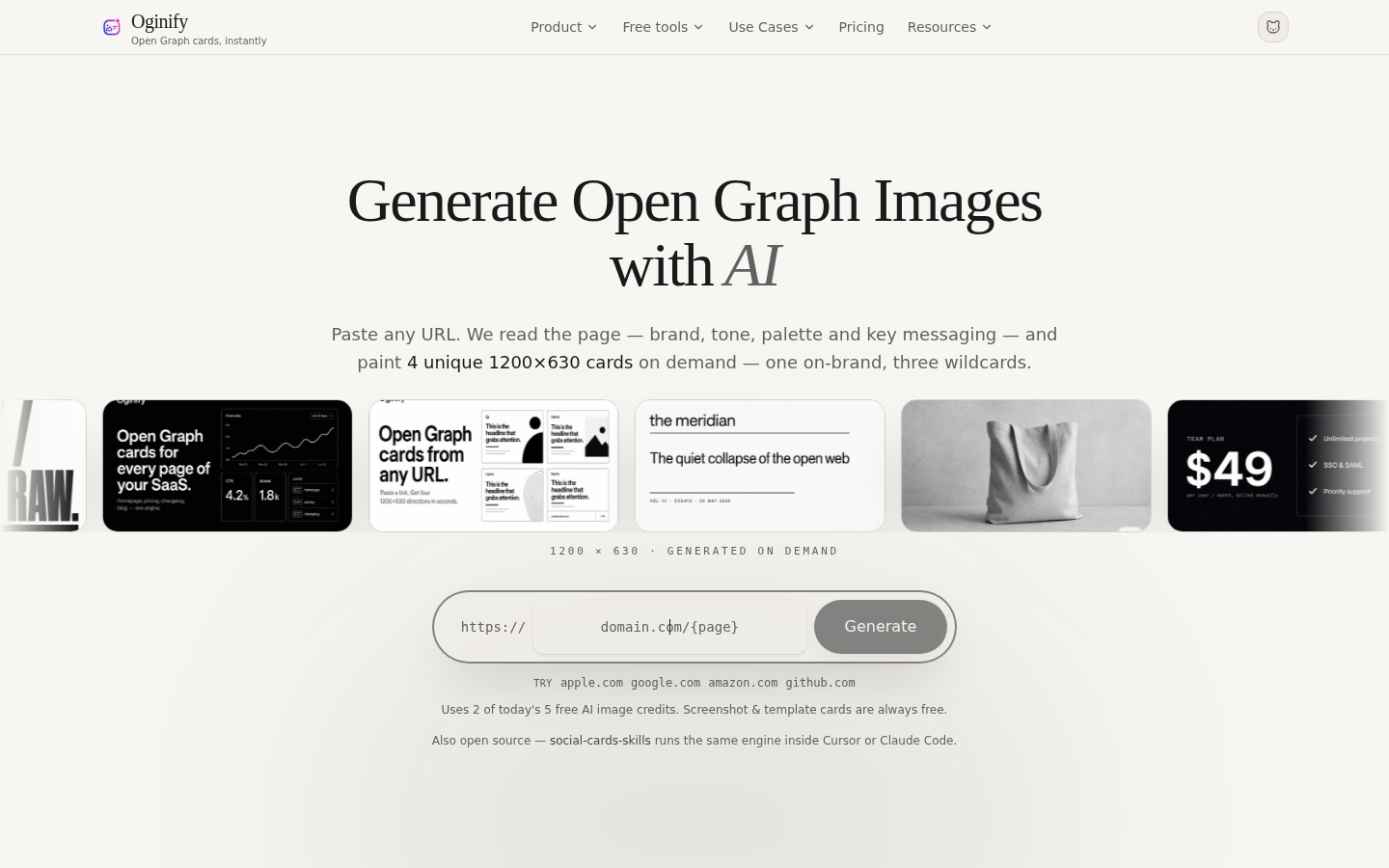
Screenshot archived from the listing page, for preview only.











