
ObjectRemover
AI object remover for video and photosRemove unwanted objects in your browser
Highlights
What you can do with it
- Clean travel videos by removing passers-by so the scenery stands out.
- Tidy event footage by erasing watermarks, logos, and debris for a professional look.
- Remove redundant background elements from product promo videos to highlight the product.
How to use it
- 1 Open the site and upload an MP4 or MOV video, or a JPG, PNG, or WebP image.
- 2 Describe what to remove or keep in natural language, such as remove the passers-by in the background.
- 3 Preview the processed result and download the cleaned file.
Who it is for
Pros
- No desktop software is needed; the whole workflow runs in a browser.
- Handles both video and stills, with transparent-channel subject extraction.
- Offers a free quota so you can try it before buying credits.
Limitations
- The free quota is limited, and heavier use requires a credit-based paid plan.
- Free quota and credit pricing can change, so confirm current terms before relying on them.
- It is built for media you own or have the right to edit; removing watermarks or people from content you do not control can raise legal and ethical issues.
What ObjectRemover is
ObjectRemover is a free online AI tool for cleaning up videos and photos. Rather than applying a simple filter, it uses geometric perception AI to understand the visual structure of a clip or still image, then precisely identifies and removes objects you do not want, such as passers-by, watermarks, timestamps, and debris. It can also extract a subject with a transparent channel, which is useful when you need the main body on its own. The whole process runs in a web browser, so there is no desktop software to install. A free quota is available for trying it, and a credit-based paid plan covers heavier use.
What you can do with it
- Remove people, passers-by, watermarks, timestamps, and debris from video or photos.
- Extract a subject with a transparent channel, including transparent PNG export from stills.
- Pick the target object using natural language instructions to the AI assistant.
- Work with MP4 and MOV video plus JPG, JPEG, PNG, and WebP images.
Who it is for
- Video creators who need to clean up a lot of footage before publishing.
- Photographers who want to remove clutter or cut out subjects from photos.
- Self-media practitioners who handle mixed video and image materials.
What to watch out for
The free quota is limited, and once you pass it you need a credit-based paid plan, so heavy or commercial workflows should budget for that. Free quota and credit pricing can change over time, so confirm the current terms on the site. The tool is meant for media you own or have the right to edit; removing watermarks or erasing people from content you do not control can create legal and ethical problems, and the responsibility sits with you. Results also depend on how clearly you describe the object and how complex the background is, so some clips need a few attempts. Always preview before you download and keep your original files safe.
FAQ
Do I need to install any software?
No. ObjectRemover runs in your browser, so you only upload a file and process it online.
What files does it support?
It supports MP4 and MOV for video and JPG, JPEG, PNG, and WebP for images.
Is it free?
There is a free quota for trying the tool, and a credit-based paid plan for higher usage. Check the site for current limits.
Why it is free
What the official page says: 免费额度免费
Free limits, trial length and features are decided by the official site and can change at any time.
Product preview
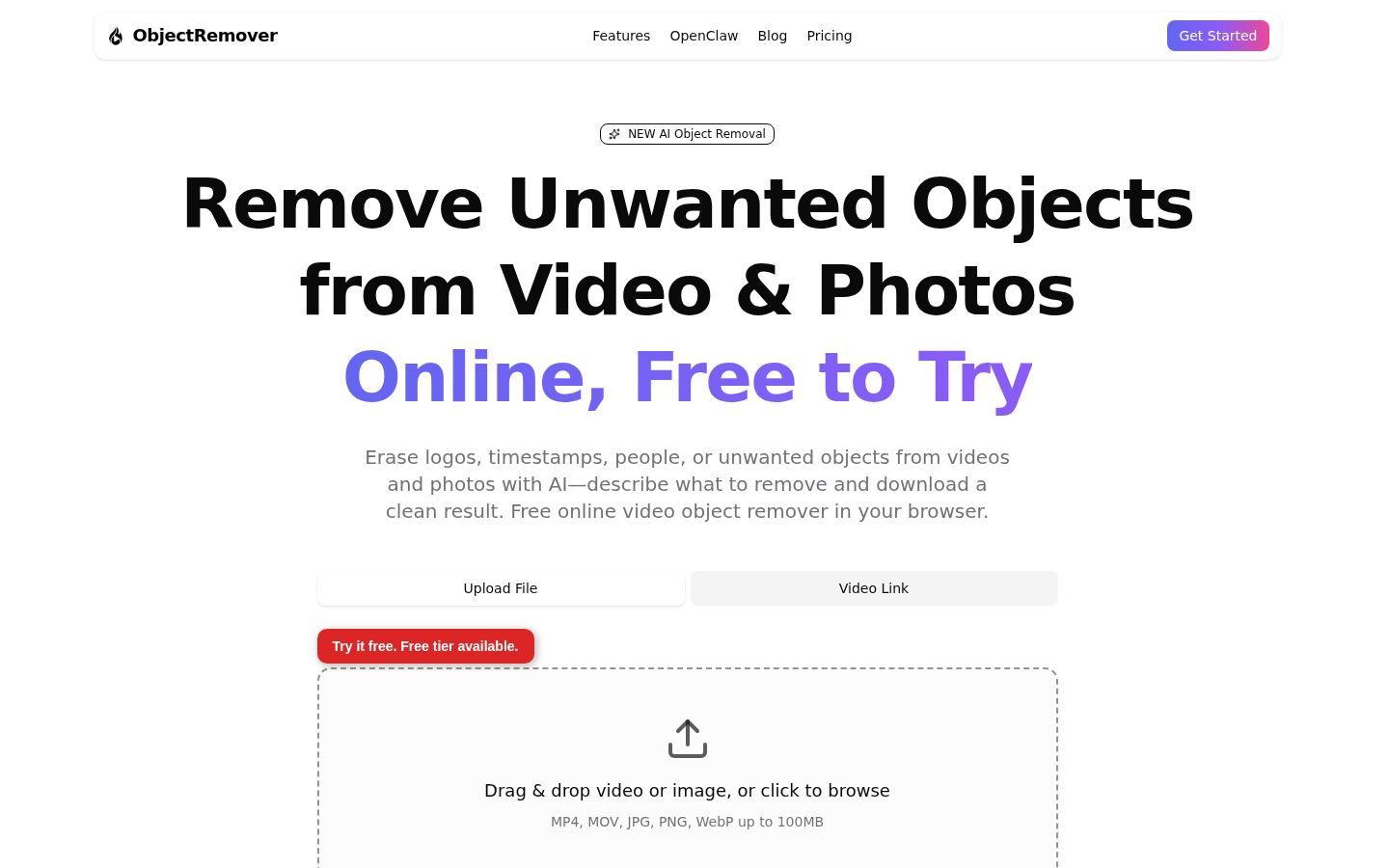
Screenshot archived from the listing page, for preview only.











