
Oakleaf 3D
Online image to STL 3D converterTurn a photo into a printable 3D model
Highlights
What you can do with it
- A beginner turns an anime character image into an STL and prints a figurine.
- An e-commerce seller uploads multi-angle product photos to build 3D display models.
- A teacher converts simple shape images into STL files for a classroom 3D printing lesson.
How to use it
- 1 Drag your PNG or JPG image into the upload area; each image must be under 10MB.
- 2 Select a quality mode such as basic, professional, or flagship, and set the number of images.
- 3 Preview the generated model in the built-in 3D viewer by rotating and zooming.
- 4 Download the optimized STL file for printing.
Who it is for
Pros
- No design experience or software install needed
- Fast conversion with clean, printable output
- Multi-view input improves accuracy on complex shapes
- Free trial with 30 credits on registration
Limitations
- Free credits are limited and paid packs or a subscription are needed for more use
- Each image must stay under 10MB, which limits very large source files
- Complex or unclear photos can produce weaker geometry, so results vary
- Free trial and credit rules can change over time
What Oakleaf 3D is
Oakleaf 3D is an online tool that turns flat images into 3D models. You give it a PNG or JPG and its AI studies the depth, geometry, and proportions of the object, then rebuilds it as a geometric model you can print. The point is to lower the barrier to 3D modeling, so people without design experience can still get a usable STL file. There is nothing to install, and you work in the browser. On registration you receive 30 credits, and after that you can buy credit packs or subscribe as needed. A free trial is offered so you can test quality first.
What you can do with it
- Convert a single photo into an STL model in seconds using AI 3D reconstruction.
- Add up to 8 angles in flagship mode so the AI understands the object's shape better.
- Generate professional meshes with PBR textures and adjust face counts from 50K to 15M.
- Preview the model in real time in the browser, then export a clean, printable STL file.
Who it is for
- Beginners who have never used 3D tools and want the simplest path to a print.
- Makers and hobbyists producing custom figurines, badges, and small parts.
- Designers who need to turn reference images into quick prototypes.
- Educators and students exploring 3D space, and e-commerce sellers building product views.
What to watch out for
Free credits are limited, so ongoing use means buying packs or a subscription, and those terms can change. Each image must stay under 10MB, which rules out very large source files. Complex, blurry, or ambiguous photos can produce weaker geometry, so quality varies with the input. Always preview the model before printing, since AI reconstruction may not capture every detail you expect.
FAQ
What formats can I upload?
You can upload PNG and JPG images, and each image must be under 10MB.
How accurate is the model?
In flagship mode you can add up to 8 angles so the AI understands the shape better.
Is the output ready for 3D printing?
Yes. Each exported STL is optimized to be clean and closed with correct normals.
Is there a free trial?
Yes. You get 30 credits on registration, then can buy credit packs or subscribe.
Why it is free
What the official page says: free trial
Free limits, trial length and features are decided by the official site and can change at any time.
Product preview
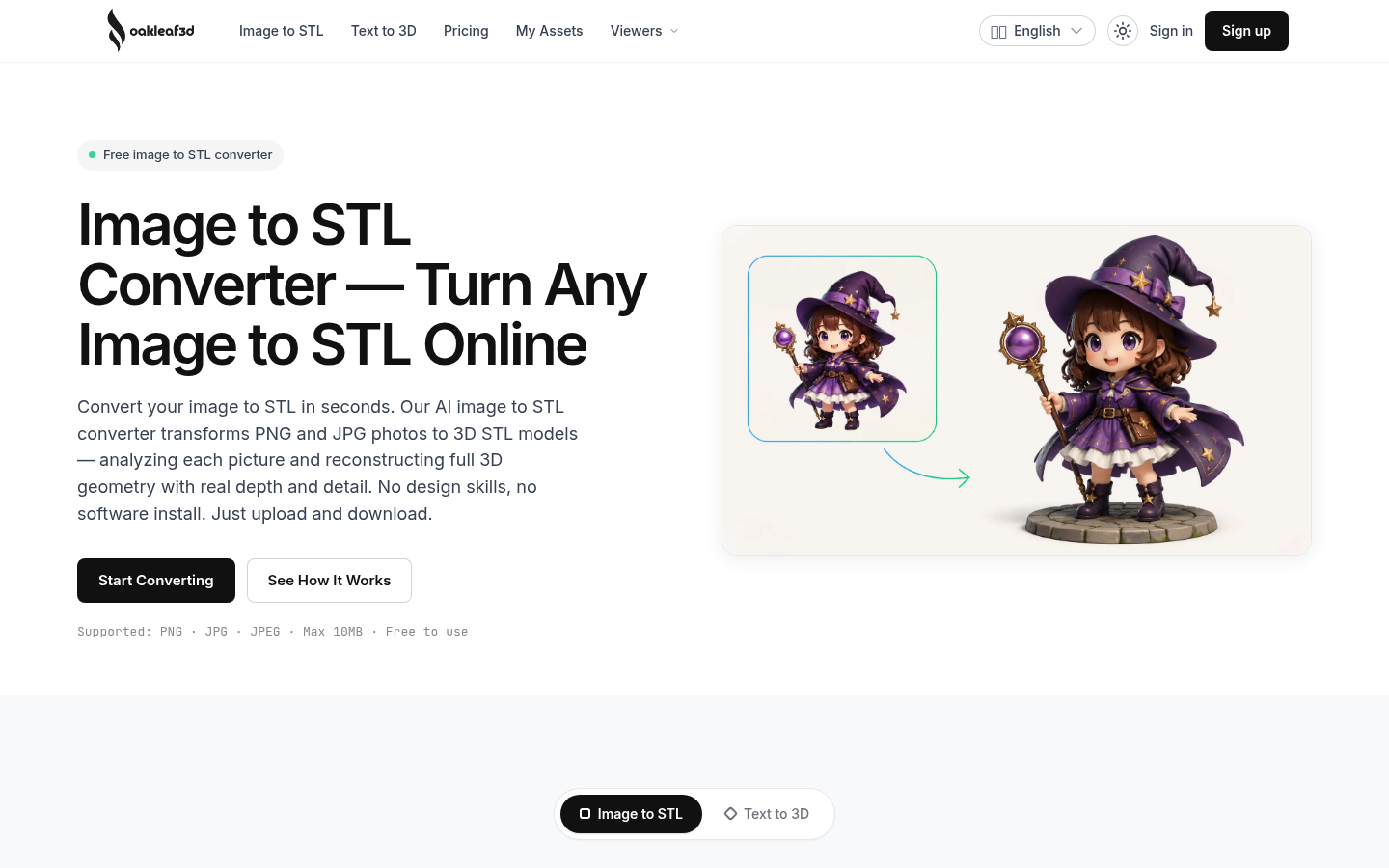
Screenshot archived from the listing page, for preview only.











