
Nuzza AI
One workspace for AI images and videoCreate, edit, and upscale in one place
Highlights
What you can do with it
- A content creator makes images and clips for blog and social posts
- A designer produces quick drafts to show a client
- A marketer builds product promo videos and posters
How to use it
- 1 Open nuzza.ai and sign in if you want to restore credits.
- 2 Choose Create to enter the creation page.
- 3 Pick Image or Video and describe what you want.
- 4 Generate, then edit, enhance, upscale, or remove the background.
- 5 Save or download the finished file.
Who it is for
Pros
- 100 free credits per day to start with
- Generation and editing in the same workspace
- Upscaling helps rescue low-resolution source files
Limitations
- Credits are a daily allowance, so heavy use needs a paid plan
- The site is new, so model lineup and limits may change
- Upscaling improves files but cannot invent missing detail
- Results still need human review before anything goes public
What Nuzza AI is
Nuzza AI is a workspace for creating and editing AI images and video. Instead of jumping between a generator, an upscaler, and a background remover, you do all of it in one place. You describe what you want, generate it, then refine the result by cropping, adjusting color, enhancing quality, enlarging low-resolution files, or stripping the background. The listing says 100 free credits are granted each day and restored by logging in, with an upgrade path for heavier use. Several models sit behind the interface, so you are not locked into one output style.
What you can do with it
- Generate images or video from a text description.
- Crop, recolor, and enhance the generated result.
- Upscale low-resolution files for larger output.
- Remove backgrounds from images and video for compositing.
- Keep everything in one workspace instead of three browser tabs.
Who it is for
- Content creators producing images and clips for blogs and social feeds.
- Designers who need quick visual drafts to communicate an idea.
- Marketers building promotional posters and short product videos.
What to watch out for
The daily credit allowance is a trial budget, not unlimited access. Anything approaching regular production volume will need a paid plan, and the listing does not detail what those cost, so check before you build a workflow around it. The platform is also new, which means the model lineup, credit rules, and feature set can change with little notice. Upscaling is useful but not magic; it cannot recover detail that was never captured, and aggressive enlargement can introduce artifacts. As with any generative tool, review output carefully before it goes anywhere public, especially hands, text, and brand marks, which are the usual failure points.
FAQ
Is Nuzza AI free?
The listing says 100 free credits are granted per day, restored by logging in, with an upgrade option for more.
Can I edit the results?
Yes. Cropping, color adjustment, quality enhancement, upscaling, and background removal are all listed.
Who is it for?
Content creators, designers, marketers, and students who need visual assets without switching tools.
Why it is free
What the official page says: free credits
Free limits, trial length and features are decided by the official site and can change at any time.
Product preview
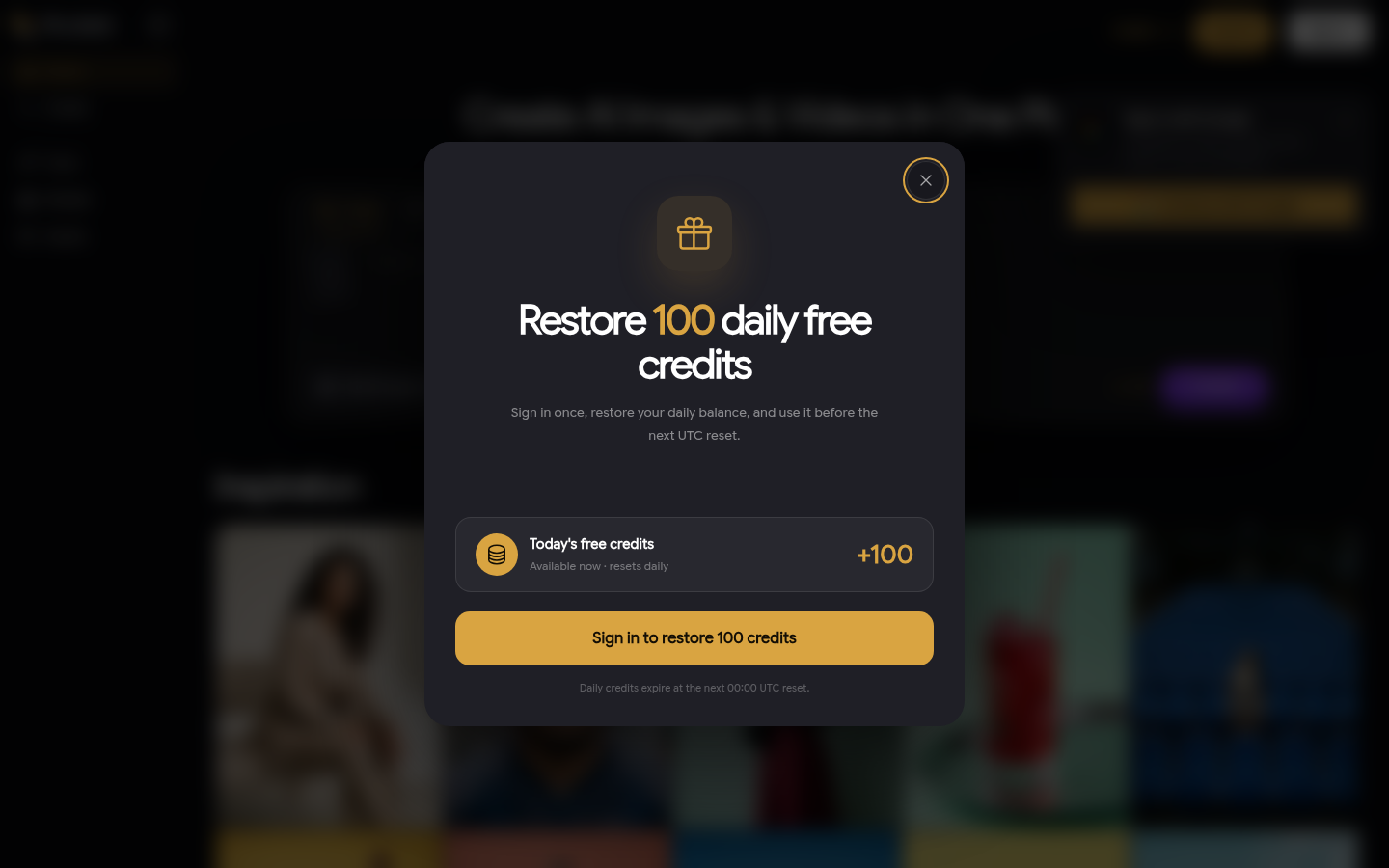
Screenshot archived from the listing page, for preview only.











