NovaMSS
AI music track separatorSplit songs into stems in one click
Highlights
What you can do with it
- Extract a rhythm or stem from a song for remixing
- Separate vocals and instruments from a soundtrack for editing
- Pull an instrumental or karaoke track for practice or fun
How to use it
- 1 Visit NovaMSS and upload the audio files to process
- 2 Select an algorithm model, set the output format, and enable GPU if available
- 3 Click process and wait for the separation to finish
- 4 Check the result in the built-in audio player
- 5 Download the separated tracks or edit them further
Who it is for
Pros
- Community version is free forever with one-click processing
- Batch upload and GPU acceleration speed up big jobs
- Built-in player lets you review separation right away
Limitations
- Separating commercial songs can raise copyright questions
- The free community tier lacks pro models and top output formats
- Separation quality varies with the source and model chosen
What NovaMSS is
NovaMSS is an AI music source separation tool that extracts instrumental tracks, vocals, bass, drums, and more in one click. It is fine-tuned on top-tier models and trained on thousands of songs to separate tracks efficiently and with quality. It supports several audio formats, including MP3, FLAC, WAVE, and AIFF, and it allows batch upload and processing so you can handle many files at once. It also includes GPU acceleration and a built-in audio player so you can review the separation right away. The community version is free forever, while the professional version adds more advanced models and higher-quality output formats for users who need them.
What you can do with it
- Extract vocals, instruments, bass, and drums from a song
- Process many files at once with batch upload
- Switch algorithm models to tune the separation result
- Review and download separated tracks with the built-in player
Who it is for
- Music producers and DJs who need clean stems for remixes
- Audio editors doing post-production on film or game soundtracks
- Music fans, teachers, and students isolating parts of a song
What to watch out for
Separating commercial songs can raise copyright questions depending on how you use the result, so be careful about publishing or selling separated tracks without checking the rights. The free community version lacks the advanced models and top output formats that the paid professional version offers, so heavy professional work may need an upgrade. Separation quality also varies with the source recording and the model you pick, so expect to test different settings to get a clean split. For best results, start with a small test file and review the output carefully before working on anything important.
FAQ
Is NovaMSS free?
The community version is free forever. The professional version adds advanced models and higher-quality output formats for a fee.
What can I separate?
You can extract instrumental tracks, vocals, bass, drums, and more from a song.
Which formats does it support?
It supports several formats including MP3, FLAC, WAVE, and AIFF, and the pro version can output high-quality WAV and FLAC.
Is it okay to publish separated commercial songs?
Be careful. Separating and publishing commercial tracks can raise copyright issues, so check the rights before you share or sell.
Why it is free
What the official page says: free forever
Free limits, trial length and features are decided by the official site and can change at any time.
Product preview
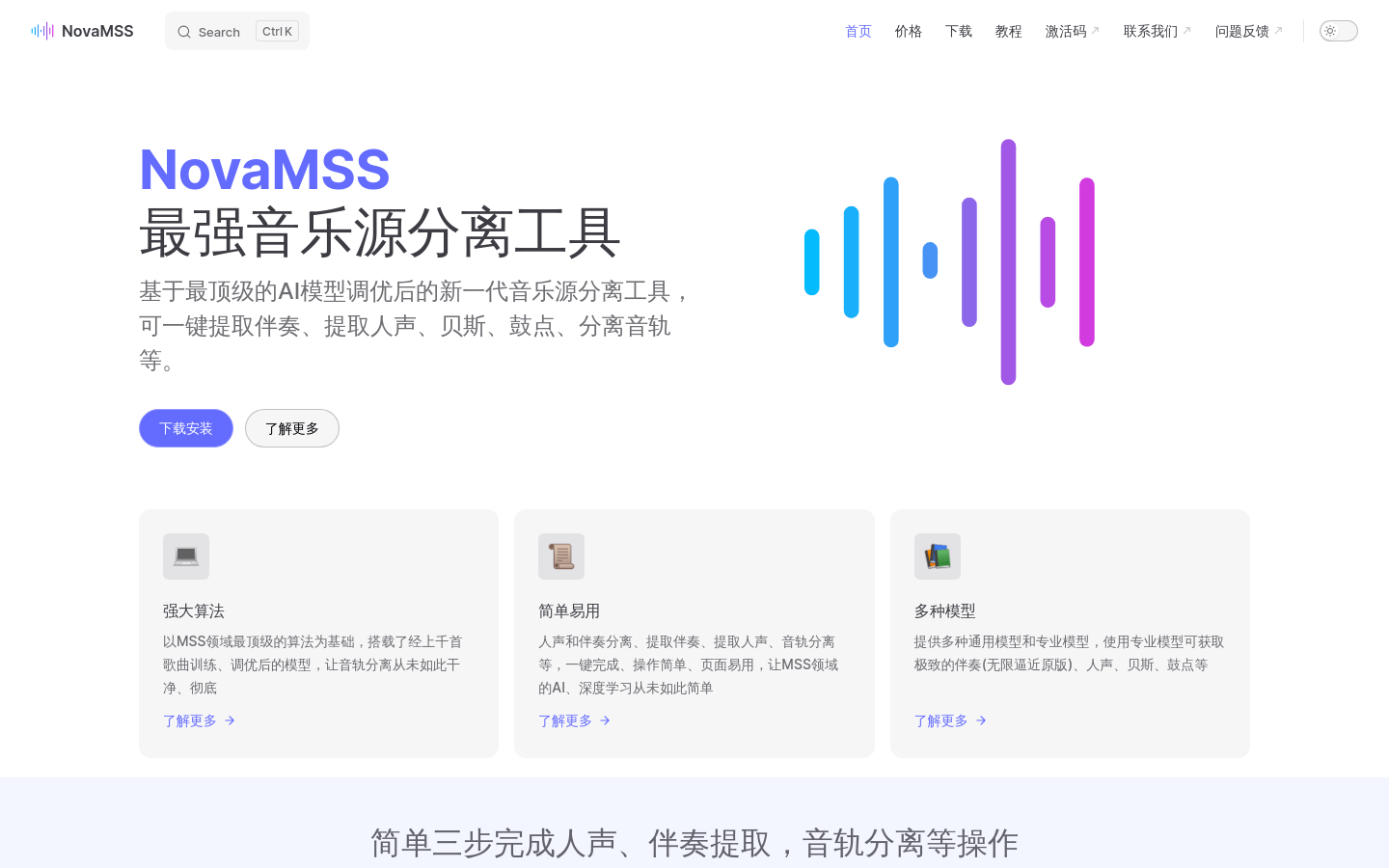
Screenshot archived from the listing page, for preview only.










