NovaImage AI
AI image and video generator with editingGenerate, edit, and restore in one place
Highlights
What you can do with it
- A designer produces high-quality posters with controlled text and image layout
- A social media creator makes makeup try-on clips that draw followers
- A historical researcher restores faded photos for research material
- An e-commerce seller builds product images and promo videos
How to use it
- 1 Visit the site and register to get a free quota, or log in if you already have an account
- 2 Choose a module such as image generation, video creation, or image editing
- 3 Enter a text prompt or upload reference images, then set aspect ratio and resolution
- 4 Click generate and wait, since the process can take one to three minutes
- 5 View, download, or edit the result, and run further processing if needed
Who it is for
Pros
- New users get a free quota to test before paying
- One place covers generation, editing, video, and restoration
- Upscaling to 8K gives room for print and large displays
Limitations
- The free quota is limited, and upgrades such as Nano Banana Pro are paid
- Generation takes one to three minutes, so batches need planning
- Output quality swings with the prompt, so expect iteration
- The product was renamed from Nano Banana Co, so old links and notes may confuse
What NovaImage AI is
NovaImage AI, formerly known as Nano Banana Co, is an online platform for generating and editing images and video. It runs on Google's Gemini Flash Image model and bundles several tools behind one interface. You can generate images from a text prompt or a reference image using models such as Nano Banana 2, create video clips with Seedance 2.0, edit up to 10 images at a time, upscale results as far as 8K, restore faded old photos, try makeup virtually, and composite people, objects, and backgrounds into one scene with light and shadow handled automatically. Multi-language text and 4K output are listed. New users get a free quota, with paid plans such as Nano Banana Pro above it.
What you can do with it
- Generate images from a written prompt or a reference photo.
- Create short cinematic video clips from a text description.
- Edit colour, repair defects, and add text across up to 10 images.
- Upscale results to 8K for print or large displays.
- Restore old photos and try makeup looks on your own pictures.
- Composite elements into a seamless scene.
Who it is for
- Designers, illustrators, and photographers who need quality assets fast.
- Social media creators producing visual posts and clips.
- E-commerce sellers building product images and promo video.
- Educators assembling images and video for teaching material.
What to watch out for
The free quota is a starting point rather than an unlimited plan, and the stronger options such as Nano Banana Pro are paid, so check current pricing before you plan a big batch. Generation takes one to three minutes and the page should stay open, which matters when you are running many images. Output quality swings with the prompt, so expect to iterate rather than get it right first time. The product changed its name from Nano Banana Co, so older links, bookmarks, and notes may point at the wrong place. Any generated image of a real person should be handled carefully, and using someone's likeness without permission can cause real problems.
FAQ
What can it generate?
Images from text or reference images, videos from descriptions, and edits to existing images, plus restoration and makeup try-on.
How long does a generation take?
The source says one to three minutes, and you should keep the page open while it runs.
Is there a free option?
New users can register to get a free quota. Paid upgrades, including the Nano Banana Pro plan, sit on top of that.
What resolution can I get?
The listing mentions 4K output and super-resolution up to 8K, depending on the feature used.
Why it is free
What the official page says: free trial
Free limits, trial length and features are decided by the official site and can change at any time.
Product preview
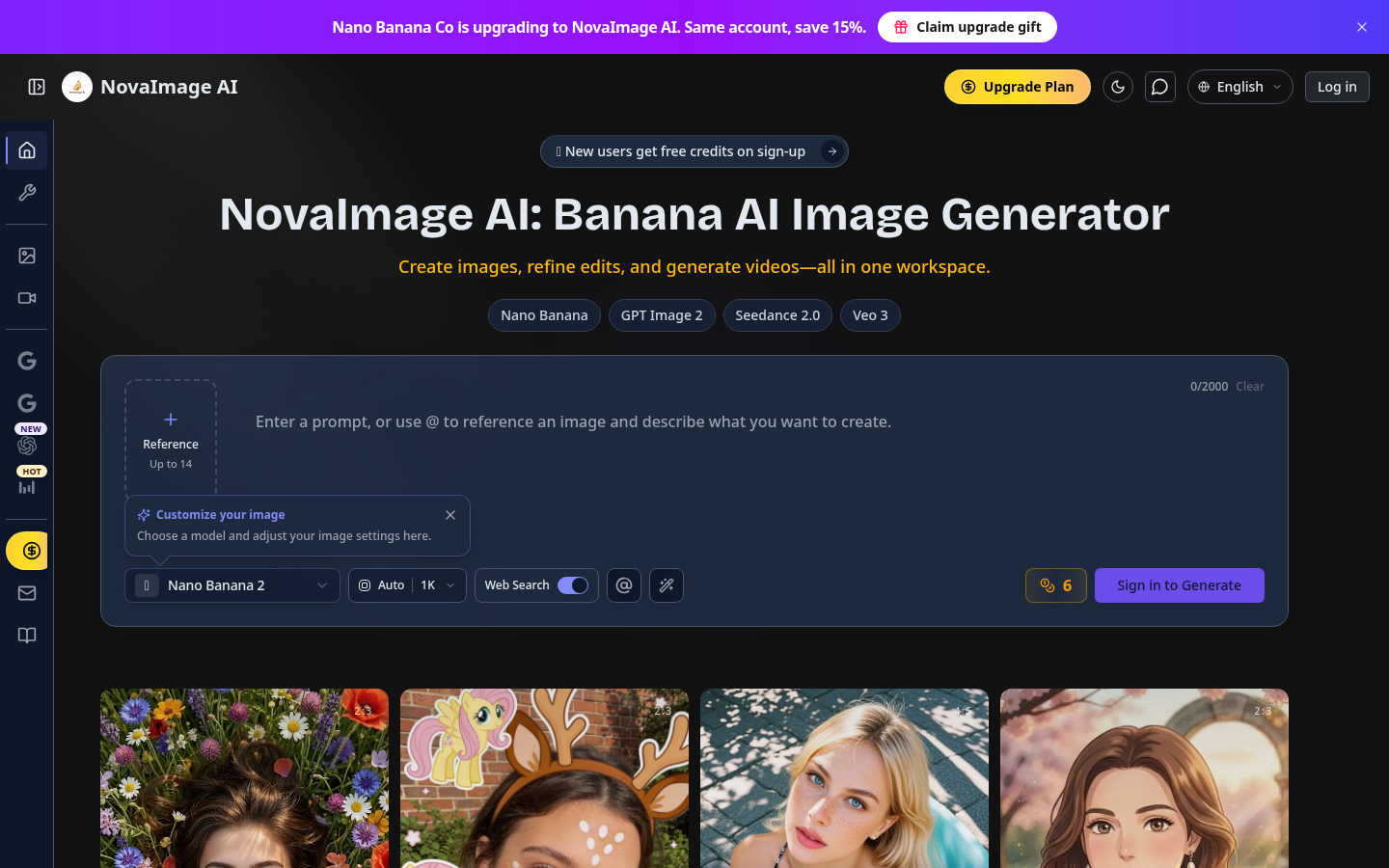
Screenshot archived from the listing page, for preview only.











