NovaFlick AI
Free AI photo editorEdit and generate images online for free
Highlights
What you can do with it
- Turning everyday selfies into studio style portraits for social media
- Previewing clothes on your own photo before buying them
- Cleaning up blurry or cluttered family photos in a couple of clicks
How to use it
- 1 Go to novaflick.ai in your browser
- 2 Pick the function you need, such as AI portrait or virtual fitting
- 3 Upload the photos the tool asks for
- 4 Choose a style or background and let the AI process the image
- 5 Preview the result and download it
Who it is for
Pros
- Free to use, and no credit card is needed to start
- No editing skills required, everything runs in the browser
- Covers portraits, fitting, retouching and compositing in one place
Limitations
- Free usage rules may change over time
- You upload personal photos to an online service, so read the privacy terms
- Complex scenes can need several attempts before the result looks right
What NovaFlick AI is
NovaFlick AI is a free online tool that mixes AI photo editing, image generation and design work in one page. It is aimed at people who want a polished image but have no design training and no budget for a studio. The pitch is simple: upload a photo, pick what you want changed, and let the model do the work. According to the site, you can start without a credit card, and the product is positioned for busy parents, fashion enthusiasts, social media creators, students and part time stylists who cannot pay professional editing fees. Everything happens in the browser, so there is no software to install and no learning curve beyond clicking through a few options.
What you can do with it
- Turn ordinary selfies into studio quality portraits for Instagram or family albums.
- Preview an outfit on your own photo before you buy it, so you avoid ill fitting purchases.
- Repair blurry photos, erase cluttered backgrounds and remove spots with one click editing.
- Apply a style such as vintage or bohemian, swap a background, or add a missing person to a group shot.
Who it is for
- Busy parents who want decent family photos without booking a session.
- Fashion followers who want to test looks before spending money.
- Social media creators who need a constant supply of clean visuals.
What to watch out for
You are uploading personal photographs to a third party service, so read the privacy policy before you put anything sensitive through it. Free access rules can change, and there is no promise that a free tier stays free forever. AI editing performs well on clear, well lit photos, and busy scenes often need a few tries before the output looks natural, so build some retry time into your workflow.
FAQ
Is NovaFlick AI free?
Yes, the tool is described as free and you can try it without a credit card.
Do I need design skills?
No. The one click editing and style functions are built for people with no editing experience.
What can I make with it?
Studio style portraits, virtual outfit previews, style transfers, background swaps, group photo cleanups and composite images.
Why it is free
What the official page says: for free
Free limits, trial length and features are decided by the official site and can change at any time.
Product preview
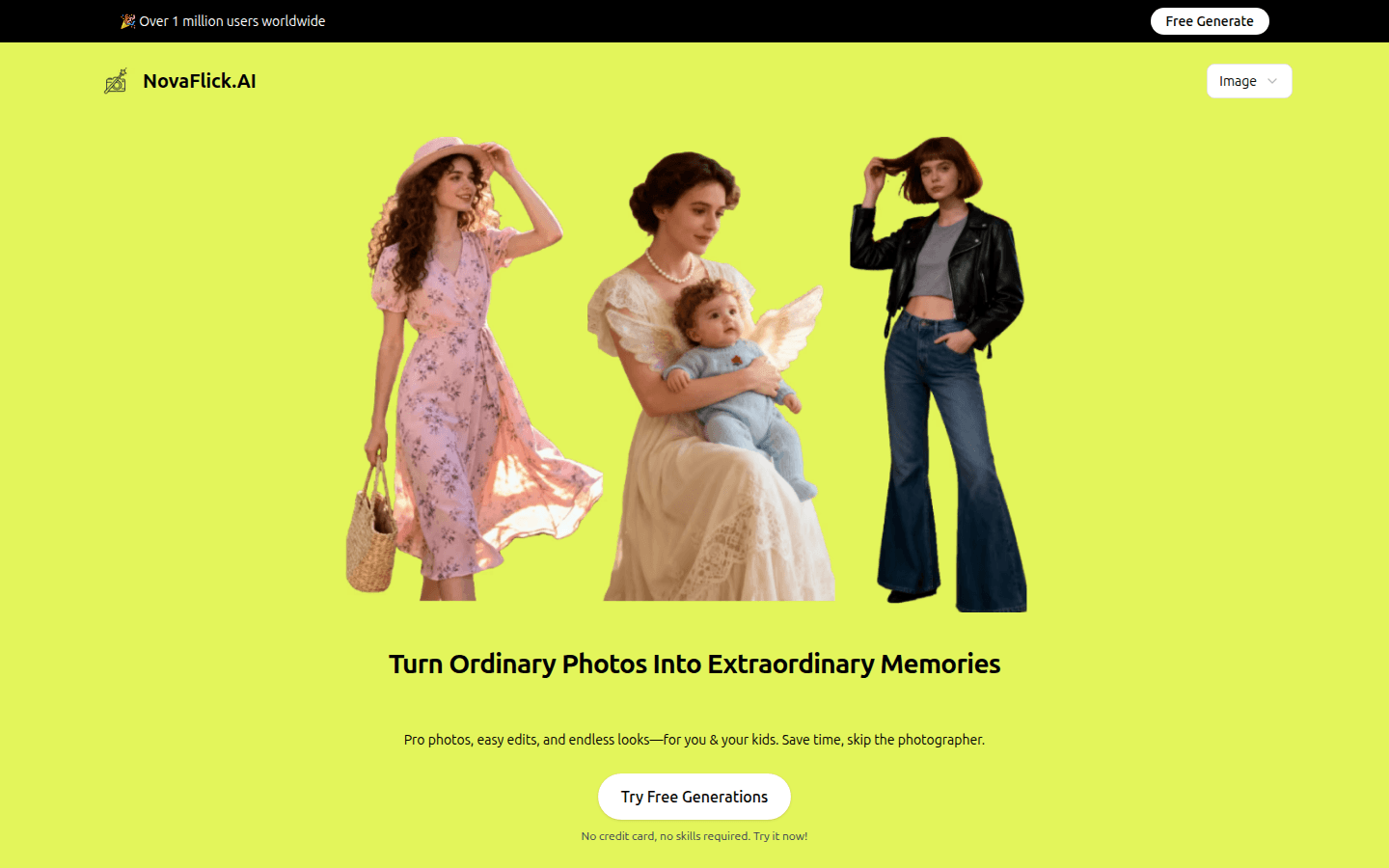
Screenshot archived from the listing page, for preview only.











