
NotionFlashcard
Notion flashcards with spaced repetitionTurn Notion notes into long term memory
Highlights
What you can do with it
- Students revising for exams with a structured review system
- Teachers building interactive learning material for a class
- Professionals learning a language or a new skill through spaced repetition
How to use it
- 1 Log into your Notion account on the NotionFlashcard site
- 2 Select or create a Notion page for your study notes
- 3 Create flashcards directly inside your notes
- 4 Review them through the interactive learning system
- 5 Track progress with statistics and set daily tasks to stay motivated
Who it is for
Pros
- Works inside Notion, so notes stay in one place
- Free templates are available to start
- Statistics and streaks support habit building
- Daily tasks keep review sessions short and regular
Limitations
- The strongest features sit behind a paid subscription
- It depends on Notion, so you need to use that workspace
- Scheduling quality depends on honest review input
- Reviewing inside Notion can be slower than a dedicated app
What NotionFlashcard is
NotionFlashcard is an integrated online learning tool that lives inside Notion. Its premise is that most people already keep notes in Notion, so the review step should happen there too rather than in a separate flashcard app that duplicates your material. You turn notes into flashcards as you learn, and the tool handles the scheduling that makes review effective.
The method behind it is spaced repetition combined with active recall, which is the well established approach of reviewing material at increasing intervals and forcing yourself to retrieve the answer rather than reread it. The tool adds structure to keep that habit alive: daily tasks, learning continuity and reward systems, detailed statistics on success rates and review counts, and memory games that turn a study session into something more game like. The developer is named in the listing as Luca Landriscina, who previously built Crammate, an AI driven flashcard generator. Free templates are offered, and a subscription unlocks unlimited sets, intelligent spaced repetition, progress tracking, and analytics.
What you can do with it
- Create flashcards directly inside your Notion notes
- Review them with spaced repetition and active recall
- Track success rates and review counts with statistics
- Set daily tasks and keep a learning streak
- Reinforce retention with memory games
- Start from free templates before subscribing
Who it is for
- Students revising for exams with a structured system
- Teachers building interactive material for a class
- Professionals learning a language or a new skill
- Notion users who want review habits in one workspace
- Anyone whose notes are already in Notion and unused
What to watch out for
The strongest features, including unlimited sets, intelligent scheduling, and analytics, sit behind a subscription, so the free templates are a starting point rather than the whole product. Because it runs inside Notion, you need to be comfortable working in that workspace, and reviewing there can feel slower than a purpose built flashcard app. Spaced repetition is only as good as your honesty: if you mark a card as easy when it was not, the schedule drifts and the benefit fades. Finally, it is a study aid, not a teacher, so it will not explain material you do not understand in the first place.
FAQ
What is NotionFlashcard?
It is a learning tool inside Notion that converts notes into flashcards and reviews them with spaced repetition and active recall.
Do I have to change how I take notes?
No. The listing says you create, review, and track progress directly on the Notion platform without altering your note habits.
What does the paid version add?
Unlimited flashcard sets, intelligent spaced repetition, progress tracking, and analytics, according to the listing.
Is there a free option?
Free templates are offered, alongside a subscription service for the fuller feature set.
Why it is free
What the official page says: 免费
Free limits, trial length and features are decided by the official site and can change at any time.
Product preview
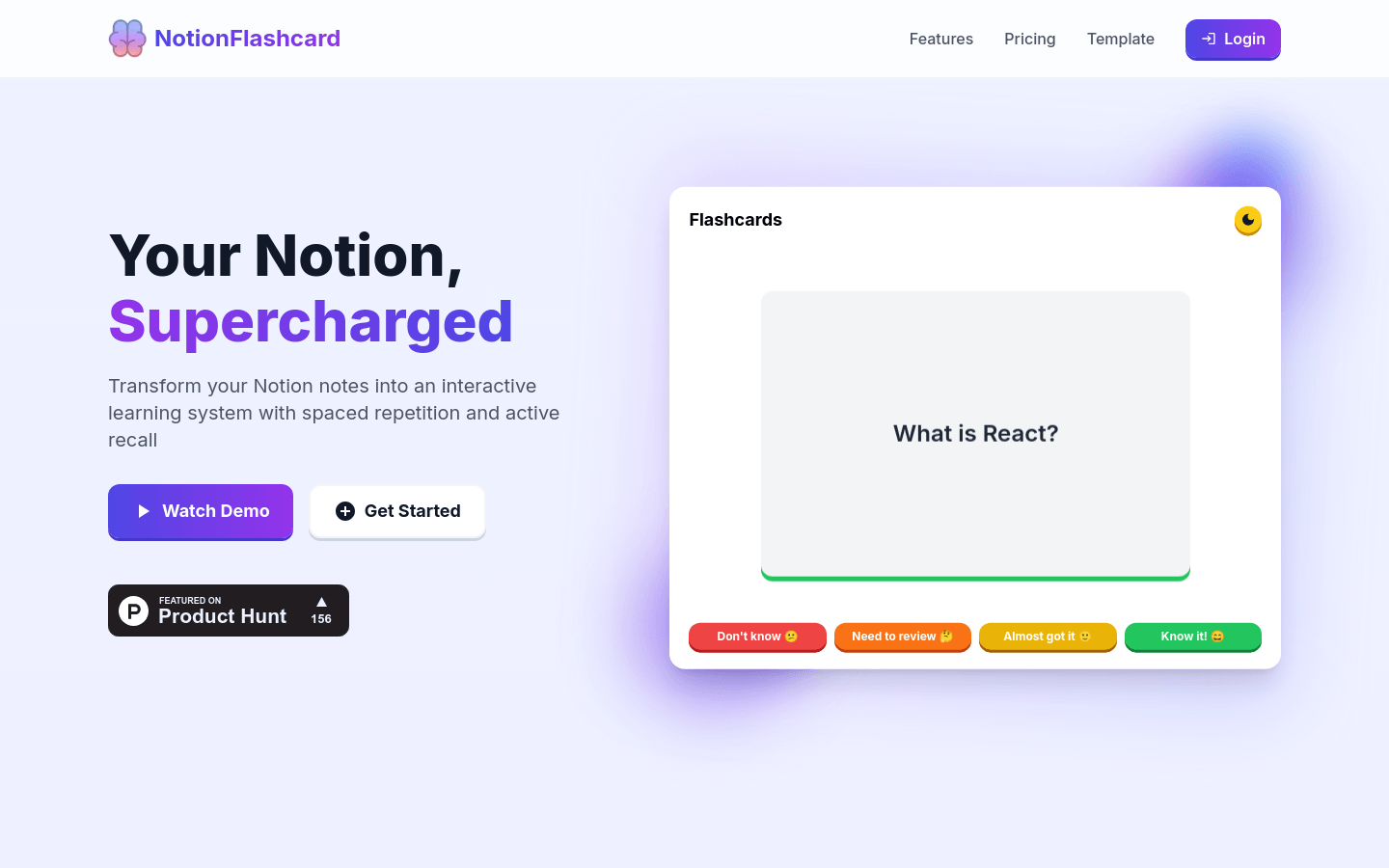
Screenshot archived from the listing page, for preview only.











