NotchLive
Local-first captions and dictation for MacPrivate real-time captions without meeting bots
Highlights
What you can do with it
- Run captions in Zoom, Google Meet, or Teams calls while tracking speakers
- Follow lectures, courses, and podcasts with live text on screen
- Bridge cross-language meetings with real-time translation
How to use it
- 1 Download NotchLive from the official site and install it on a Mac
- 2 Launch the app and let it download the initial AI model and translation packs
- 3 Choose the audio source, either system audio or the microphone
- 4 Adjust the caption display mode, such as notch, focus, or timeline
- 5 Interact with captions during the session, then manage speakers and generate a report
Who it is for
Pros
- Local processing keeps audio off the cloud
- Works across common meeting apps and media players
- Free version gives you the core caption experience
Limitations
- Mac only, so Windows and Linux users are out of scope
- Initial model and language pack downloads take time and disk space
- Speaker attribution is limited to supported Apple Silicon Macs
- Translation relies on Codex or Claude, so quality varies by language pair
What NotchLive is
NotchLive is a desktop client built specifically for Mac that provides real-time captions, dictation, reviewable meeting notes, and voice translation. It is positioned as a local-first workspace: speech recognition runs on-device with Whisper models, and audio is not processed in the cloud. Captions can sit in the MacBook notch or appear as a pinned overlay on other Macs, with focus and timeline modes for different working styles. There is a free version for basic use, and a Pro version is listed at $24.99 for people who need more.
What you can do with it
- Get live captions in Zoom, Google Meet, Teams, videos, podcasts, and lectures.
- Switch caption display between the notch, a centered overlay, focus mode, and a real-time timeline.
- Scroll, search, copy, and export caption text during or after a session.
- Rename, merge, and reassign speaker labels through the participant review feature on supported Apple Silicon Macs.
- Translate speech into 20 languages for cross-language calls, and generate meeting reports from reviewed transcripts.
Who it is for
- People with hearing impairments who need reliable live text in meetings and media.
- Meeting participants who want a searchable record instead of handwritten notes.
- Cross-language teams that need translation during calls and events.
- Video and podcast creators who want a text version of their audio.
What to watch out for
The app is Mac only, and the first run downloads AI models and translation language packs, so setup takes time and disk space. Local speaker attribution is limited to supported Apple Silicon Macs, and translation depends on Codex or Claude, which means quality can vary by language pair and by how clearly people speak. Recognition accuracy also drops with heavy accents, crosstalk, or poor microphones. Because the free version covers the basics, check what Pro adds before assuming every feature is included.
FAQ
Which systems are supported?
NotchLive is a desktop client built specifically for Mac.
Is my audio sent to the cloud?
The app uses local Whisper recognition and states that audio is not stored on the server unless you choose to share it.
How many languages can it translate?
Voice translation supports 20 languages through parallel translation via Codex or Claude.
What does Pro cost?
A Pro version is listed at $24.99 alongside the free version.
Why it is free
What the official page says: free version
Free limits, trial length and features are decided by the official site and can change at any time.
Product preview
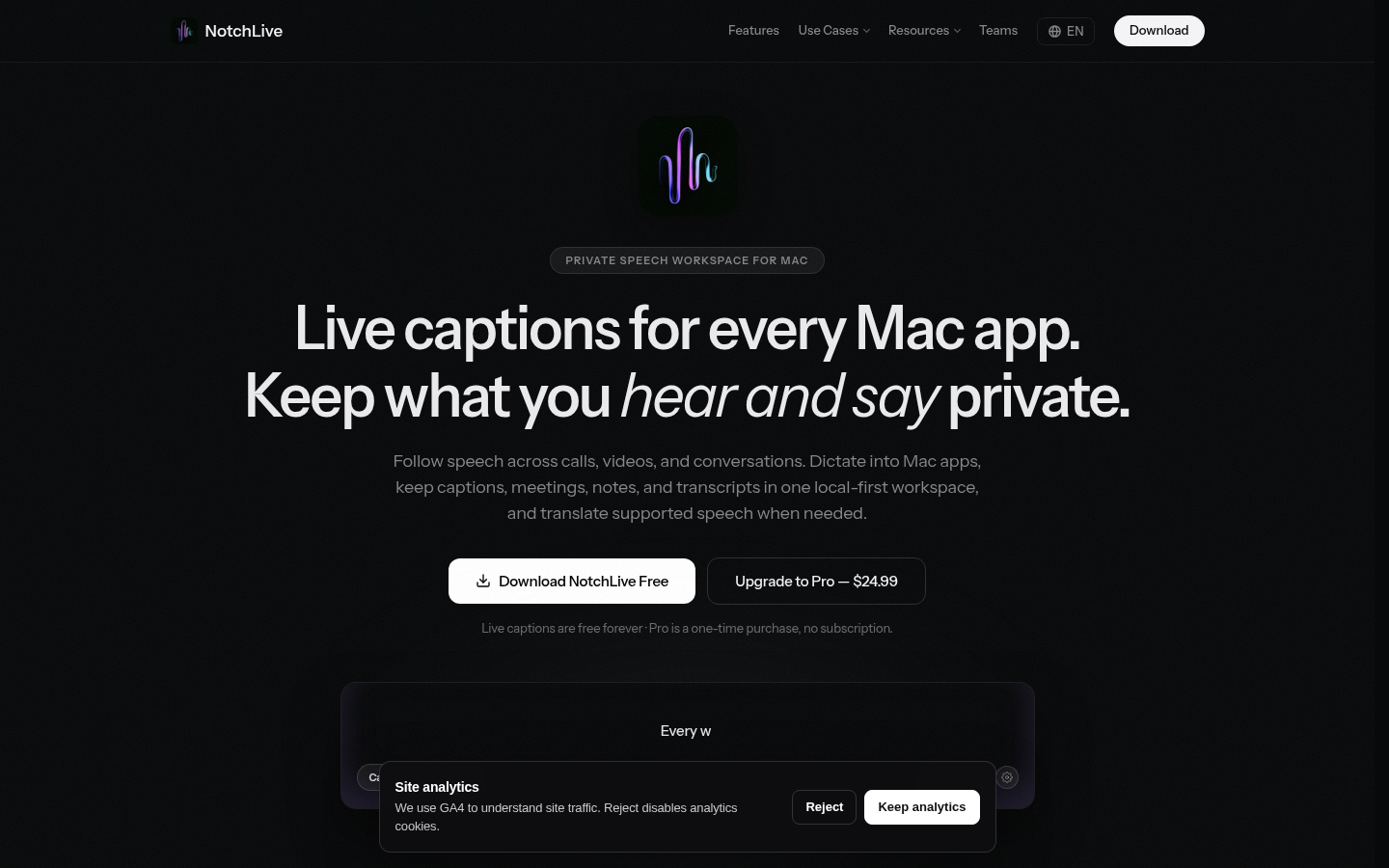
Screenshot archived from the listing page, for preview only.











