
NotchIA
Mac notch turned into a control centerYour groove, now useful
Highlights
What you can do with it
- Watch coding agent sessions and quotas while you work
- Control music with synchronized lyrics from the notch
- Manage calendar events and reminders without opening apps
How to use it
- 1 Download NotchIA for macOS 15 or later from notch.app
- 2 Install, then personalize accent color and notch shape
- 3 Connect media sources such as Apple Music or Spotify
- 4 Import RSS and Atom feeds and set the topics you follow
- 5 Enable AI session monitoring for your coding tools
Who it is for
Pros
- Basic version is free for life
- Local processing with no telemetry protects privacy
- Many tools consolidated into one small surface
Limitations
- macOS only and requires macOS 15 or later
- Local AI features depend on Apple Intelligence availability
- Some modules require the paid Pro version
What NotchIA is
NotchIA is a macOS application that converts the MacBook notch, or the menu bar on Macs without a physical notch, into an interactive control center. It ships 14 native modules that cover multi-source media playback for Apple Music, Spotify, and YouTube Music, a scrollable calendar with reminders, local AI summaries of RSS and Atom feeds powered by Apple Intelligence, real-time detection of AI sessions in Claude Code, ChatGPT, Codex, and GitHub Copilot with quota display, clipboard history, focus mode, a system HUD, and file conversion. Everything runs locally with no telemetry, which the developer positions as a privacy advantage. The basic version is free for life, and Pro costs €2.99 per month or €24.99 as a lifetime purchase.
What you can do with it
- Control music across Apple Music, Spotify, and YouTube Music
- View calendar events and reminders from the notch
- Summarize subscribed feeds locally with Apple Intelligence
- Monitor AI coding sessions, permission prompts, and quotas
- Customize accent colors, icons, and notch shape
Who it is for
- Developers working inside AI coding tools
- Music enthusiasts who want playback at a glance
- Business professionals managing meetings and tasks
- Information collectors following many feeds
What to watch out for
The app is macOS-only and requires macOS 15 or later, so older machines are out of luck. Local AI summaries depend on Apple Intelligence features, which limits what runs on unsupported hardware. Several modules are Pro-only, so the free version is a subset of the full pitch. Customizing the notch and modules takes initial setup time, and pricing or module availability may change with future versions. When quality matters, export a small draft first to confirm the result before producing the final file.
FAQ
Which Macs are supported?
Apple Silicon and Intel Macs running macOS 15 or later.
Is data processed locally?
Yes. The app runs entirely locally with no telemetry.
What does the free version include?
The basic version is free for life, and Pro is €2.99 per month or €24.99 as a one-time lifetime purchase.
Which media services work?
Apple Music, Spotify, and YouTube Music, controlled through macOS Now Playing.
Why it is free
What the official page says: freemium
Free limits, trial length and features are decided by the official site and can change at any time.
Product preview
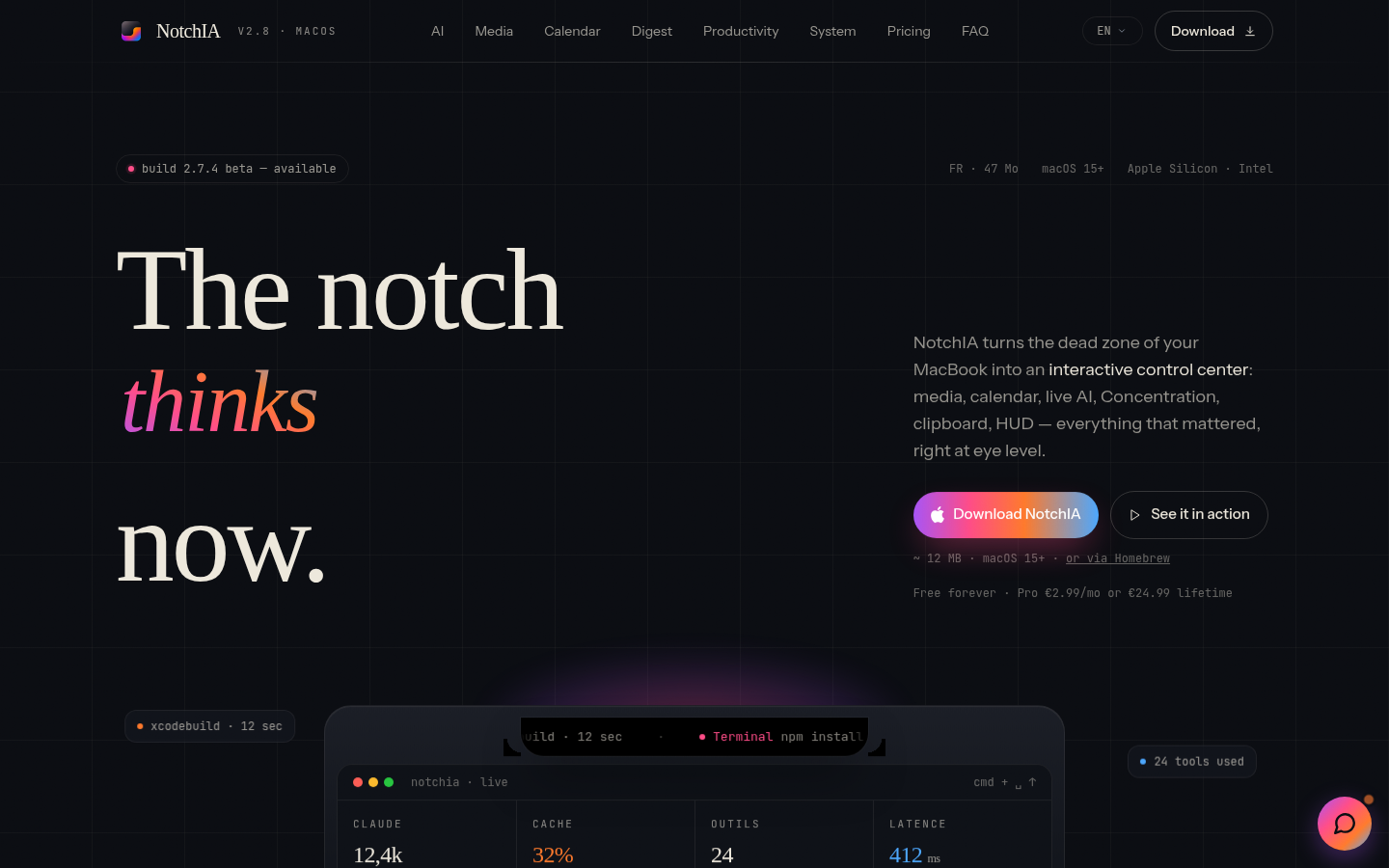
Screenshot archived from the listing page, for preview only.











