
NolanAI
AI-powered screenplay writing and editing softwareWrite and format screenplays with AI help
Highlights
What you can do with it
- Write a thriller movie screenplay
- Co-create a comedy TV series
- Customize character accents for a unique feel
How to use it
- 1 Open NolanAI in your browser
- 2 Start a new screenplay project
- 3 Write your scenes and let the tool auto-format them
- 4 Use character and scene breakdown to review structure
- 5 Share with collaborators and track revisions
Who it is for
Pros
- Automatic formatting saves manual work
- Free to use, with premium options
- Collaboration and revision tools included
Limitations
- Advanced features sit behind the premium version
- The site may redirect, so check you are on the current domain
- AI suggestions still need a human pass for story and dialogue
What NolanAI is
NolanAI is an AI-powered screenplay writing software. It gives you a user-friendly interface and advanced formatting options, and it adds helpful features such as character and scene breakdown, revision tracking, and collaboration tools. The editing side automatically formats your text into proper screenplay format while you write, so you can focus on story and dialogue. You can also customize character accents to give your script a unique voice. The software is free to use, with premium versions available for people who need more room and tools.
What you can do with it
- Write and auto-format a screenplay as you type
- Break down characters and scenes to review structure
- Track revisions and collaborate with other writers
- Customize character accents for a distinct feel
Who it is for
- Screenwriters working on film or TV scripts
- Writing teams that need collaboration and revision history
- New writers who want formatting handled for them
What to watch out for
The free tier covers the core writing tools, but more advanced features sit behind the premium version, and pricing can change. The product link may redirect, so make sure you land on the current official domain before you start a long project. AI formatting and suggestions are a helper, not a replacement for craft, so plan to review story, dialogue, and structure yourself. Because your scripts live in the app, keep local backups of anything important. Generated suggestions are for reference only, so verify anything that affects professional judgment or important data. Start with a small sample to confirm the output meets your expectations before processing the full batch. Save a backup of the original file before large batch jobs, and keep an exported copy of key results in case the page or service becomes temporarily unavailable.
FAQ
Is NolanAI free?
The software is free to use, and premium versions are available for extra features.
Does it format screenplays automatically?
Yes. It formats your text into screenplay format as you write.
Can I work with a team?
Yes. It includes collaboration tools and revision tracking.
Why it is free
What the official page says: free to use
Free limits, trial length and features are decided by the official site and can change at any time.
Product preview
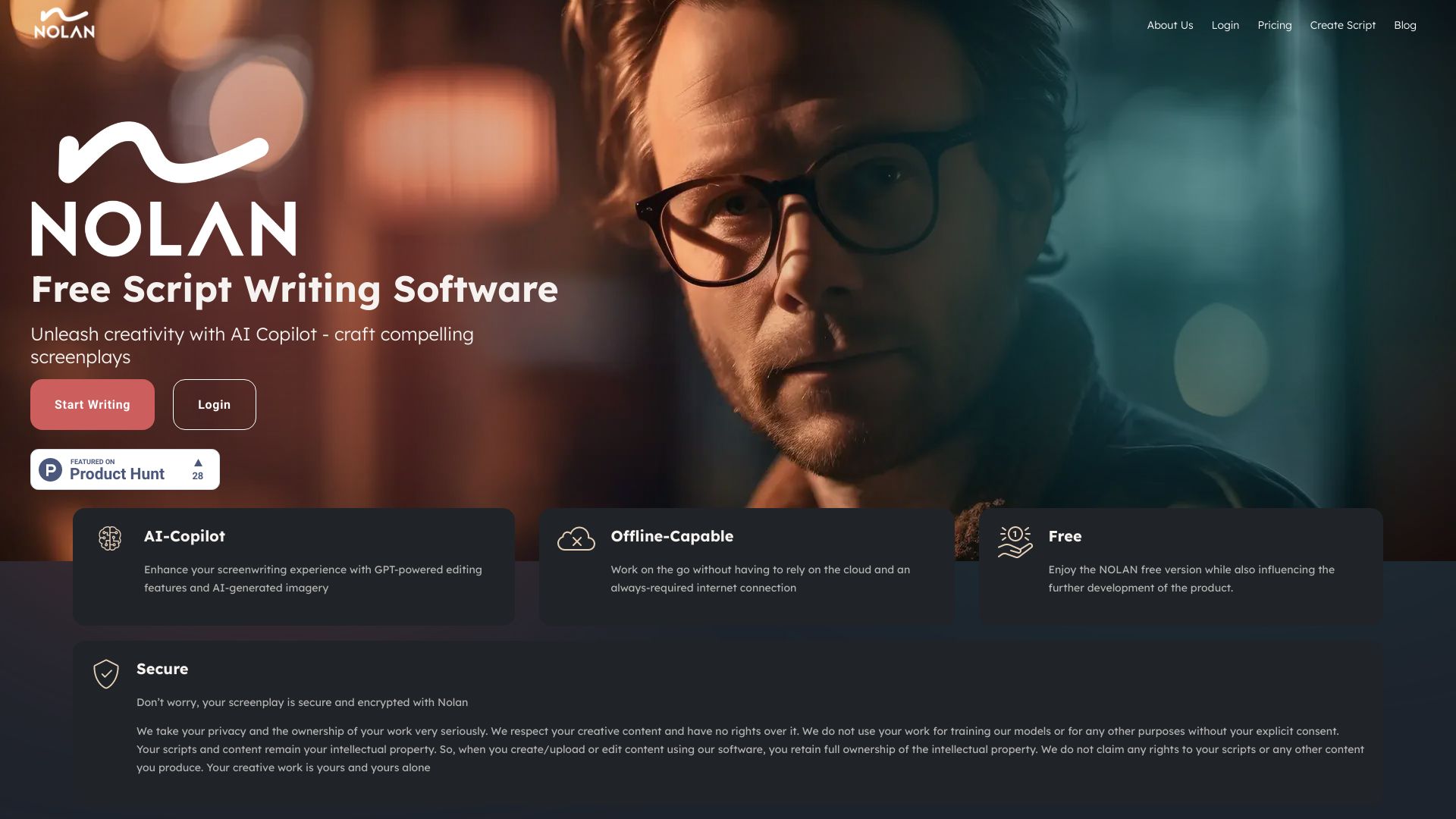
Screenshot archived from the listing page, for preview only.











