
Noiz AI
AI voice tool for TTS, cloning, and dubbingEmotional voices, many languages, one API
Highlights
What you can do with it
- Recording voice over for videos and podcasts
- Dubbing existing content into multiple languages
- Prototyping voice interactions in an app through the API
- Generating narration drafts before booking a human voice actor
How to use it
- 1 Start the free trial on the website
- 2 Pick a voice from the library or set up a cloned voice you have rights to
- 3 Enter your text and choose emotion and language settings
- 4 Generate the audio, listen closely, and adjust
- 5 Use the API if you need the voice inside your own product
Who it is for
Pros
- Covers text to speech, cloning, and design in one place
- Several price points, including a low cost entry plan
- API access for integration work
- Free trial to test voices before subscribing
Limitations
- Voice cloning can be misused; only clone voices you own or have permission to use, because misuse may break platform rules or laws and the consequences fall on the user
- The free trial is limited and plan prices can change over time
- Emotional delivery quality varies by language and by voice
- Professional narration still needs careful listening and editing
What Noiz AI is
Noiz AI is a voice tool that brings together AI text to speech, voice cloning, and voice design. The page highlights emotional text to speech, multilingual dubbing, a rich voice library, and APIs for developers. The pitch is that creators can produce accurate audio in several languages without booking a studio, and that developers can wire the same voices into their own products. A free trial is available, and subscriptions are billed monthly or yearly. The listed plans are Lite at $2.99 per month, Pro at $9.50 per month, and Ultra at $24.99 per month, with a 25 percent discount when you pay annually.
What you can do with it
- Turn written scripts into spoken audio with emotional delivery
- Clone a voice you have the rights to and reuse it across projects
- Dub content into multiple languages from one source script
- Call the API to add speech or dubbing to your own application
Who it is for
The vendor aims at creators worldwide, which in practice means video producers, podcasters, and course builders who need narration fast. Developers building voice features will care most about the API. Localization teams that must push the same content into several languages can use the dubbing tools to move quicker. Small studios that want a draft narration before paying a human voice actor can treat it as a preview step.
What to watch out for
Voice cloning is the feature that needs the most care. Only clone a voice you own or have permission to use; cloning someone without consent may break platform rules or laws, and the consequences fall on the user, not the tool. The free trial is limited and the listed prices can change, so confirm current rates before you subscribe. Emotional delivery and pronunciation quality vary by language and by voice, so listen to every file before publishing. For flagship narration, a human read may still sound better, and the API adds integration work that goes beyond typing text into a web page.
FAQ
Does it support voice cloning?
Yes, but you should only clone a voice you own or have clear permission to use.
What plans are listed?
Monthly plans include Lite at $2.99, Pro at $9.50, and Ultra at $24.99, with 25 percent off annual billing.
Is there a free trial?
Yes, the site offers a free trial before you subscribe.
Is there an API?
Yes, APIs are offered for developers who want to build voice features into their own products.
Why it is free
What the official page says: 免费试用免费
Free limits, trial length and features are decided by the official site and can change at any time.
Product preview
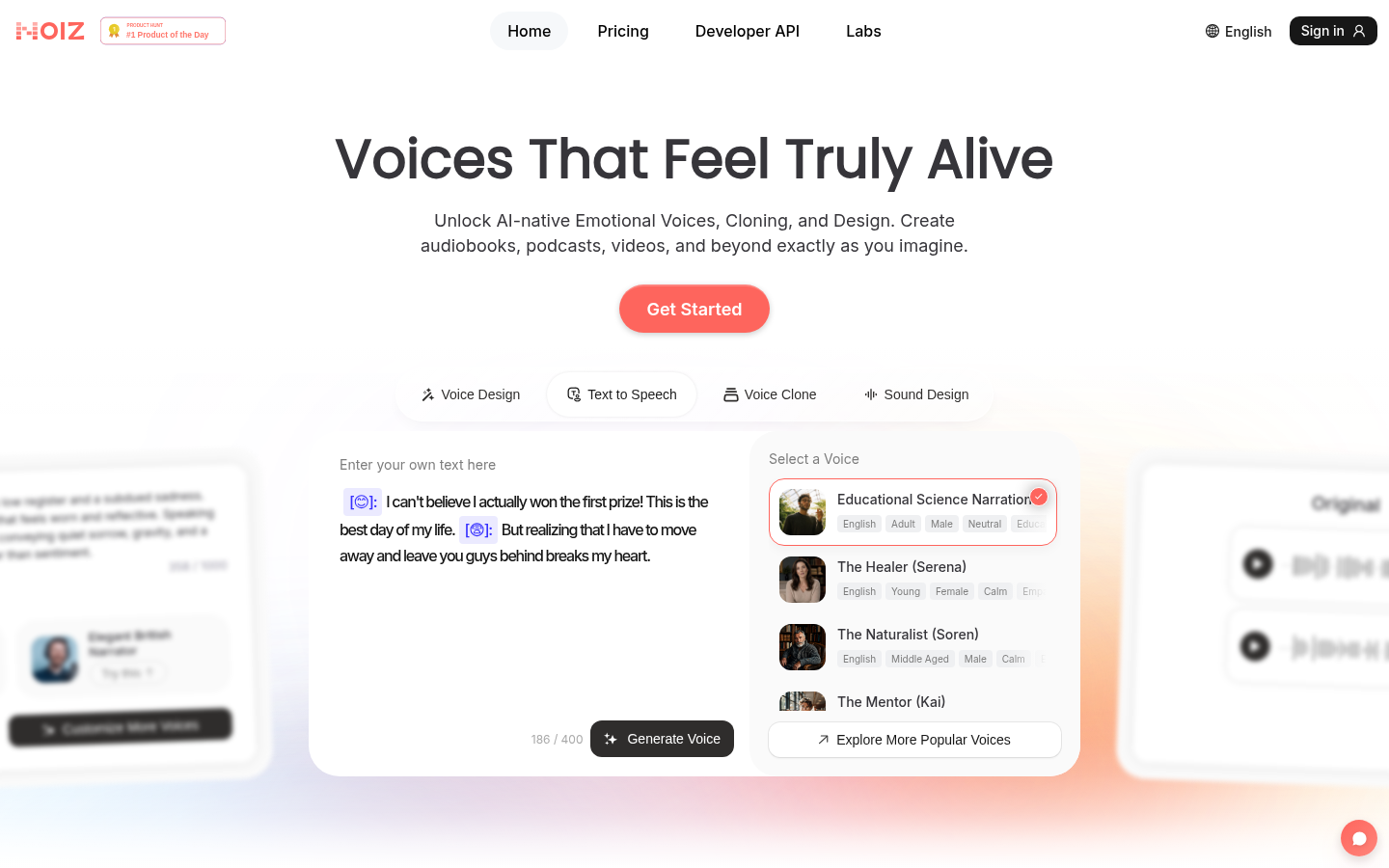
Screenshot archived from the listing page, for preview only.