
Noise Eraser
One-click background noise removalCleaner voice, less background noise
Highlights
What you can do with it
- Cleaning wind noise from an outdoor interview
- Removing traffic rumble from a voiceover
- Tidying dialogue audio before publishing a video
How to use it
- 1 Upload your audio file to the tool
- 2 Let the AI analyse the background noise
- 3 Run the one click cleanup
- 4 Listen back and adjust if needed
- 5 Export the cleaned track
Who it is for
Pros
- A free trial covers the basic features
- A simple upload and click workflow
- Targets common outdoor noise types
- Voice clarity improves without a manual repair session
Limitations
- Professional features require a subscription
- Heavy or overlapping noise may not come out cleanly
- It processes audio only, not video
- Aggressive cleanup can thin out the voice
What Noise Eraser is
Noise Eraser is a tool that identifies and removes background noise from audio files so the human voice stands out. The problem is familiar to anyone who has recorded outside or in a busy room: the words are intelligible to the person in the room and muddy to everyone else. The tool applies AI processing to separate the ambient sound from the speech and reduce it.
The listing names wind, rain, and traffic as the kinds of noise it targets, which covers a large share of location recording problems. The workflow is deliberately short: upload an audio file, let the analysis run, and obtain a cleaned result with one click. That simplicity is the selling point, since traditional noise repair in a digital audio workstation takes time and some skill. The tool is described as suitable for advertisers, professional sound engineers, marketing personnel, and amateur YouTubers, which tells you the intended range from casual to semi professional. Basic features can be tried for free, and a subscription unlocks more professional functions.
What you can do with it
- Remove wind, rain, and traffic noise from a recording
- Make a voiceover clearer without a manual repair session
- Clean up dialogue before publishing a video
- Produce a quick first pass before detailed audio work
- Handle a single file through a simple upload interface
Who it is for
- Advertisers producing spot audio on a deadline
- Sound engineers who want a fast first pass
- Marketing teams recording at events and conferences
- Amateur YouTubers cleaning up dialogue
- Podcasters fixing a noisy episode recording
What to watch out for
Professional features sit behind a subscription, so evaluate whether the free basic tools are enough before committing. Aggressive noise removal can thin out a voice or introduce artefacts, especially on difficult material, so always compare before and after and keep the original file. It processes audio only, so if you need to clean the audio inside a video you will export the track first and re sync afterwards. Very heavy or overlapping noise, such as music playing under speech, may not separate cleanly, and no tool recovers detail that was never captured.
FAQ
What does Noise Eraser do?
It identifies and removes background noise from audio files to make the human voice clearer.
What kind of noise can it handle?
Ambient noise such as wind, rain, and traffic sounds is named in the listing.
Is there a free option?
Yes. The basic features can be tried for free, with a subscription for more professional functions.
How hard is it to use?
The listing describes a simple, user friendly interface where you upload a file and get clear vocals in one click.
Why it is free
What the official page says: free trial
Free limits, trial length and features are decided by the official site and can change at any time.
Product preview
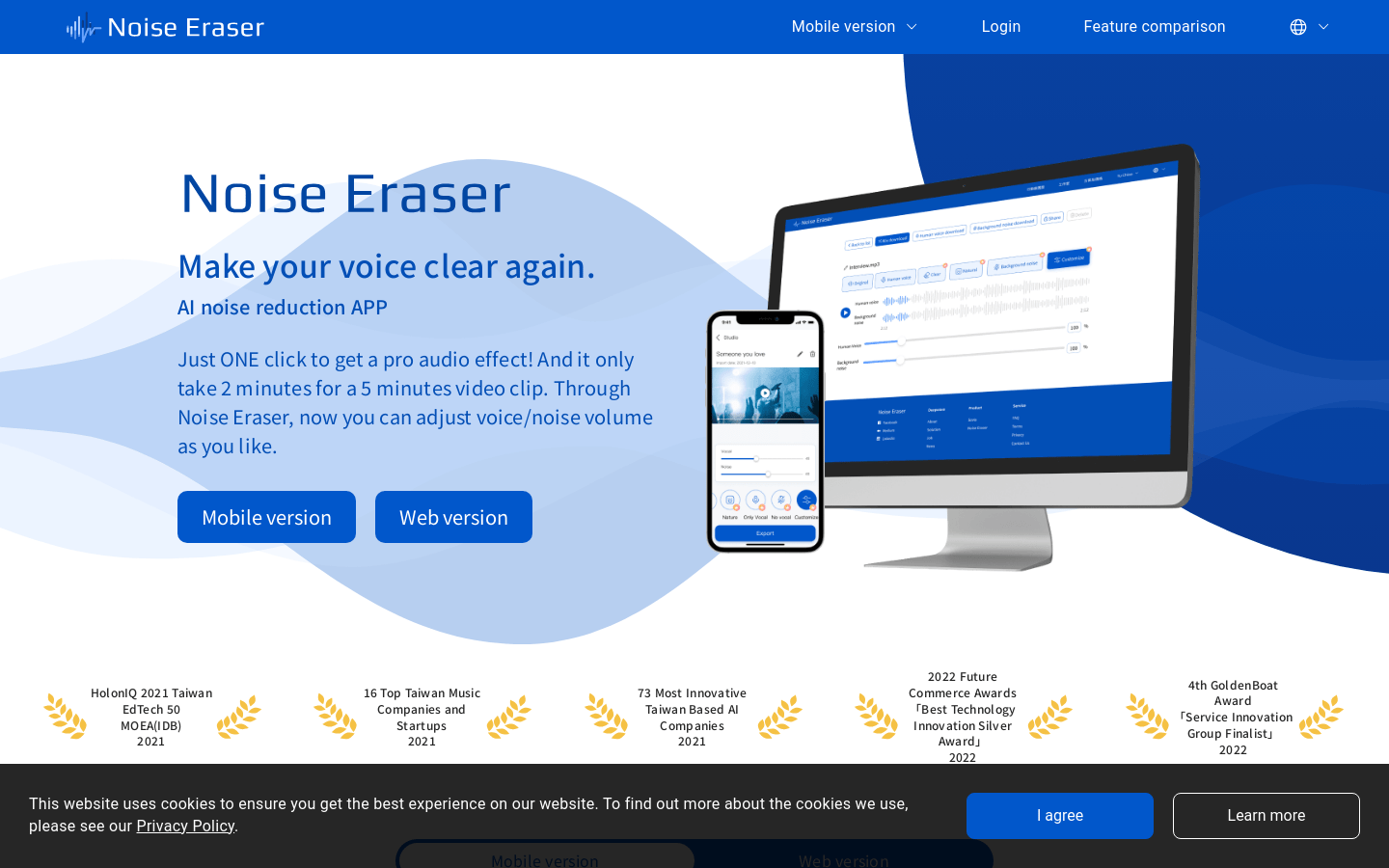
Screenshot archived from the listing page, for preview only.










