
Nicelyformed
AI form builder with instant response insightsBuild a form, collect answers, read the results
Highlights
What you can do with it
- Building a feedback form for a small project
- Collecting signups through a custom link
- Gathering file submissions from a group of people
How to use it
- 1 Open Nicelyformed and start a new form
- 2 Describe what you need and let the AI draft the fields
- 3 Adjust the fields and styling to fit your purpose
- 4 Turn on notifications and file uploads if you need them
- 5 Publish the form and share the custom link
Who it is for
Pros
- AI drafting removes the blank-page problem
- Unlimited submissions suit ongoing collection
- Free plan available alongside paid options
Limitations
- Free plan limits push larger use toward a paid plan
- AI-drafted fields often need manual review
- Form behaviour depends on the service staying online
What Nicelyformed is
Nicelyformed is an AI-powered form creation tool. Rather than dragging fields onto a canvas one at a time, you describe what you need in plain language and the AI drafts the form content for you. From there you can edit the fields, restyle the form and publish it. The feature list covers the practical side of running a form: unlimited submissions, email notifications when a response arrives, file upload fields and custom links for sharing. Both free and paid plans are offered, which means you can test the workflow before committing. The positioning is for people who need to collect information quickly and do not want to spend the afternoon on form plumbing.
What you can do with it
- Draft a form from a short description and then edit it
- Customise the styling so the form fits your brand
- Collect responses with unlimited submissions on the available plans
- Receive email notifications and accept file uploads
- Share the form through a custom link
Who it is for
- People who need a working form in a few minutes
- Small teams gathering feedback, signups or requests
- Anyone who would rather have AI write the first draft
What to watch out for
Free plan limits push larger or longer-running use toward a paid plan, so check submission volume and feature availability before you depend on a form for something important. AI-drafted fields are a starting point: they often include questions you did not ask for or miss ones you needed, so read the generated form before you send it out. Because the form runs on the service, an outage means responses stop arriving, which matters if the form is tied to a deadline or an event.
FAQ
Does the AI write the form for me?
It drafts form content from your description, and you can then modify and customise it.
Can I receive files through a form?
Yes, file uploads are listed among the features.
Is there a free plan?
Nicelyformed offers both free and paid plan options.
Why it is free
What the official page says: 免费
Free limits, trial length and features are decided by the official site and can change at any time.
Product preview
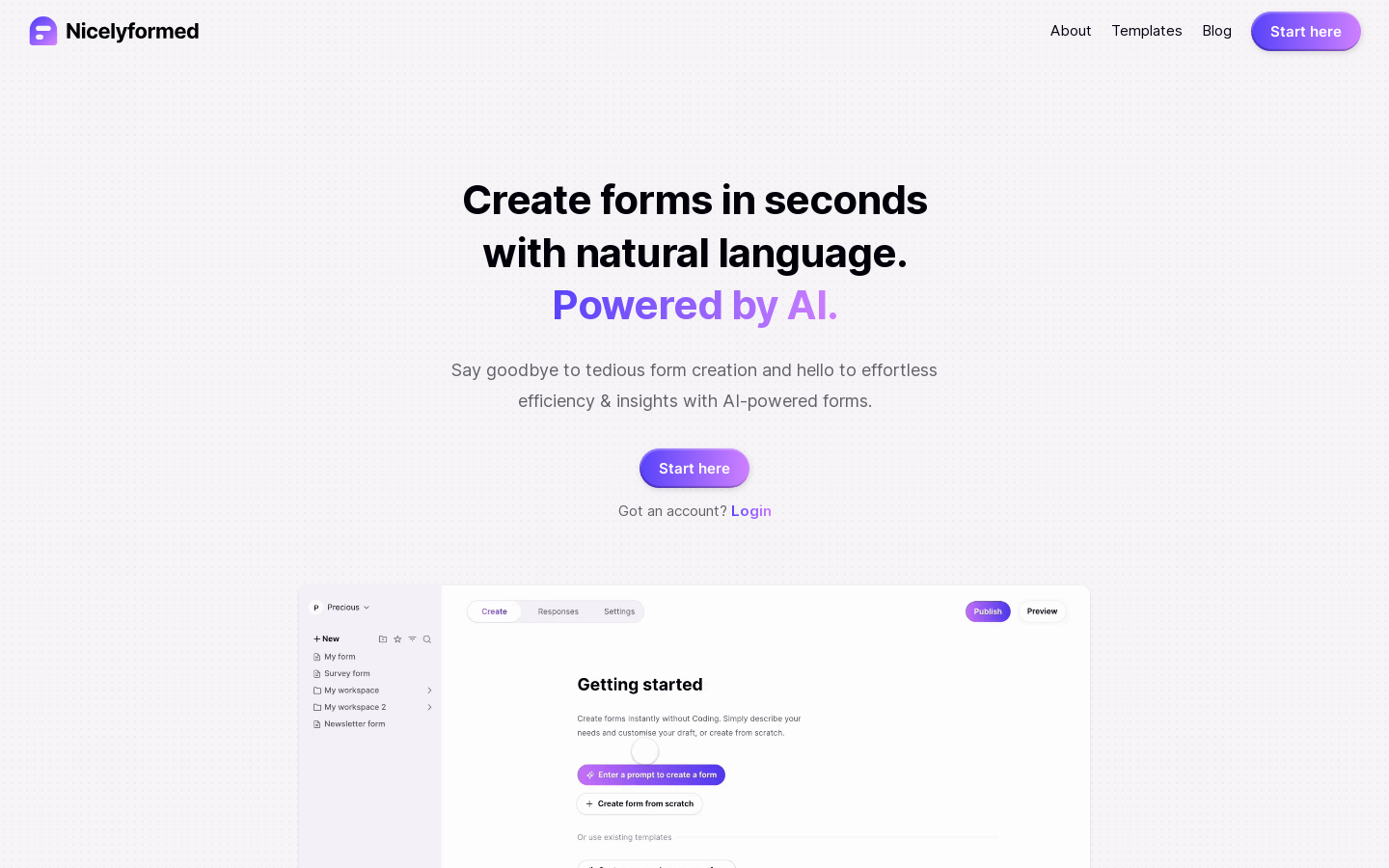
Screenshot archived from the listing page, for preview only.











