
Newsblok
AI assistant for writing and publishing news briefingsTurn saved links into a briefing in seconds
Highlights
What you can do with it
- Save articles and news while browsing for a briefing
- Generate a first draft of a brief with one click
- Publish straight to Mailchimp for one-touch distribution
How to use it
- 1 Install Newsblok on Chrome.
- 2 Save the articles and news you want to include.
- 3 Generate a briefing draft with one click.
- 4 Edit the concise brief and check the recommendations.
- 5 Publish to a connected email service like Mailchimp.
Who it is for
Pros
- Saves time organizing and drafting briefings
- One-click generation and publishing
- Integrates with Mailchimp for distribution
- Free version available to try
Limitations
- Free version is limited and paid plans cost more
- Site availability has been unstable, so access may vary
- AI drafts need editing for accuracy and tone
- Depends on third-party services like Mailchimp and Chrome
What Newsblok is
Newsblok is an AI-driven news briefing writing assistant. It helps you organize content and automatically generate briefing text, then publish it in one step. You can collect articles while browsing on Chrome, and the tool turns them into a concise, easy-to-digest brief in seconds. It also offers content recommendations and sample briefings for reference. For distribution, it integrates with email services such as Mailchimp, so you can send a briefing with one click. The product offers both free and paid versions, and it is aimed at people who publish regular briefings and want to save time.
What you can do with it
- Save articles and news while browsing for a briefing.
- Generate a first draft of a brief with one click.
- Review concise, digestible briefing text and recommendations.
- Publish straight to a connected email service like Mailchimp.
Who it is for
- Writers who publish regular news briefings.
- Creators building a personal brand with daily or weekly posts.
- Marketers who need fast, consistent content.
- Anyone who curates links into a newsletter.
What to watch out for
The free version is limited, and full use moves to a paid plan, and pricing can change over time. Site availability has been unstable, so the tool may not always load when you need it. AI-generated drafts still need editing for accuracy and tone, and you should fact-check before publishing. Because it depends on third-party services like Chrome and Mailchimp, changes on those platforms can affect how well it works, so keep backups of anything important. Features and interface details may change between versions, so review the latest notes on the page before you start.
FAQ
Is Newsblok free?
It offers both free and paid versions. Check the official site for current details.
How does it help with briefings?
It organizes content on Chrome and generates briefing drafts in seconds, then publishes in one step.
Where can I publish?
It integrates with email services such as Mailchimp for one-touch distribution.
Is access reliable?
Site status has been unstable, so confirm current availability on the official page.
Why it is free
What the official page says: 免费
Free limits, trial length and features are decided by the official site and can change at any time.
Product preview
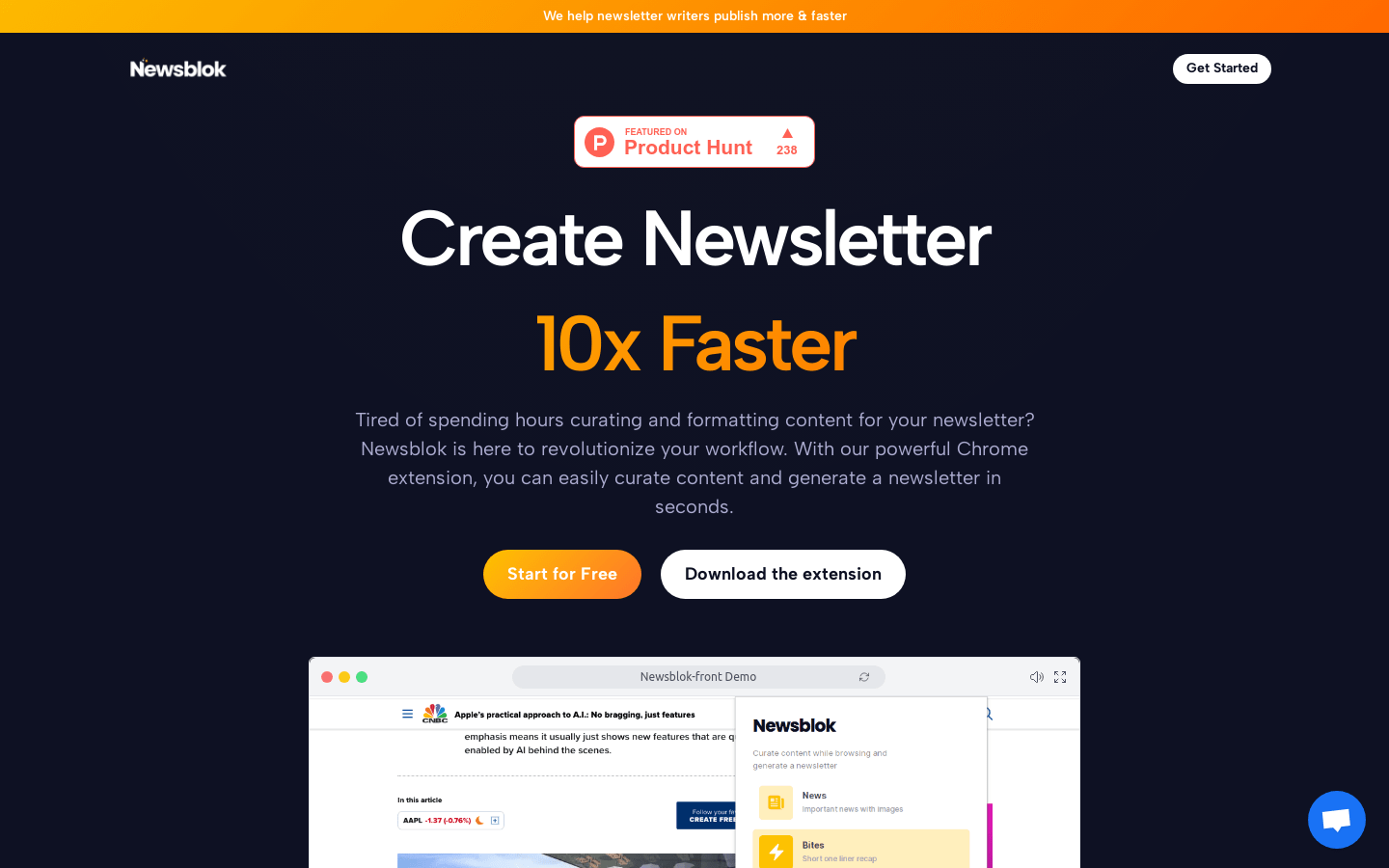
Screenshot archived from the listing page, for preview only.











