
NetEase Tianyin
AI tool that generates personalized music tracks from a few settings.Quickly create personalized music with AI.
Highlights
What you can do with it
- Use AI music as background for an advertisement.
- Produce a personal music piece quickly.
- Create a soundtrack for a video.
How to use it
- 1 Open NetEase Tianyin and start the free trial.
- 2 Select the genre, rhythm, and instruments you want.
- 3 Describe the style or mood you need.
- 4 Generate the track and review the result.
- 5 Upgrade to a paid plan if you need more.
Who it is for
Pros
- Fast creation without deep production skills.
- Several style and instrument options.
- Free trial to test before subscribing.
Limitations
- A free trial only, with paid plans for full access.
- Automated tracks may need manual refinement.
- Free terms and pricing can change over time.
What NetEase Tianyin is
NetEase Tianyin is an AI music creation tool that automatically generates personalized music based on your needs and creative style. You choose settings such as genre, rhythm, and instruments, and the tool produces a track that fits your brief. The site highlights fast creation speed, a range of musical styles, and personalized customization as the main strengths. It offers a free trial alongside a paid subscription model, so you can listen before you commit. The tool is aimed at music lovers, creators, and advertising production, where quick and usable background music matters more than a fully engineered studio mix.
What you can do with it
- Generate a personalized music track from a few settings.
- Pick genre, rhythm, and instrument options.
- Create background music for ads and videos.
Who it is for
- Music lovers who want quick custom tracks.
- Creators who need background music for content.
- Advertising teams producing short audio beds.
What to watch out for
NetEase Tianyin offers a free trial rather than a permanent free plan, so ongoing use depends on a paid subscription. Pricing and trial terms can change over time, so confirm current details before you rely on it for a project. Automated output may not match the exact tone you had in mind, and you should expect to review and adjust the track before it fits your edit. Check the license terms for client or commercial work before you publish anything. Name and archive exported files consistently so you can find and reuse them, and keep a backup copy of key data. When quality matters, export a small draft first to confirm the result before producing the final file.
FAQ
Is NetEase Tianyin free?
It offers a free trial, with a paid subscription for continued use.
What can I control?
You can choose genres, rhythms, and instruments to shape the track.
Who is it for?
The site lists music lovers, creators, and advertising production.
Why it is free
What the official page says: free trial
Free limits, trial length and features are decided by the official site and can change at any time.
Product preview
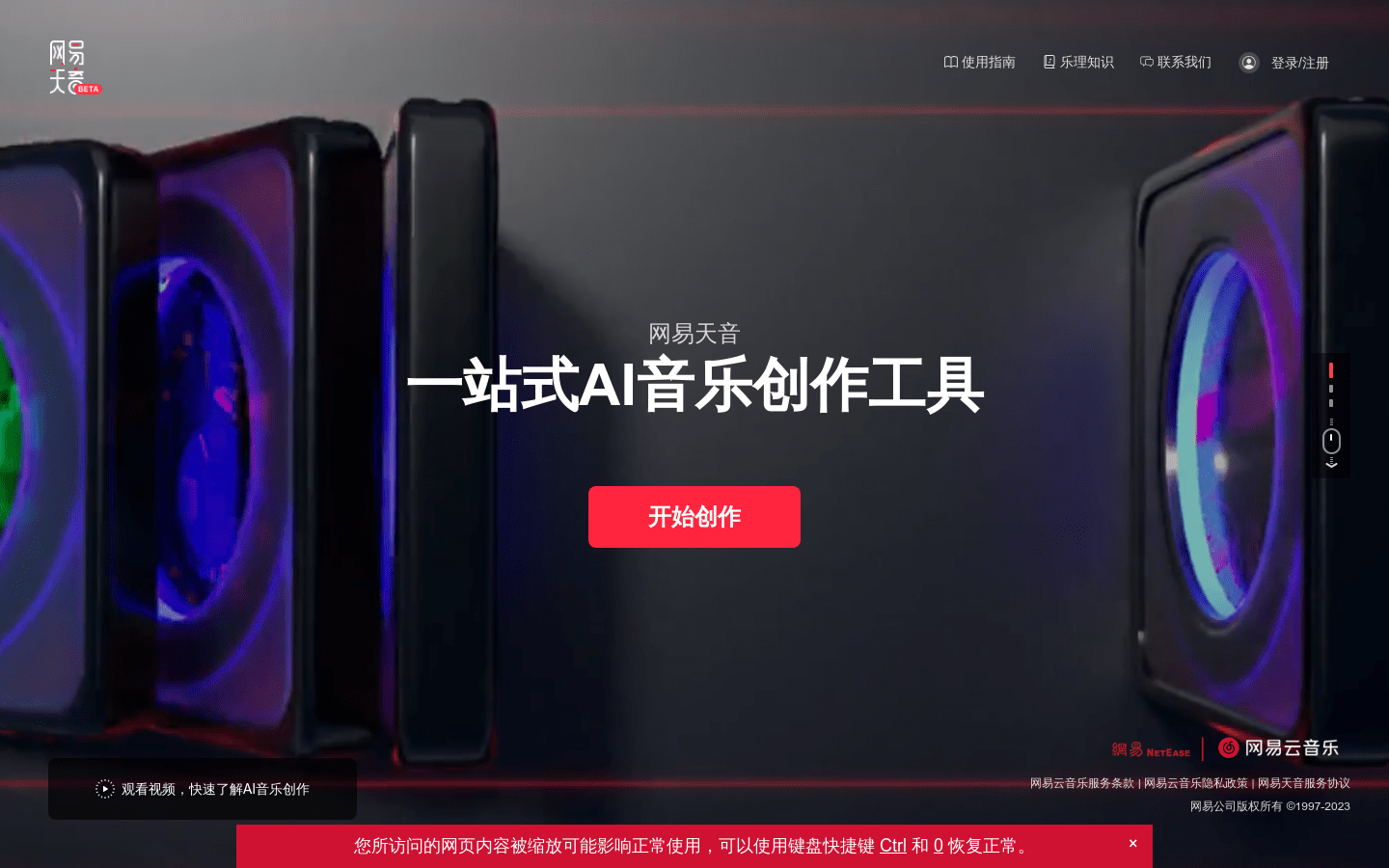
Screenshot archived from the listing page, for preview only.











