
nemovideo
Chat style AI video editing agentDescribe the edit, the agent does it
Highlights
What you can do with it
- Turning raw clips into short promotional videos
- Producing regular social content without a dedicated editor
- Quick turnaround edits for bloggers and small commercial teams
- Testing video ideas before committing to a full production
How to use it
- 1 Open the website and start the free trial
- 2 Describe your goal in chat, including topic, style, and audience
- 3 Let the agent analyze the material and prepare an edit
- 4 Review the result and ask for adjustments in plain language
- 5 Export the video and publish it to your channels
Who it is for
Pros
- Very low learning curve thanks to chat input
- Fast path from idea to a publishable video
- Free trial lets you test the workflow first
- Useful for creators who dislike traditional editing software
Limitations
- Advanced functions may require payment after the trial ends
- Chat control gives less frame level precision than a manual editor
- Trend driven output may not match a specific brand voice
- The service depends on the provider's models, so results and availability can change
What nemovideo is
nemovideo is an AI video editing agent built around a chat style workflow. The core idea is that you do not touch a timeline or learn keyframes: you describe what you want, and the automated system does the editing. The vendor says this lowers the threshold for video creation so that people without professional editing skills can still make good looking content. It also mentions quick trend analysis, which is meant to help you keep up with popular topics, and short production times so a finished video can head out for distribution soon after you ask for it. A free trial is offered, and the page suggests more advanced functions may sit behind paid plans later.
What you can do with it
- Turn raw footage into a finished short video by describing the goal
- Ask for changes in plain language instead of re-editing by hand
- Use trend analysis to shape topics that fit what is currently popular
- Produce distribution ready video content in a short amount of time
Who it is for
The stated audience is broad: individual bloggers, commercial teams, and anyone who needs video but has no editor on staff. Solo creators who post regularly will find the chat approach faster than learning a full editing suite. Small marketing teams that need several cuts per week can use it to keep a publishing schedule alive. It is also a reasonable sandbox for people who want to test a video idea before spending money on a traditional production.
What to watch out for
The free trial is temporary, and advanced functions are likely to require payment, so check what stays available once the trial ends. Chat based control is convenient but imprecise: if you need exact cuts, timing to the frame, or detailed color work, a traditional editor still gives more control. Trend driven suggestions can push your content toward whatever is popular, which may not fit your brand or audience. Like most AI tools, the service depends on the provider's models, so output quality, features, and availability can change without notice.
FAQ
Do I need editing skills?
No. The product is designed so you describe your needs in chat and the agent handles the editing.
Is there a free trial?
Yes, a free trial is offered, and more advanced functions are expected to sit behind paid plans.
Who is it for?
The vendor names individual bloggers, commercial teams, and anyone who needs to produce video content quickly.
How does trend analysis help?
It can quickly read what is popular so your videos have a better chance of fitting current topics.
Why it is free
What the official page says: 免费试用免费
Free limits, trial length and features are decided by the official site and can change at any time.
Product preview
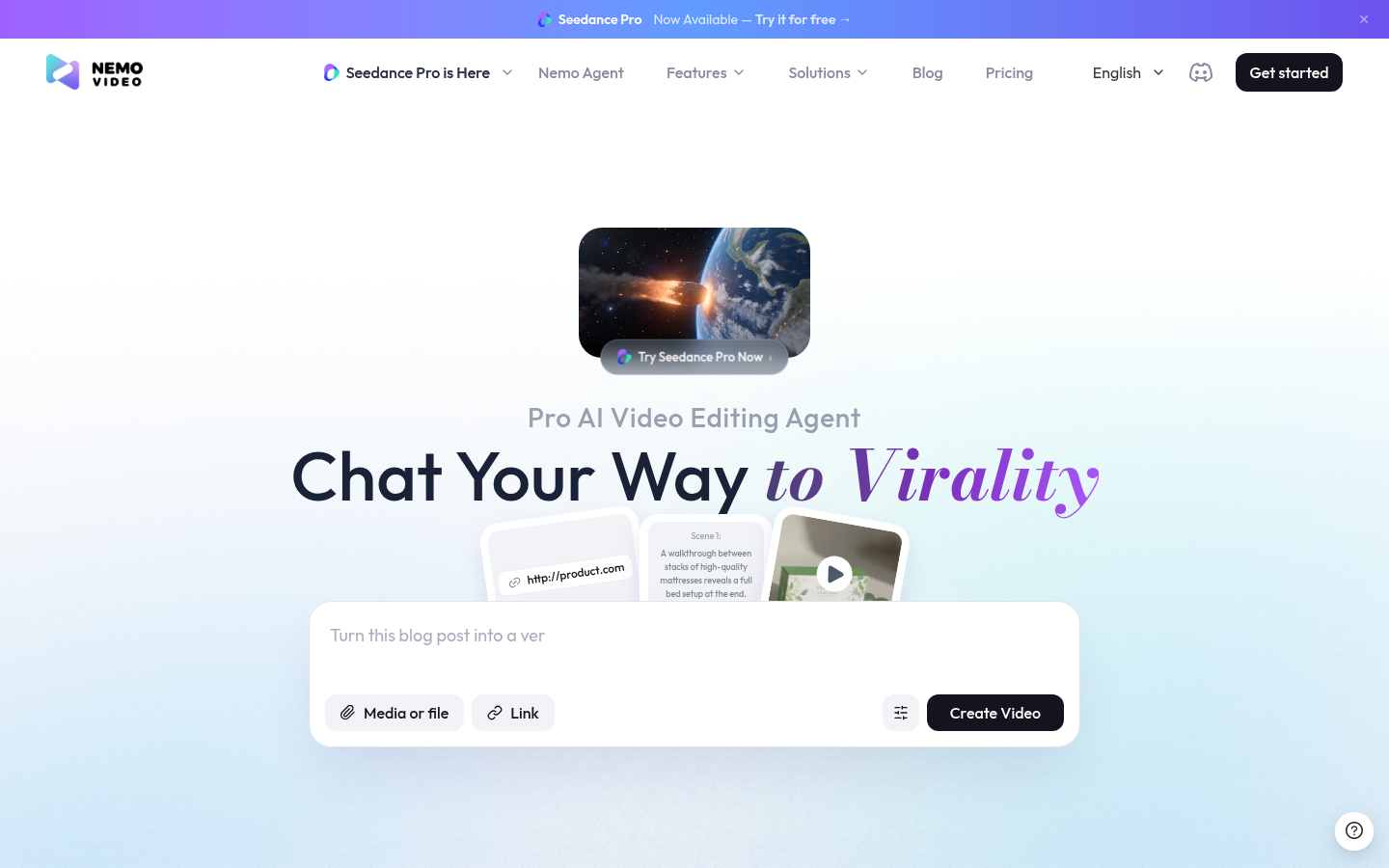
Screenshot archived from the listing page, for preview only.