
Neferdata
AI email assistant and inbox filterFilter inbox noise and see who is reaching out
Highlights
What you can do with it
- An executive triages a crowded inbox and focuses on high-value threads
- A user reviews filtered mail later to avoid missing a real opportunity
- A team checks sender background before responding to outreach
How to use it
- 1 Open the Neferdata site and start the free trial
- 2 Connect or import your mailbox as prompted
- 3 Let the assistant filter incoming mail
- 4 Review the filtered list and decide what to engage with
- 5 Read the sender insights to judge relevance
Who it is for
Pros
- Reduces inbox noise without fully hiding messages
- Sender context helps you judge outreach quickly
- Stated privacy controls over conversation content
Limitations
- Only a free trial is mentioned, with no published paid tiers
- The listed URL returns a redirect, so availability may have changed
- Feature detail is thin beyond the four listed capabilities
What Neferdata is
Neferdata is an AI-driven email assistant and product explorer. Its job is to filter inbox noise, keep filtered mail reviewable, protect conversation privacy, and surface short insights about the companies contacting you. The stated audience is busy executives and enterprises. Access is listed as a free trial, and the published URL currently returns a redirect, so confirm the service is live before relying on it.
What you can do with it
- Protect the inbox by filtering unwanted mail.
- View filtered messages and decide which to engage with.
- Keep conversation content private under your control.
- Gain short insights about companies reaching out to you.
Who it is for
- Busy executives handling high mail volume.
- Enterprises that want inbox triage across teams.
- Users who dislike fully opaque filtering.
What to watch out for
Only a free trial is mentioned and no paid tiers are published. The URL redirect suggests the product may have moved or changed, so verify current availability. Documented functionality is limited to four capabilities, so set expectations accordingly. Features and interface details may change between versions, so review the latest notes on the page before you start. For team use, agree on naming and editing conventions in advance to avoid version conflicts or duplicated work. Features and interface details may change between versions, so review the latest notes on the page before you start. For team use, agree on naming and editing conventions in advance to avoid version conflicts or duplicated work. Free tiers and usage limits can change, so check the current rules on the official page before relying on it long term. Processing speed depends on file size and network conditions, so retry later if a task stalls during peak hours.
FAQ
Is Neferdata free?
The product is listed with a free trial. Detailed pricing is not provided.
What does it do with filtered email?
Filtered messages are kept for review so you can choose which ones to engage with later.
Who is it for?
The stated target users are busy executives and enterprises.
Why it is free
What the official page says: free trial
Free limits, trial length and features are decided by the official site and can change at any time.
Product preview
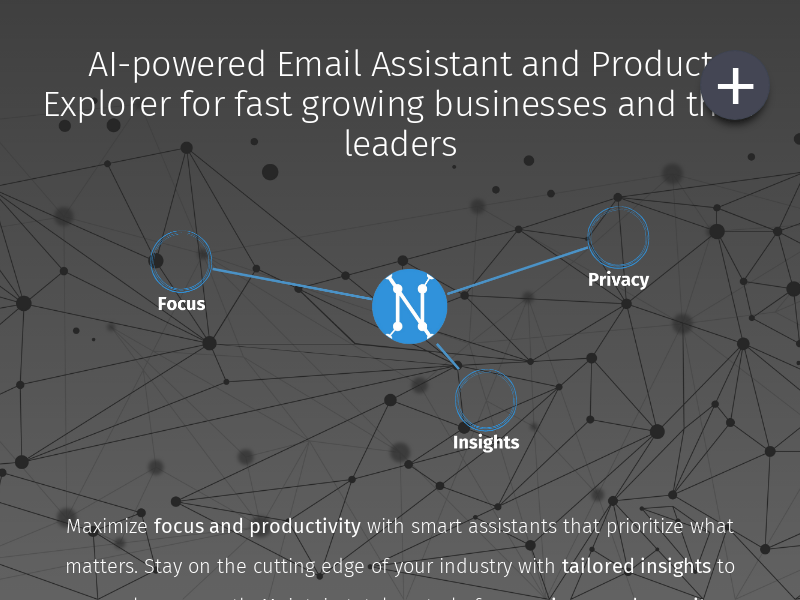
Screenshot archived from the listing page, for preview only.











