
Natively AI
Local or cloud AI meeting assistantReal-time help and notes in meetings
Highlights
What you can do with it
- A job seeker using technical interview mode during an interview
- A salesperson getting product details live in a client meeting
- A team capturing action items from a project meeting
How to use it
- 1 Open Natively before the meeting starts
- 2 Run the meeting as normal while it listens
- 3 Press the shortcut when you need an answer
- 4 Stop the recording when the meeting ends
- 5 Collect the structured notes and action items from your inbox
Who it is for
Pros
- Local mode keeps audio on your machine
- Notes are structured and searchable afterwards
- Context from your own documents improves answers
- Several modes rewrite the assistant for different rooms
Limitations
- Free trial only, then paid plans from eight dollars a month
- Real-time answers during an interview can breach employer or platform rules
- Local mode speed and quality depend on your hardware
- Recording a meeting needs consent from the other participants
What Natively AI is
Natively is an AI meeting assistant that can run fully locally or connect to cloud models from providers such as OpenAI, Anthropic and Gemini. It listens to the meeting in real time, and when you need help you press a shortcut and it answers using the conversation plus context you have supplied, such as your resume, a job description or custom notes. After the meeting it produces structured, searchable notes with action items, decisions and key moments. There are seven professional modes, including co-pilot, technical interview and sales, and a negotiation assistance feature. A free trial is offered, with paid plans listed at eight and fifteen dollars a month.
What you can do with it
- Get real-time answers during a meeting or interview.
- Capture structured notes and action items automatically.
- Ground answers in your own documents and context.
- Switch modes so the assistant fits the room you are in.
- Run everything locally when privacy matters, or use cloud models for capability.
Who it is for
- Job seekers who want practice and prompts during interviews.
- Salespeople who need product facts mid-conversation.
- Teams that want notes without assigning a note taker.
- Technical staff in deep discussions where detail matters.
What to watch out for
A free trial is offered, and paid plans start at eight dollars a month, so this is a subscription rather than a one off purchase. The interview use is the sensitive one: taking real-time answers during a live interview may breach the employer's or the platform's rules, and the consequences fall on you, so check the rules and use the tool for practice rather than for deceiving an interviewer. Recording a meeting needs consent from the other participants in many places, so tell people before you start. Local mode keeps audio on your machine but speed and answer quality depend on your hardware. Finally, generated notes are a summary, so verify decisions and action items against the recording before you act on them.
FAQ
Can it run without the cloud?
Yes, the listing says it can run fully locally, including with local models such as Ollama.
What does it produce?
Structured, searchable meeting notes including action items, decisions and key moments.
How much does it cost?
A free trial is offered, with paid plans listed at eight dollars a month for Standard and fifteen for Pro.
Which modes are available?
Seven modes including co-pilot, technical interview and sales.
Is it acceptable to use in an interview?
Check the employer's and platform's rules first. Real-time assistance during an interview may be treated as cheating, and the consequences are yours.
Why it is free
What the official page says: free trial
Free limits, trial length and features are decided by the official site and can change at any time.
Product preview
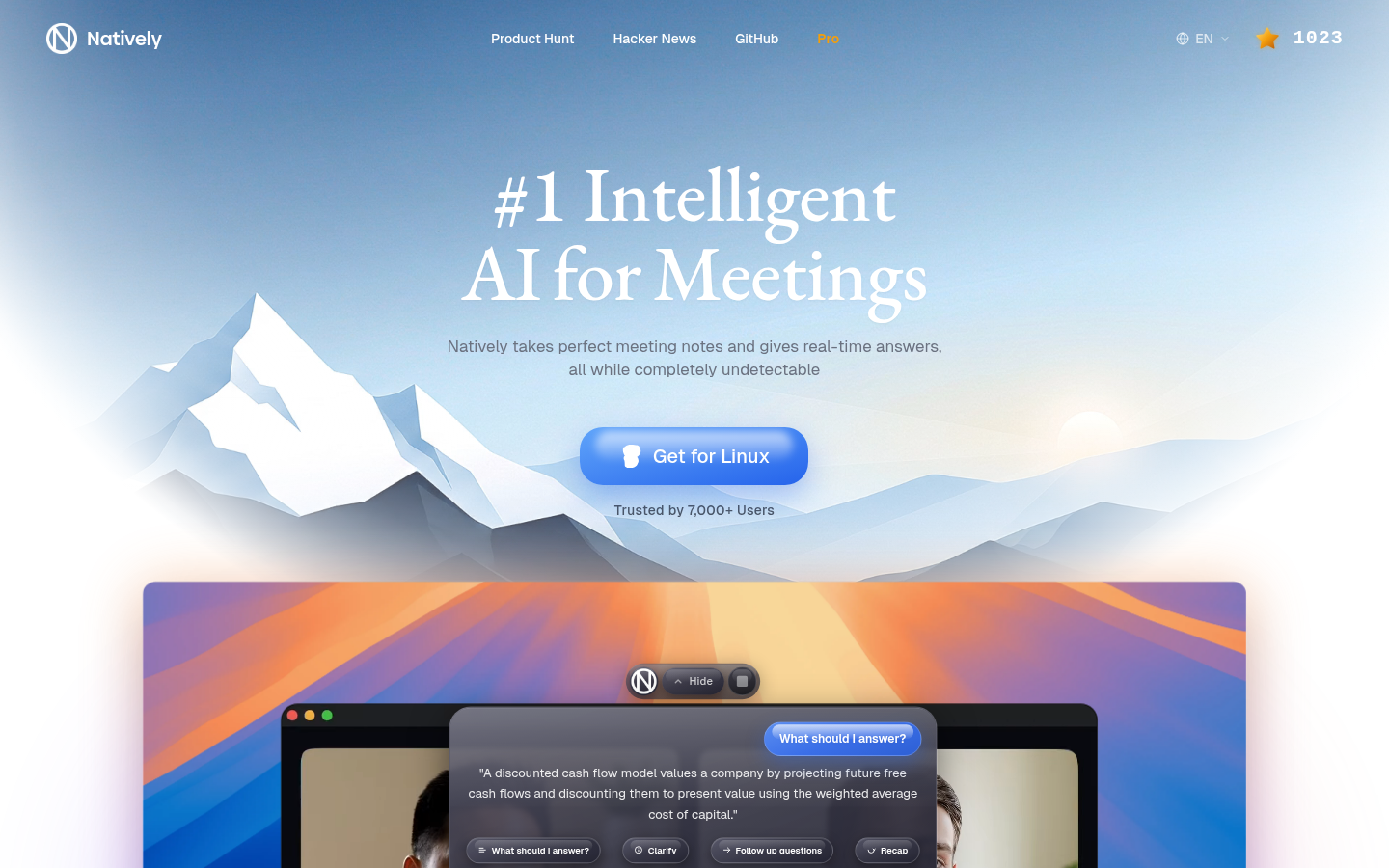
Screenshot archived from the listing page, for preview only.











