Naria
AI tool for illustrated children's storiesMake a personalized children's story in three steps
Highlights
What you can do with it
- A parent makes a personalized storybook for their child
- A teacher builds an educational story to spark interest
- A creator publishes a digital story and shares it with a community
How to use it
- 1 Create your characters and set their expressions.
- 2 Write and edit the story text.
- 3 Flip backgrounds and arrange scenes with the drag-and-drop tool.
- 4 Finalize the story.
- 5 Share it digitally for free, or order a printed book.
Who it is for
Pros
- Free to create and share digital stories without limits
- Character expressions are customizable, so faces match the mood
- Drag-and-drop layout gives control without design skills
- Printed books are optional rather than required
Limitations
- The site is a beta address, so features and availability can change
- Printed books cost money per book; prices are not on the page
- Aimed at children's stories, so it is not a general writing tool
- AI-generated illustrations need review before they go to a child
What Naria is
Naria is an AI story creation tool for illustrated children's stories. You create the characters, write and edit the text, flip backgrounds, and customize how each character looks in a given moment. A drag-and-drop modeling tool handles layout, so the story comes together without design software. The page describes the whole process as three steps: create, finalize, and share. Pricing is split. Digital stories are free to create and share without limits, and printed physical books are bought one at a time.
What you can do with it
- Create characters and set their expressions for each scene.
- Write and edit the story text inside the tool.
- Flip backgrounds and arrange scenes with drag-and-drop.
- Finalize the story, then share it digitally or order a printed book.
Who it is for
- Parents who want a personalized story with their own child in it.
- Teachers building classroom material that holds attention.
- Creators publishing digital stories for a young audience.
What to watch out for
The address is a beta one, which means features, limits, and even the domain can change without much notice. Printing costs money per book and the page does not list those prices, so budget before you promise a child a physical copy. It is built for children's stories, so do not expect it to handle other kinds of writing. And because the output is aimed at children, read the illustrations before you share them. When quality matters, export a small draft first to confirm the result before producing the final file. Generated suggestions are for reference only, so verify anything that affects professional judgment or important data.
FAQ
Is Naria free?
Digital stories are free to create and share unlimitedly. Physical books are purchased per book.
How long does a story take?
The page describes completing creation, finalization, and sharing in three simple steps.
Who is it for?
The examples cover parents, teachers, and creators making stories for children.
Why it is free
What the official page says: 免费
Free limits, trial length and features are decided by the official site and can change at any time.
Product preview
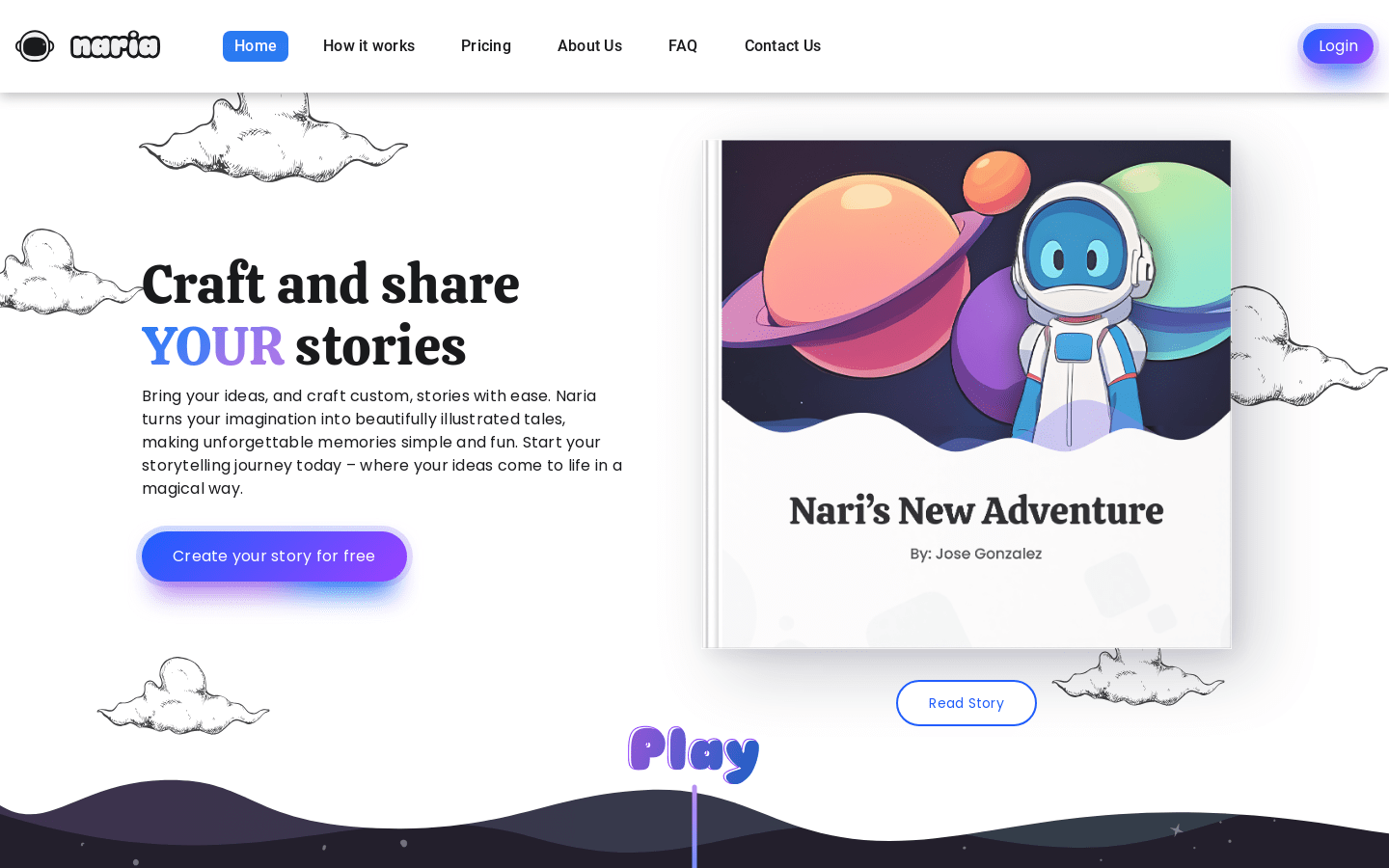
Screenshot archived from the listing page, for preview only.











