
Narafy
Tag based AI note taking app for Windows and MacTalk to your notes, stack them by tag, work offline
Highlights
What you can do with it
- Record meeting notes and quickly find related content later
- Organize notes on different topics into stacks using tags
- Let the AI assistant complete notes and offer suggestions while writing
How to use it
- 1 Download and install the Narafy application on Windows or Mac
- 2 Create a new note or import existing notes
- 3 Talk to your notes with the AI assistant and build templates
- 4 Combine tags into stacks to group related material
- 5 Use search and the web clipper to save and find what you need
Who it is for
Pros
- Free tier available to try the full workflow
- Offline access with secure syncing across devices
- Tag stacks keep related notes together without messy folders
Limitations
- Free plan limits and features can change as the app updates
- Only runs on Windows and Mac, so mobile users are left out
- AI suggestions still need review, since they can miss your context
What Narafy is
Narafy is a personal knowledge application centered on tags and artificial intelligence. Instead of a deep folder tree, you tag notes and combine those tags into stacks, so related material stays grouped in a flexible way. The built in AI assistant can converse with your notes, suggest titles, and help complete content while you write. A web clipper lets you save pages directly into your library, and the app works offline with secure syncing. It runs on Windows and Mac, and you can try it for free. The goal is simple, structured note taking that keeps up with the way people actually collect information.
What you can do with it
- Record notes and tag them so you can find related content fast
- Combine tags into stacks to group topics without a rigid folder system
- Talk to your notes with the AI assistant and build reusable templates
- Save web pages with the clipper and access everything offline
Who it is for
- People who want simple, tag based note organization on a desktop
- Windows and Mac users who need reliable offline access to their notes
- Anyone who wants AI help completing and tidying their notes
What to watch out for
Narafy is a desktop app for Windows and Mac only, so if you work mainly on a phone or tablet it will not cover you. AI completions and title suggestions are helpers, not final answers, so you should still review what the assistant produces. The free tier is a way to test the workflow, but free plan limits and features can change as the product updates, so check the current terms before you depend on a specific feature.
FAQ
What platforms does Narafy run on?
Narafy is available on Windows and Mac as a desktop application you download and install.
Can I use Narafy offline?
Yes. Narafy supports offline work, and it syncs securely when you are back online.
How do the note stacks work?
You tag your notes, then combine tags to build stacks that pull related notes together, which keeps topics grouped without a rigid folder tree.
Why it is free
What the official page says: for free
Free limits, trial length and features are decided by the official site and can change at any time.
Product preview
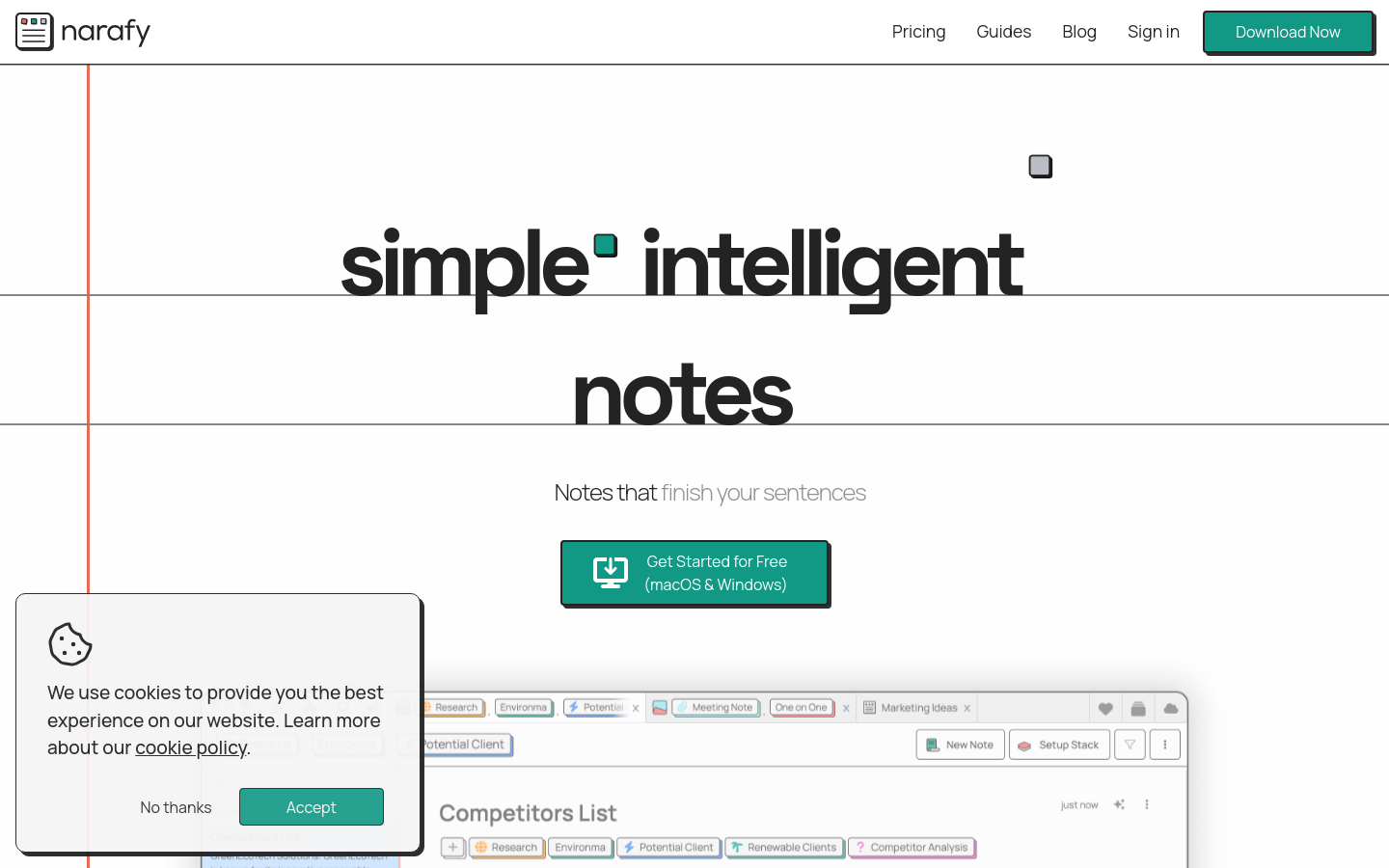
Screenshot archived from the listing page, for preview only.