
Napkin.ai
Turn text into visualsText to charts and flowcharts, free plan
Highlights
What you can do with it
- Creating illustrations for an eBook or a social media post
- Building visual notes, scripts and product demos
- Turning loose concepts into charts with the Sparks feature
How to use it
- 1 Visit the Napkin site and register an account.
- 2 Paste your text content into the Napkin editor.
- 3 Click the button to generate visual images from the text.
- 4 Choose the option that best expresses your idea.
- 5 Edit the content, icons, colors and fonts until it fits.
- 6 Export the result as a PNG, PDF or SVG file.
- 7 Drop it into a presentation, post or document.
Who it is for
Pros
- Free plan makes it easy to try before paying
- No design skills required to get a usable first draft
- Generated visuals stay editable rather than locked
- Export to common formats fits most tools and platforms
Limitations
- Free plan limits and pricing can change without notice
- Output is a first draft and needs editing to match your style
- Structured text converts better than loose prose
- Check license terms before using output in client work
What Napkin.ai is
Napkin.ai is an online platform that turns text into visuals. You paste your text and it generates images such as charts and flowcharts that match the content, so an idea sitting in a paragraph becomes something you can drop into a slide. The output is fully editable: you can adjust content and style, pull from an icon library, add decorative elements, connect elements with dynamic connectors, and choose colors and simple fonts. Export runs to PNG, PDF or SVG. There is a free plan, and the page positions the tool for content creators, educators and business professionals who do not have design skills.
What you can do with it
- Turn a paragraph of text into a chart or flowchart automatically.
- Edit the generated visual, swap icons and adjust colors and fonts.
- Build illustrations for posts, decks, notes and documents.
- Export to PNG, PDF or SVG for use in other tools.
Who it is for
- Content creators who need quick illustrations for posts.
- Educators making teaching material and visual notes.
- Business professionals building slides and internal documents.
What to watch out for
The free plan is a starting point, and its limits or pricing can change, so check the current plan before you build a workflow around it. Generated visuals are a first draft, not a finished brand asset, and you will spend time editing to match your own style. Results depend on how structured your text is, so a clear list or outline converts better than loose prose. Check the license terms before using output in client or paid work. For best results, start with a small test file and review the output carefully before working on anything important.
FAQ
Does Napkin.ai have a free plan?
Yes, the page says a free plan is currently offered. Its limits can change, so check the current plan before you build a workflow around it.
What does it generate from text?
It turns text into visuals such as charts and flowcharts that match the content you paste in.
Can I edit the generated visual?
Yes. You can adjust content and style, swap icons from the library, add decorative elements, connect items and change colors and fonts.
What formats can I export?
Visual content can be exported as PNG, PDF or SVG files for use in other tools.
Why it is free
What the official page says: free plan
Free limits, trial length and features are decided by the official site and can change at any time.
Product preview
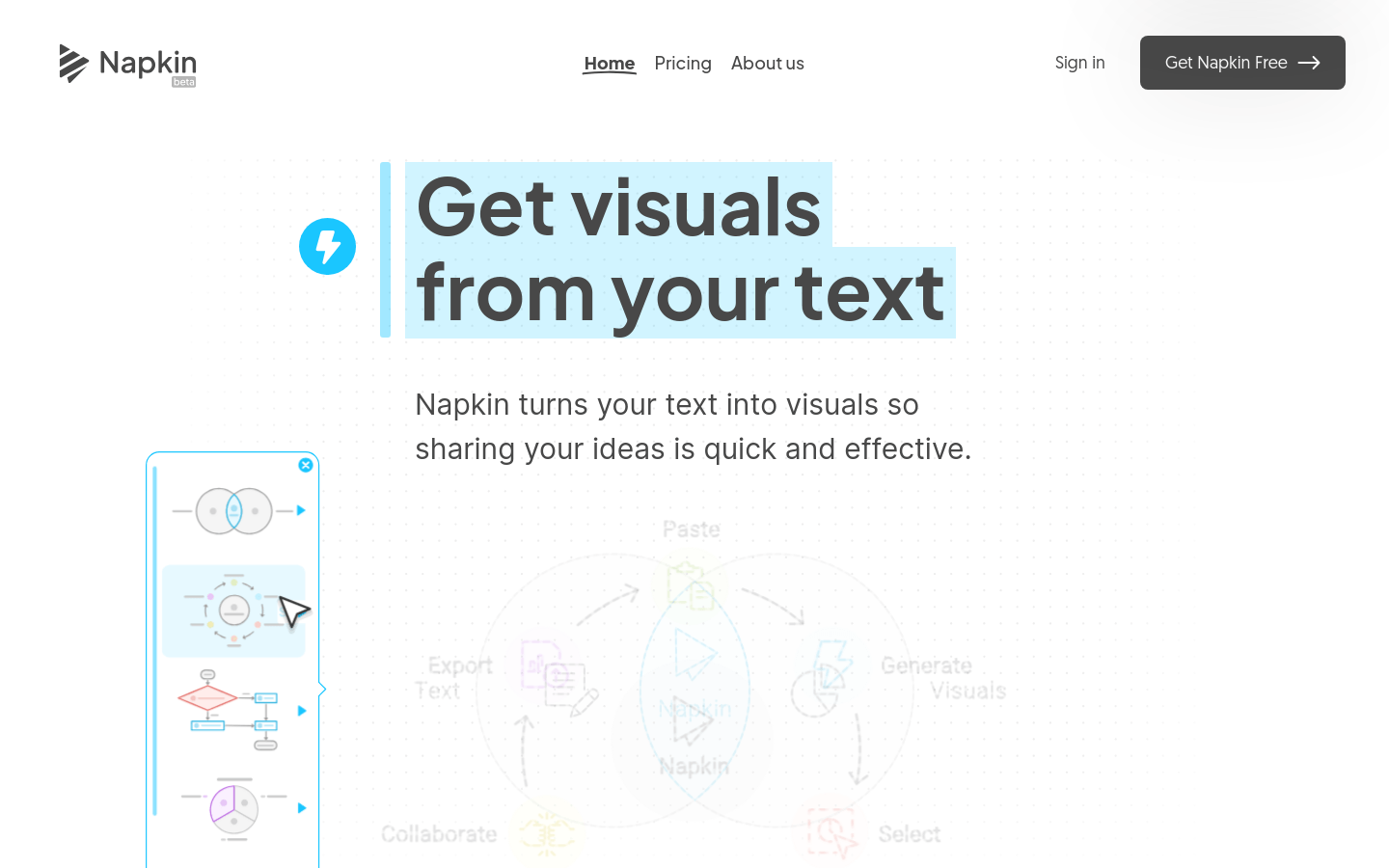
Screenshot archived from the listing page, for preview only.











