
Nanobanana
Free Gemini-based image editorNatural language editing, 4K output
Highlights
What you can do with it
- Edit a photo by describing the change
- Turn a text brief into a poster
- Keep one character consistent across a series
How to use it
- 1 Open bananananoai.ai and register
- 2 Claim your daily free credits
- 3 Choose editing or text-to-image
- 4 Enter your prompt and reference images
- 5 Generate, adjust, and export
Who it is for
Pros
- Free daily credits to start
- Prompt-based editing is easy to learn
- High-resolution output without watermarks
Limitations
- Free credits are daily-limited; paid plans cost more but give more
- Heavy use needs a paid plan
- Editing accuracy depends on the prompt and model
What Nano Banana is
Nano Banana is an AI image editing and generation platform based on Google's Gemini 2.5 Flash Image model. You can edit images with everyday language, generate visuals from text descriptions, replace objects with simple prompts, and keep character consistency across edits. Multi-image context lets you upload several references for advanced workflows, and output goes up to 4096x4096 without watermarks. The listing says users can start free with a daily credit limit, while paid plans add more credits and faster generation. It is aimed at everyone from casual creators to professional designers, photographers, and business teams.
What you can do with it
- Edit images by describing the change in words
- Generate images from text prompts
- Replace objects while keeping the subject consistent
- Export high-resolution files without watermarks
Who it is for
- Casual creators making images for fun
- Designers and photographers editing quickly
- Teams that need watermark-free commercial output
What to watch out for
Free use comes with a daily credit limit, so heavy projects will need a paid plan, and paid tiers add cost. Editing accuracy depends on how clearly you describe the change, and the model's interpretation may not always match what you pictured. The platform is built on Google's model, so behavior can shift when the underlying model updates. Watermark-free output is useful commercially, but you are still responsible for the rights to any images you upload and for how you use the results. Generated suggestions are for reference only, so verify anything that affects professional judgment or important data. Start with a small sample to confirm the output meets your expectations before processing the full batch.
FAQ
Is Nano Banana free?
Users can start free with a daily credit limit, and paid plans add more credits and faster generation.
What model does it use?
It is based on Google's Gemini 2.5 Flash Image model, according to the listing.
What resolution can it export?
Up to 4096x4096 without watermarks, per the listing.
Why it is free
What the official page says: for free
Free limits, trial length and features are decided by the official site and can change at any time.
Product preview
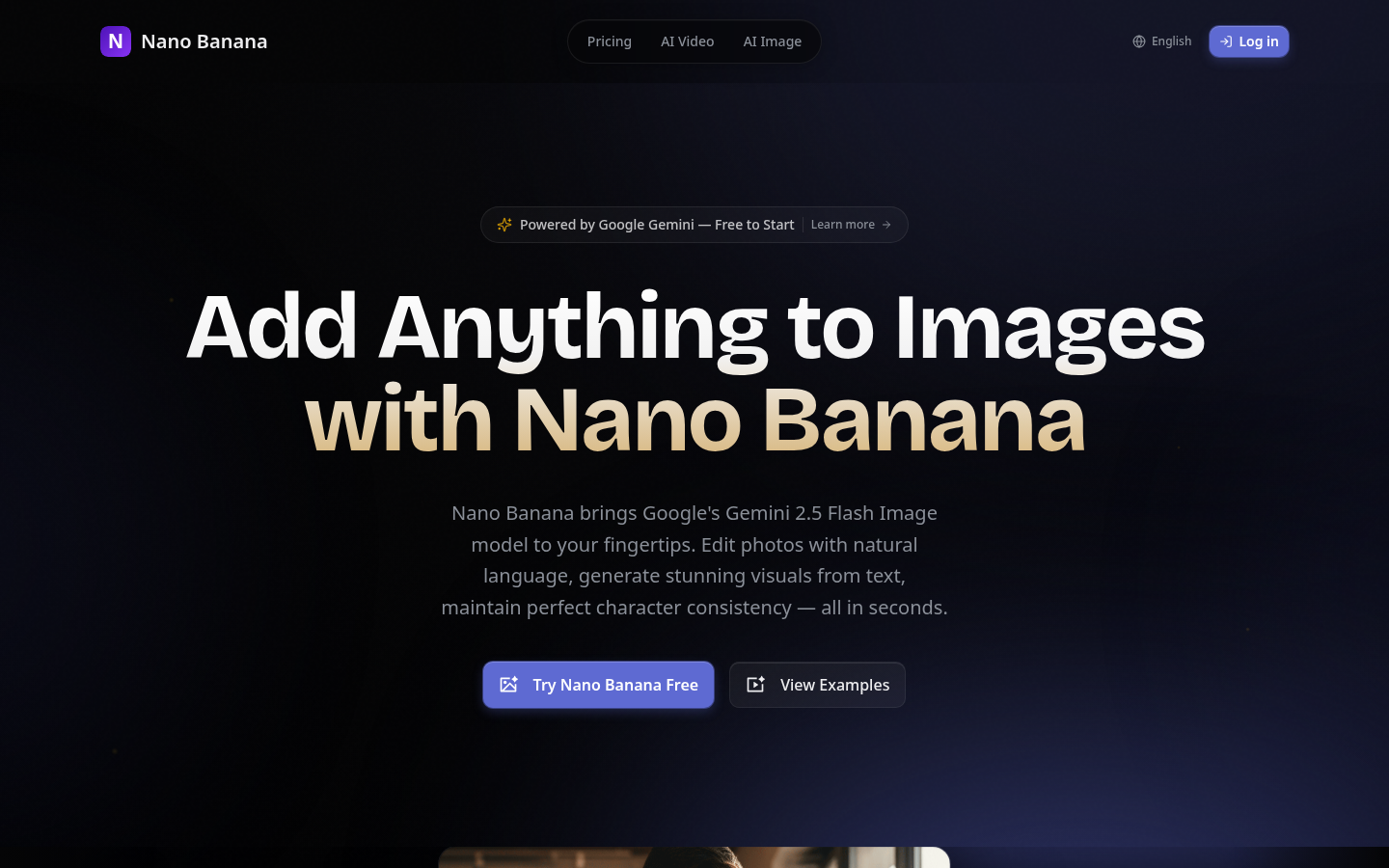
Screenshot archived from the listing page, for preview only.











