
nanobanana 2.1
Browser-based AI image generator and editorText to image and reference editing in one workspace
Highlights
What you can do with it
- Product scene images for e-commerce listings and ads
- Character storyboards with consistent poses and outfits
- Campaign posters across square, portrait, and landscape ratios
- Partial photo edits such as replacing a sofa in an interior shot
How to use it
- 1 Open the website and log in; browsing works without an account
- 2 Configure the model and choose text-to-image, image-to-image, or edit mode
- 3 Enter a prompt or upload reference images and describe what to change
- 4 Set aspect ratio, resolution, and batch size
- 5 Pick a style or template, generate, compare, and download
Who it is for
Pros
- No installation or local GPU required
- Free plan lets you test before paying
- Paid plan includes a commercial use license
Limitations
- The free 16 credits cover only about 5 images per month
- Commercial use and watermark-free output require the paid plan
- Text, logos, and factual details in output need manual review
- Credit costs add up quickly for large batches
What nanobanana 2.1 is
Nano Banana 2.1 is a browser-based AI image generation and editing platform. It brings text-to-image creation, reference image editing, multi-reference style control, and natural language edits on existing photos into a single workspace. You can pick 1K, 2K, or 4K output, choose aspect ratios from square to cinematic, and start from style and scene templates. No local GPU or model installation is required, and the workspace runs in desktop, tablet, and mobile browsers. The free plan costs $0 per month and includes 16 credits, roughly 5 high-quality images. The Professional plan costs $26 per month, or $12.9 per month billed annually, and includes 500 credits, about 166 images and 50 AI videos, premium quality, watermark-free output, and a commercial use license, with a limited-time 50 percent discount advertised.
What you can do with it
- Turn a written prompt into an original product scene, poster, illustration, or concept art piece.
- Upload one or more reference images and describe what to change while keeping the rest intact.
- Combine multiple references to guide subject, product, composition, color, or overall style.
- Edit existing photos in natural language, such as replacing objects or changing a room's style.
- Choose resolution and aspect ratio per channel, then browse templates from sticker packs to product mockups.
Who it is for
- E-commerce and product marketing teams that need scene images and promo visuals.
- Brand and advertising creatives producing consistent multi-channel campaigns.
- Social media creators making square, portrait, and landscape content.
- Independent designers, illustrators, and small teams without local GPUs or design budgets.
What to watch out for
The free plan is small: 16 credits per month covers about 5 images, so real projects need the Professional plan. Commercial use and watermark-free output sit behind that paid tier, and the advertised 50 percent discount is time-limited. Generated images can mangle small text, logos, and factual details, so review anything important before publishing. Credit consumption scales with resolution and batch size, so set parameters deliberately instead of maxing everything out by default.
FAQ
What does the free plan include?
The free plan costs $0 per month and includes 16 credits, good for up to about 5 high-quality images.
Can I use the images commercially?
The Professional plan includes a commercial use license; check the terms before commercial publishing.
What resolutions are supported?
Output can be set to 1K, 2K, or 4K depending on what the model supports.
How many credits does Pro give?
Pro provides 500 credits per month, about 166 high-quality images and 50 AI videos.
Why it is free
What the official page says: free plan
Free limits, trial length and features are decided by the official site and can change at any time.
Product preview
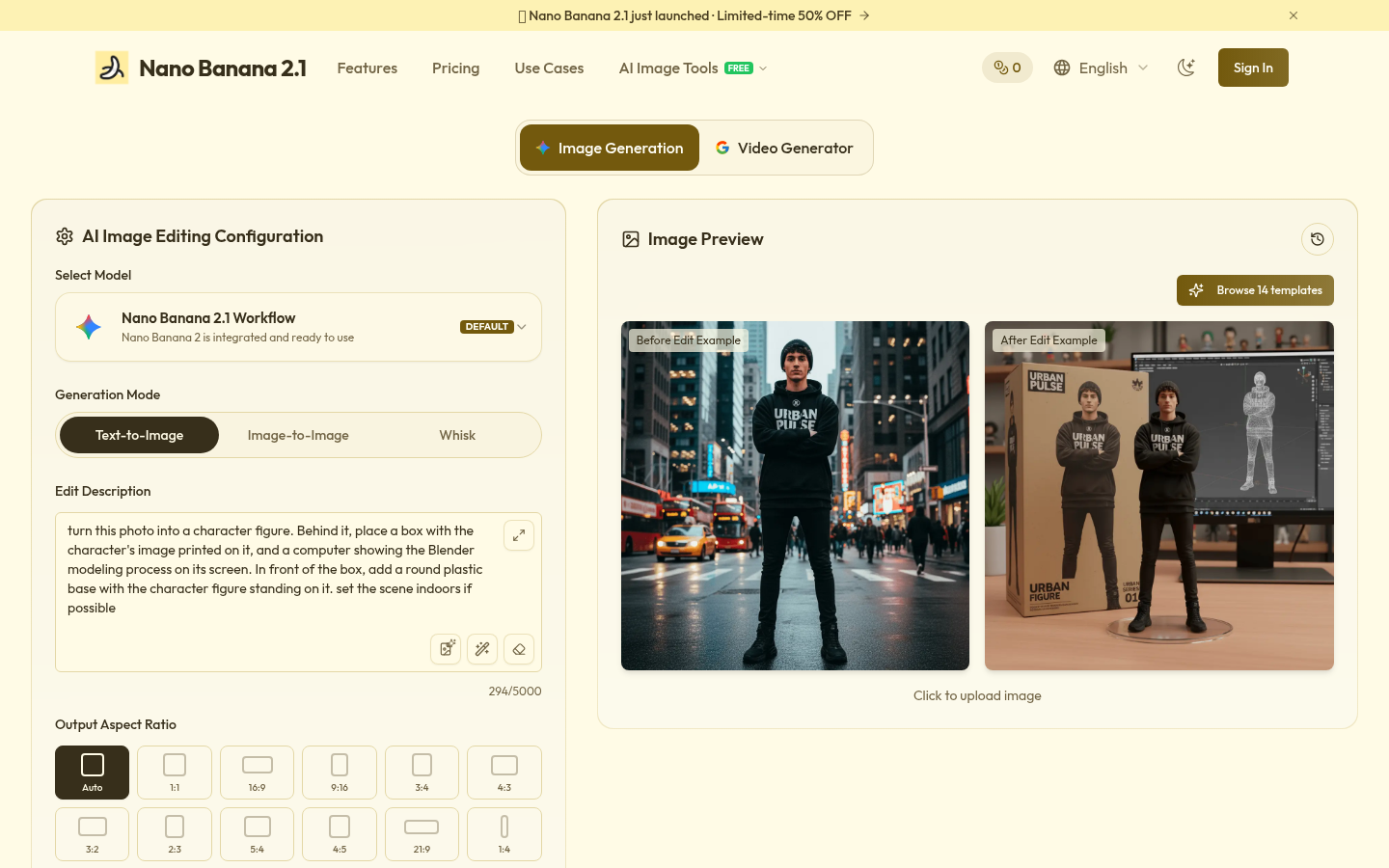
Screenshot archived from the listing page, for preview only.











