Nano Banana Pro | Build with the Next
Gemini 3 Pro image generator with text rendering and 4KStudio-level AI images with readable text and consistent characters
Highlights
What you can do with it
- Designers build posters with clear English text using quoted prompts.
- Marketers localize ad images by translating in-image text for new regions.
- Educators generate accurate charts and infographics for lessons.
How to use it
- 1 Visit the site, register, and claim your free credits.
- 2 Type a prompt, using quotation marks when you want readable text in the image.
- 3 Set character details or pick a function such as translation or enlargement.
- 4 Click generate, wait for the image, then adjust as needed.
- 5 Download the final image for commercial or personal use.
Who it is for
Pros
- Strong text rendering keeps words clear and correctly spelled.
- Consistent characters save time across a series of images.
- Free credits on signup and daily logins lower the entry cost.
Limitations
- A free trial with limited credits means heavy commercial use needs payment.
- It relies on Google's Gemini 3 Pro Image model, so behavior can shift with upstream changes.
- Precise camera control and prompt craft take time to learn well.
What Nano Banana Pro is
Nano Banana Pro is an AI image generator built on Google's Gemini 3 Pro Image model. It presents a studio-level dashboard where text can be the main visual element, a character's identity can stay consistent across scenes, and images can be enlarged to precise 4K quality. New users get a free trial with a few free credits at signup, plus extra credits for daily logins, so you can test the workflow before paying. It is aimed at professionals and commercial users who need images with readable text and repeatable characters, not just loose artistic renders. Whether you are designing a neon sign, a product poster, or a teaching diagram, the same controls apply, and the focus is on precision rather than random art.
What you can do with it
- Render clear, correctly spelled text as the core of a poster or sign
- Lock a character's face, hair, and clothing across different scenes and lighting
- Translate text inside an image while keeping the original font and style
- Build accurate infographics and educational charts using a reasoning engine that understands physical and historical facts
Who it is for
- Designers making posters, signs, and branded graphics with readable text
- Marketers who localize campaigns into different languages and regions
- Educators and content creators producing charts, comics, illustrations, and other visual explainers
What to watch out for
The free credits are a trial, not an unlimited supply, so real commercial work will need a paid plan. Because the tool depends on Google's Gemini 3 Pro Image model, output quality and available features can change when that upstream model updates. Getting sharp, correctly spelled text also takes careful prompting: you often need to wrap the words you want in quotation marks and describe the scene in detail. Treat the credits as a way to test fit, and plan your prompts before you spend them. If you need many images or frequent access, compare the paid packages before you commit, since the daily login credits are small.
FAQ
How do I get free credits?
New users receive a few free credits after registering, and you can earn extra credits by logging in each day.
Can it put readable text inside images?
Yes. Native text rendering treats text as a core visual element, and you can use quotation marks in prompts to guide it.
What is the output quality?
It supports precise 4K enlargement so images stay clear for commercial use.
Why it is free
What the official page says: free creditsfree trial
Free limits, trial length and features are decided by the official site and can change at any time.
Product preview
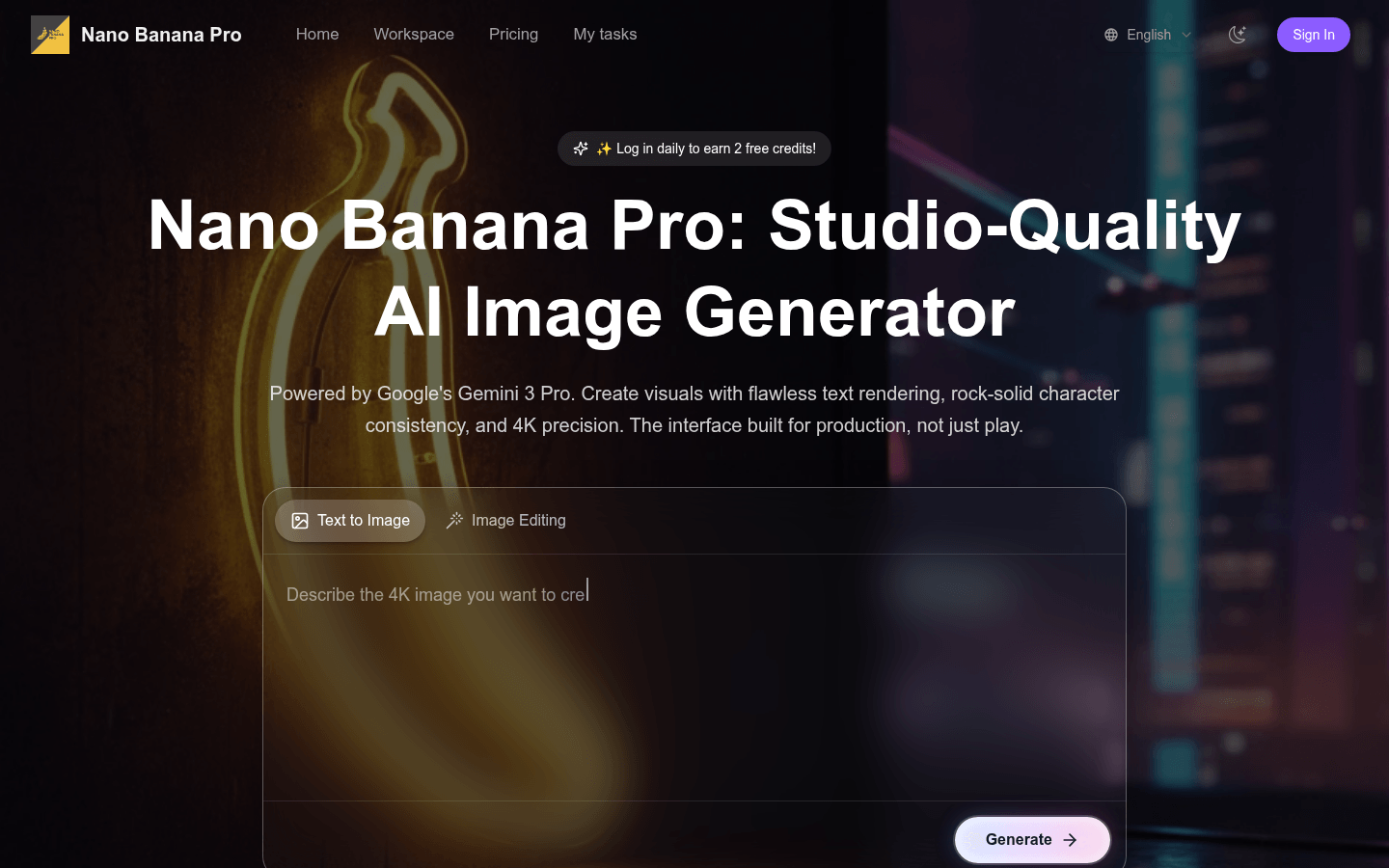
Screenshot archived from the listing page, for preview only.











