
nano banana free
Free AI image editing and video generation workspaceEdit product photos, retouch portraits, make videos
Highlights
What you can do with it
- E-commerce sellers cleaning product backgrounds for listings
- Social creators turning photos and prompts into short videos
- Photographers retouching portraits for client delivery
- Adjusting scenes and backgrounds without manual masking
How to use it
- 1 Open the official site in a web browser.
- 2 Sign in if the page asks for it, or start using the tools directly.
- 3 Pick the function you need: product photo, portrait, background, or video.
- 4 Upload the source image, or enter a prompt for video generation.
- 5 Adjust parameters or describe the change in plain language.
- 6 Save or download the finished image or video.
Who it is for
Pros
- Free to use online
- Image editing and video generation in one workspace
- Version switching makes comparison easy
- Plain-language edits remove the need for masking skills
Limitations
- Free online usage is the current offer and can change at any time
- Output quality differs by version, so compare before you commit
- AI edits still need a human check before commercial use
- The page does not spell out usage limits, so heavy daily use may hit restrictions
What Nano Banana is
Nano Banana is a free online AI workspace that puts image editing and video generation in the same place. For images, it covers the everyday jobs: editing product photos, retouching portraits, cleaning up backgrounds, and swapping in a solid color or custom background. For video, you type a prompt or upload a picture and it generates a clip. You can switch between Nano Banana, Nano Banana 2, Nano Banana 3, and Nano Banana Pro inside the same workflow and compare what each version gives you. Edits are made with plain-language descriptions rather than manual masks, and the tool tries to keep faces, product frames, and overall style consistent while you keep working on the same asset.
What you can do with it
- Clean up product photo backgrounds so items stand out on a listing page.
- Retouch portraits, adjust skin tone, and refine features for client delivery.
- Generate video from a text prompt or an existing image.
- Compare outputs from different Nano Banana versions before choosing one.
- Change scenes and backgrounds with a sentence instead of a mask.
Who it is for
- E-commerce sellers who need clean product images and short promo videos.
- Social media creators who turn photos and prompts into content.
- Photographers and designers doing routine retouching and video work.
- Creative workers who want one workspace instead of several tools.
What to watch out for
Free online usage is the current offer, and free access on a site like this can change, so treat it as the situation today rather than a permanent promise. Output quality differs between the versions, which is exactly why comparing them in one workflow matters; do not assume the first result is the right one. Edits made by AI still need a human check before they go on a product page or to a client, especially where accurate color and shape matter for sales. And because the page does not spell out usage limits in detail, heavy daily use is where you are most likely to run into restrictions.
FAQ
Is Nano Banana free?
The site presents free online usage for its image editing and video tools.
What can it do?
Product photo editing, portrait retouching, background cleanup and replacement, and video generation.
Do I need masking skills?
No. You describe the change you want in plain language and the tool applies it.
Can I compare versions?
Yes. You can switch between Nano Banana, Nano Banana 2, Nano Banana 3, and Nano Banana Pro in one workflow.
Why it is free
What the official page says: for free
Free limits, trial length and features are decided by the official site and can change at any time.
Product preview
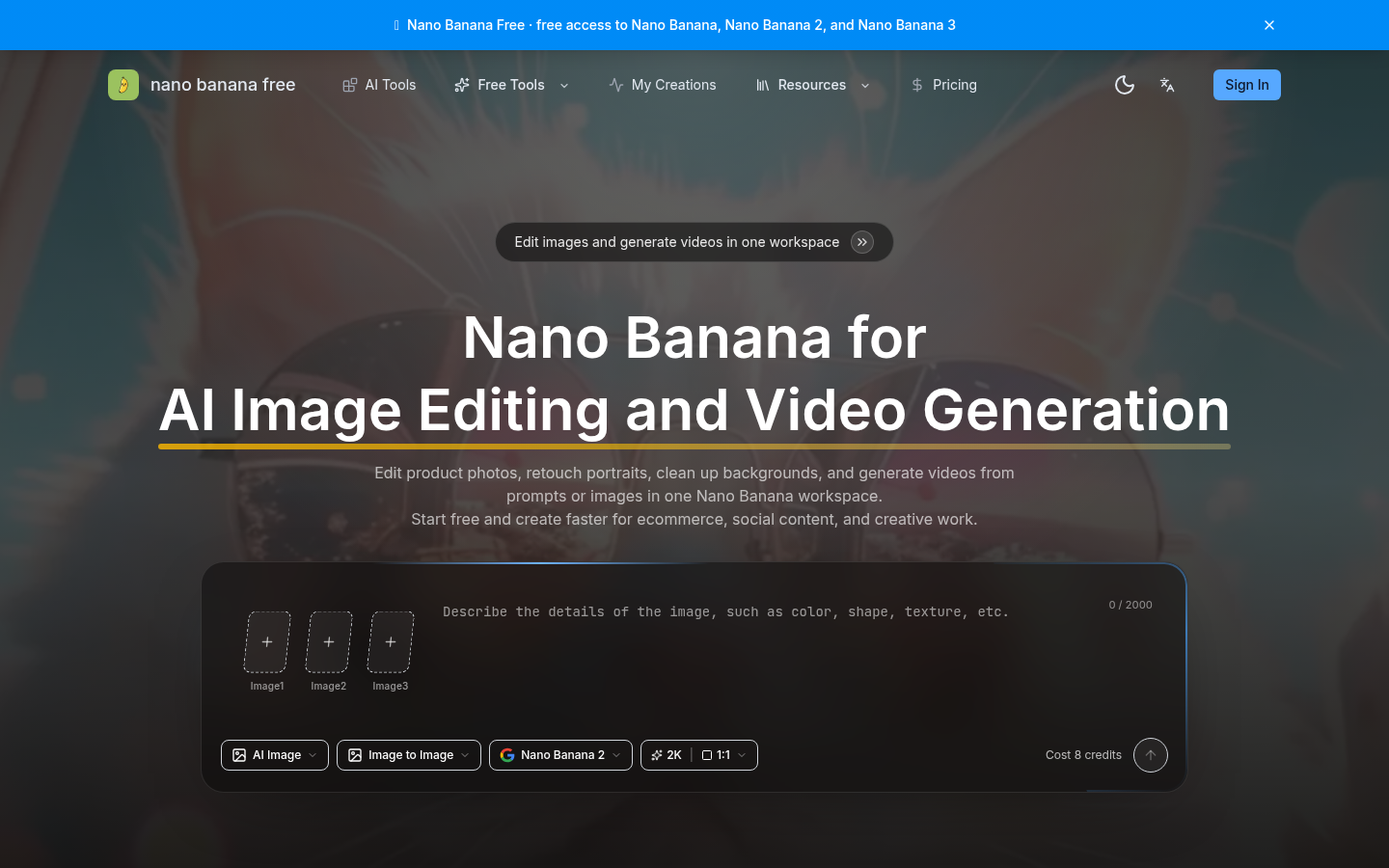
Screenshot archived from the listing page, for preview only.











