
Nano Banana 2 (Gempix2)
4K AI image generator4K images, text rendering, image fusion
Highlights
What you can do with it
- Generate product and marketing images at high resolution for a listing
- Fuse several references into one composite for a campaign visual
- Create infographics and text heavy designs with fewer manual fixes
How to use it
- 1 Register on the site and claim the 2 free credit points
- 2 Choose text-to-image, image editing, or multi-image fusion
- 3 Enter your prompt or upload the reference images
- 4 Set the image size and add any reference images you need
- 5 Generate, preview, then download or keep editing
Who it is for
Pros
- 4K output with strong text rendering is unusual at this price point
- Multi-image fusion handles compositions that need several references
- Free credit points at registration let you check quality first
Limitations
- Only 2 free credit points, so the free trial is a sample rather than a working allowance
- Paid plans and credit rules can change, and unused credits may not carry over
- Always check generated images before commercial use, especially text and fine details
What Nano Banana 2 (Gempix2) is
Nano Banana 2, also listed as Gempix2, is an AI image generator and editor built on Google's Gemini 3 Pro model. You can start from a text prompt or from an uploaded image, and the tool also fuses two to five reference images into a single composition, which is useful when one picture cannot supply all the elements you need. Output is native 2K at 2048 by 2048 with professional 4K upsampling for work that has to hold up at size. The feature the site pushes hardest is text rendering: it claims accurate handling of Asian scripts, Latin letters, charts, and infographics, which is where many image models fall over.
What you can do with it
- Generate images from a natural language prompt
- Edit an uploaded image with text instructions
- Fuse several references into one composite
- Produce text heavy designs such as infographics and charts
- Upscale to 4K for print or large format use
Who it is for
- Designers who need high-resolution visuals quickly
- Marketers producing product and social imagery
- Content creators turning photos into campaign assets
- Anyone who needs readable text inside a generated image
What to watch out for
The free part is 2 credit points on registration, which is enough to judge quality and not much more, so do not plan a project around it. Paid access is credit based at $29.9 per month for 500 credits or $79.9 per month for 1600 credits, and credit rules and prices can change, including whether unused credits carry over. The tool depends on Google's Gemini 3 Pro upstream, so model availability and output limits are outside the site's control. Finally, generated images still need a human check before commercial use: read every piece of rendered text, look at the fine details, and confirm you have the rights to anything you upload as a reference.
FAQ
Is there a free trial?
Yes. You get 2 credit points when you register, and no credit card is required.
What does it cost after that?
The listing shows a professional plan at $29.9 per month with 500 credits and a flagship plan at $79.9 per month with 1600 credits. Confirm current pricing on the site.
What resolution can I get?
Native 2K at 2048 by 2048, with professional 4K upsampling available.
Why it is free
What the official page says: free trialno credit card
Free limits, trial length and features are decided by the official site and can change at any time.
Product preview
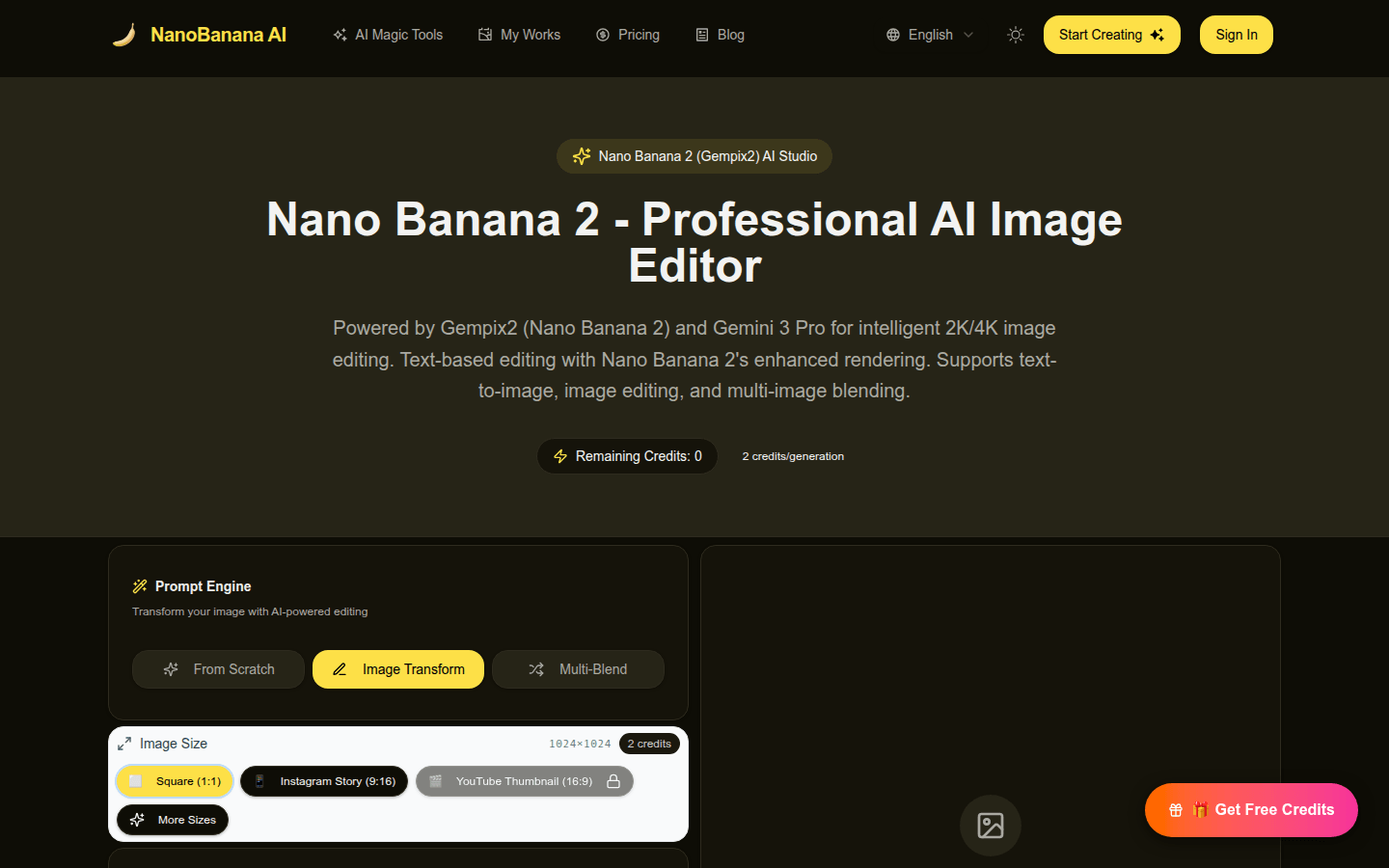
Screenshot archived from the listing page, for preview only.











