Nano Banana 2
AI image and video makerTurn text and photos into video and art
Highlights
What you can do with it
- Creating a video from a text prompt
- Animating a still image into motion
- Generating images based on a reference character
How to use it
- 1 Register to claim the 20 free credits.
- 2 Choose what you want to make: an image, an animated photo, or a video.
- 3 Enter a text prompt or upload a reference image or character.
- 4 Generate the result and download it, watching your credit balance.
Who it is for
Pros
- Handles images, animated photos, and video in one tool
- Powered by Google's models
- No editing experience needed
- 20 free credits when you register
Limitations
- After the 20 free credits, paid usage is likely
- Free credit amount and pricing rules can change over time
- Quality varies with the prompt and the reference you supply
- It covers several content types, so results can differ between image and video modes
What Nano Banana 2 is
Nano Banana 2 is an AI image generation and photo editing tool powered by Google's models. It is built around functional diversity: rather than doing one thing, it lets you create several kinds of content from the same place. You can generate images, animate a still photo into motion, and create video from a text prompt. It also works from reference characters, so you can generate new images based on a subject you already have. The tool is designed so you do not need professional editing skills to get a usable result, which opens it up to people who have never used design software. New users get 20 free credits when they register, and there may be paid usage later as you create more.
What you can do with it
- Generate images from text prompts.
- Animate a still photo into a short video.
- Create video directly from a written prompt.
- Generate new images based on a reference character.
Who it is for
- Professional designers who want quick drafts and variations.
- Casual users and hobbyists making content for fun.
- Anyone who needs image or video output without editing skills.
- People who want one tool for both still and moving content.
What to watch out for
The 20 free credits on registration are a starting point; after they are used, paid usage is likely, and the exact pricing is not detailed in the overview. Free credit amounts and pricing rules can change over time, so treat the current offer as today's terms rather than a permanent deal. Because the tool covers several content types, output quality can differ between image generation, animation, and video, so test the mode you care about before relying on it. As with any AI tool, results depend on the prompt and the reference material you provide, and some outputs will need retries.
FAQ
What is Nano Banana 2?
It is an AI image generation and photo editing tool powered by Google's models, and it can also make video.
What can it create?
It can generate videos from text prompts, animate still images, and create images based on reference characters.
Is there a free trial?
Yes, new users get 20 free credits when they register.
Who is it for?
It is built for a wide range of users, from professional designers to ordinary enthusiasts.
Why it is free
What the official page says: 免费
Free limits, trial length and features are decided by the official site and can change at any time.
Product preview
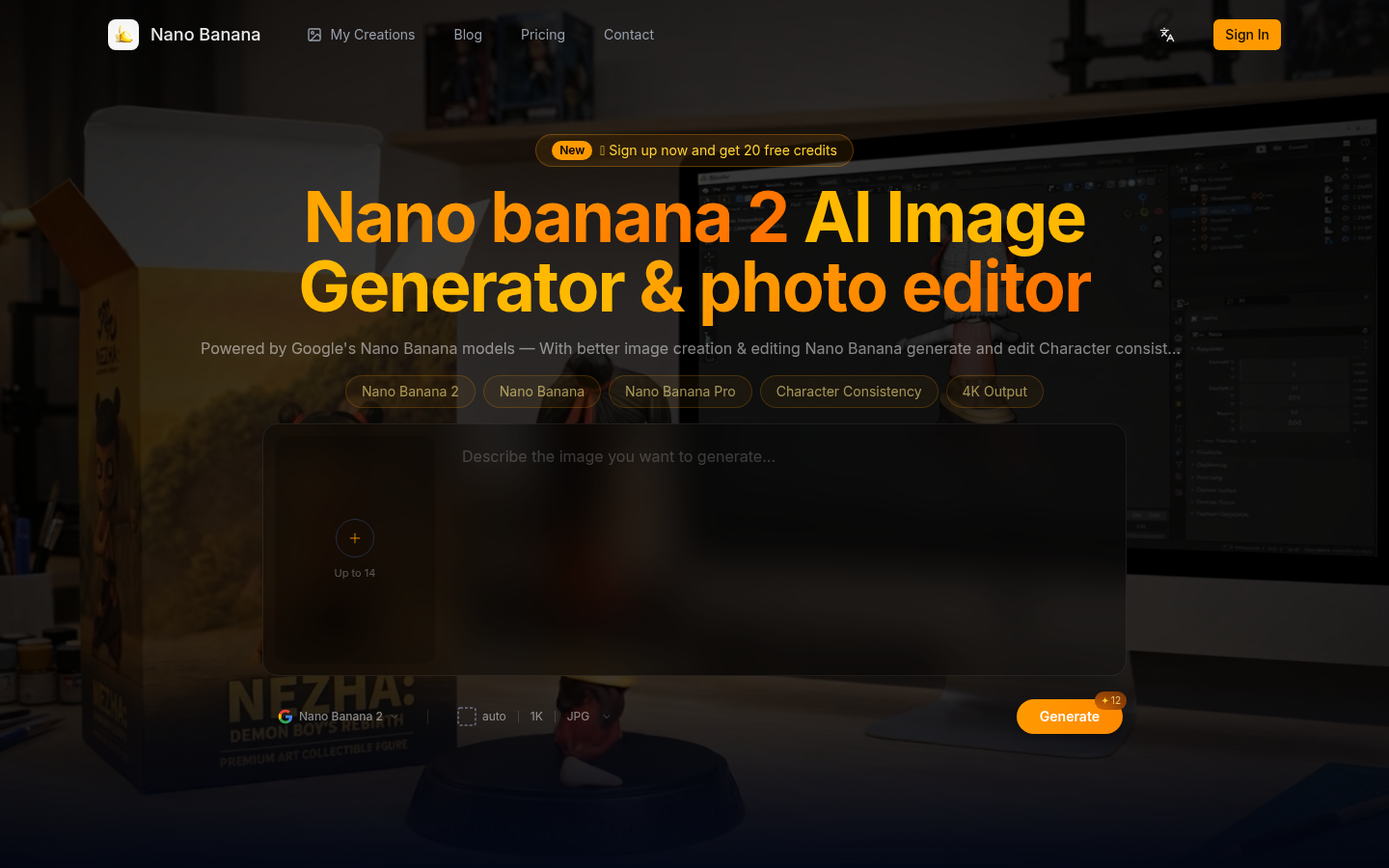
Screenshot archived from the listing page, for preview only.