
Highlights
What you can do with it
- Quick edits for individual creative projects
- Product image sets for e-commerce listings
- Style transfer and repair on existing photos
How to use it
- 1 Open nano-banana.com in your browser
- 2 Upload an image or start a new generation
- 3 Pick the task, such as repair or style transfer
- 4 Apply the edit and download the result
- 5 Use the free version, or pay for heavier operations
Who it is for
Pros
- One place for generation, repair, and style work
- Character consistency and scene coherence hold up
- Free version covers basic operations
Limitations
- The paid version is time limited to December 31, 2026
- The free version only allows certain operations
- Free rules can change, and output depends on the upstream AI engine
What Nano Banana 2 is
Nano Banana 2 at nano-banana.com is an online AI image editor powered by an advanced multimodal AI engine. It brings generation, repair, style conversion, and related tasks into one browser tool, with multilingual support for people working in different languages. The stated advantages are character consistency, scene coherence, fast processing, and stable results, which matter when you are working through a set of related images rather than one single file. A free version allows certain operations, and a paid version priced at $29 is valid until December 31, 2026. There is nothing to install, so the workflow starts as soon as the page loads. It is positioned as a one stop solution for image creation and editing. For e-commerce sellers, that means a full product set can be cleaned up without opening a desktop editor.
What you can do with it
- Generate new images from text prompts in the browser
- Repair and clean up existing photos
- Convert styles while keeping the subject recognizable
- Keep characters and scenes consistent across a set of images
Who it is for
- Individual creators who need quick image edits
- E-commerce professionals managing product photo sets
- Teams that want a browser tool with multilingual support
- Anyone who prefers online tools over installed software
What to watch out for
The free version only allows certain operations, so heavier work needs the paid version. The paid listing is valid until December 31, 2026, which means access is time limited rather than permanent, and you should confirm terms before paying. Free rules can change at any time, and output quality depends on the upstream AI engine that powers the site. Character consistency works well according to the listing, but complex scenes may still need manual checks before you publish. Large batches may take longer than single images, so plan extra time for big sets. If the site changes its pricing, existing plans may be re-priced. Upload quality still matters, since low resolution sources limit what repair can recover. Test the free tier on your own files before deciding whether the paid version fits your volume.
FAQ
Is there a free version?
Yes, the free version allows certain operations before you need to pay.
What does the paid version cost?
The listing shows $29, valid until December 31, 2026.
Does it keep characters consistent?
Yes, character consistency and scene coherence are listed as main advantages.
Why it is free
What the official page says: 免费版免费
Free limits, trial length and features are decided by the official site and can change at any time.
Product preview
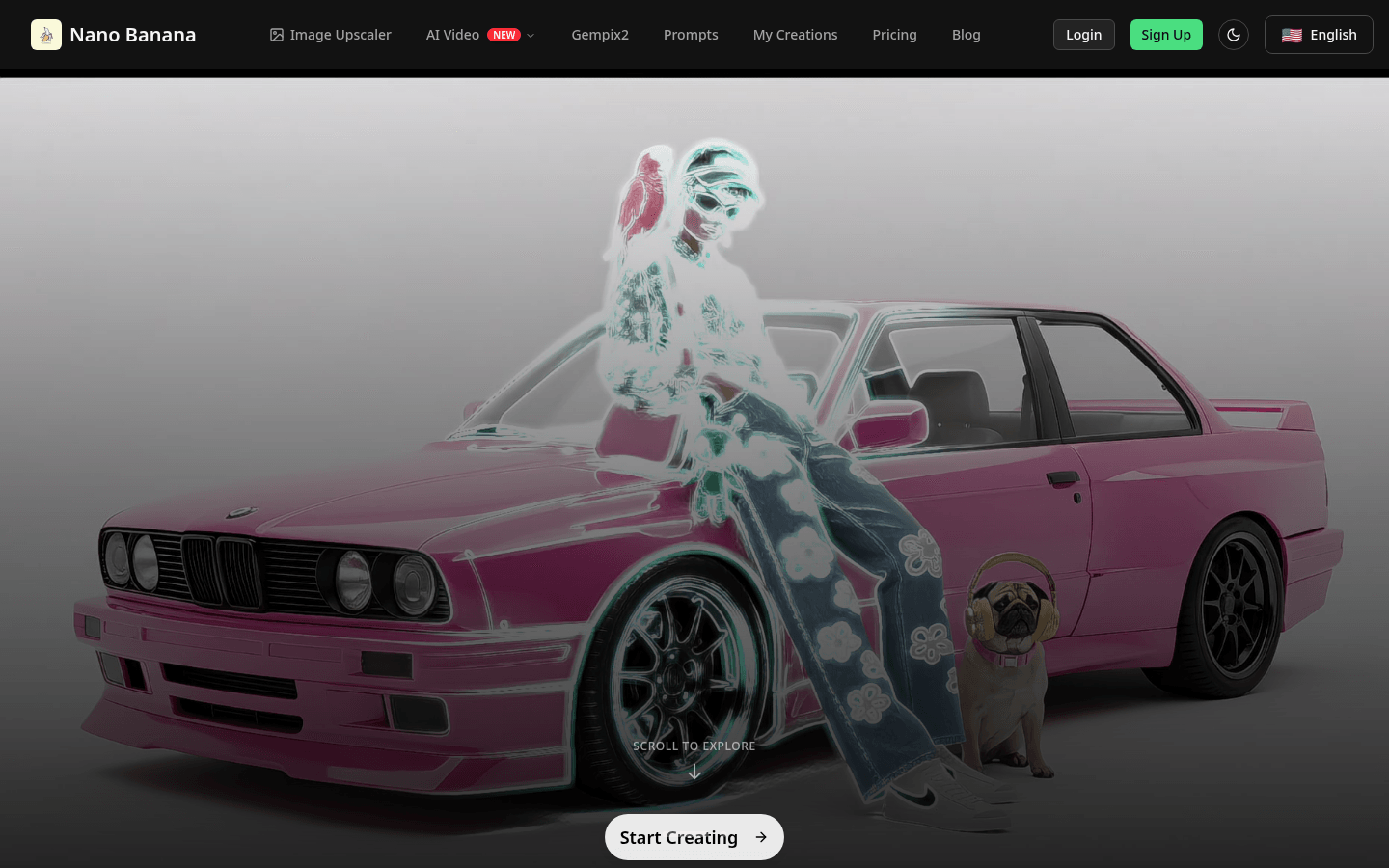
Screenshot archived from the listing page, for preview only.